Does Gmail Have Read Receipts?
Personal Gmail has no read receipts. Here is how Workspace receipts work, their limits, and the extension alternative.
The short answer
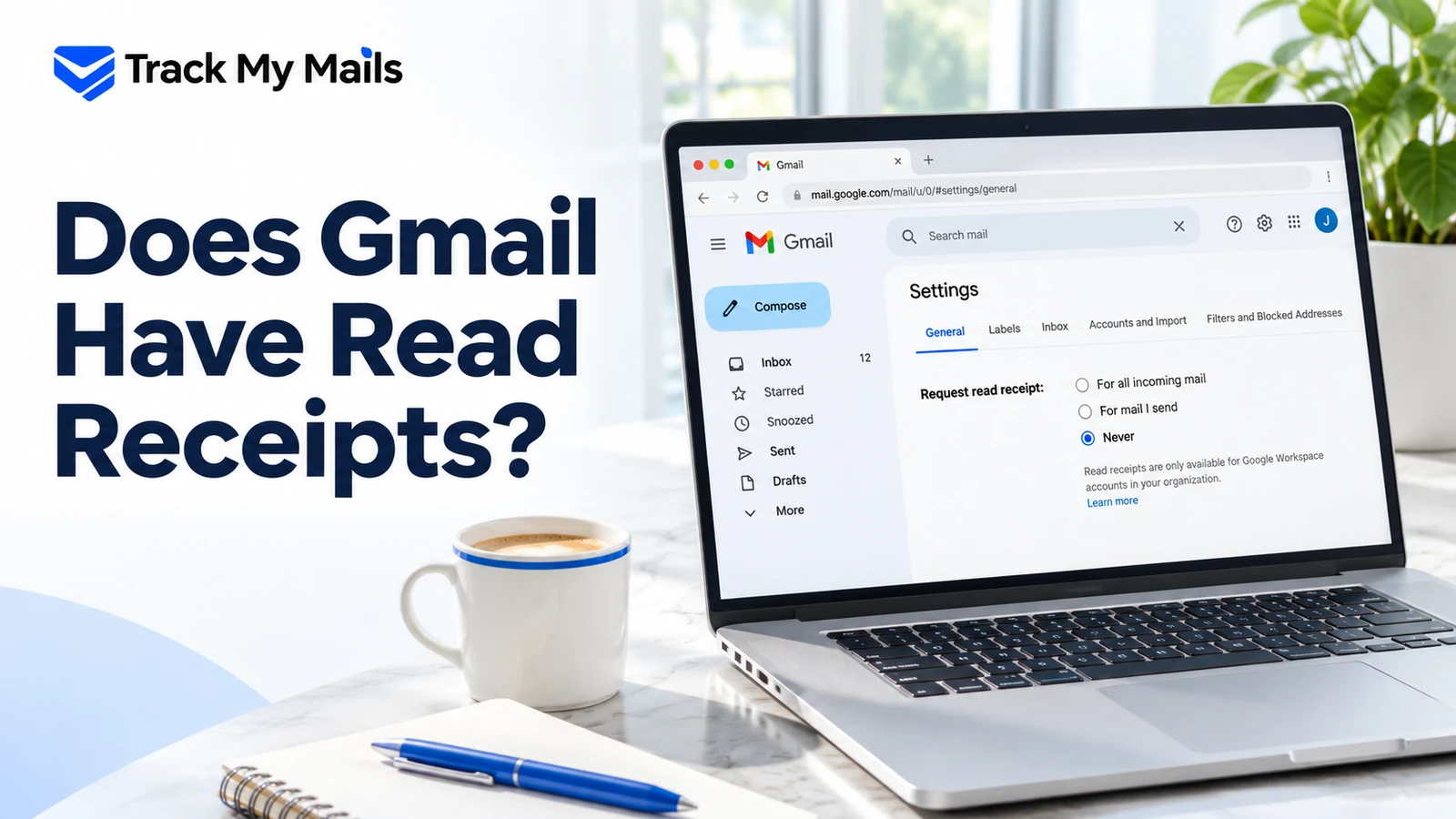
Personal Gmail accounts (ending in @gmail.com) don't have read receipts. Gmail only offers them on Google Workspace work or school accounts, and only when the company's admin turns the feature on.
How Gmail's built-in read receipts work
On a Workspace account with receipts enabled, you can choose Request read receipt from the compose window's options menu. Even then it has real limits:
- The recipient is asked whether to send the receipt and can simply say no
- Many email apps outside Gmail ignore the request completely
- You learn about one open — not how many times or when it was opened again
- Link clicks are not tracked at all
The alternative: a tracking extension
A Gmail tracking extension works on personal and work accounts alike, and the recipient isn't asked anything. Track My Mails adds read status directly inside Gmail:
- ✓ when sent with tracking, ✓✓ with an open count once it's opened
- Every open and link click on a timeline, with device and country
- Instant alerts when someone opens your email
- Your own opens are filtered out, and no watermark is added
Which one should you use?
If you're on a Workspace account and only need an occasional confirmation from colleagues who agree to it, Gmail's built-in receipt is fine. If you send to clients, recruiters or leads and want to know when to follow up, an extension gives you far more useful information without asking the recipient for anything.
Be honest about the limits
No method is perfect. Recipients can block images, and some security tools open emails automatically. Treat an open as a helpful signal for timing your follow-up, not as proof that every word was read.
Frequently asked questions
Can I get read receipts on a free @gmail.com account?
Not with Gmail's own feature. You need a tracking extension such as Track My Mails.
Does the recipient know I requested a read receipt?
With Gmail's built-in receipts, yes — they're asked to approve it. A tracking extension doesn't ask the recipient.
Is a Gmail read receipt more accurate than tracking?
It confirms one open only if the recipient agrees. Tracking records every open and click automatically, with the limits described above.
Track your next Gmail with context
See sent status in Gmail and review opens, timestamps, and link clicks in one dashboard.
Start with Google