Gmail Tracking
How Gmail Read Receipts Work: A Simple Guide
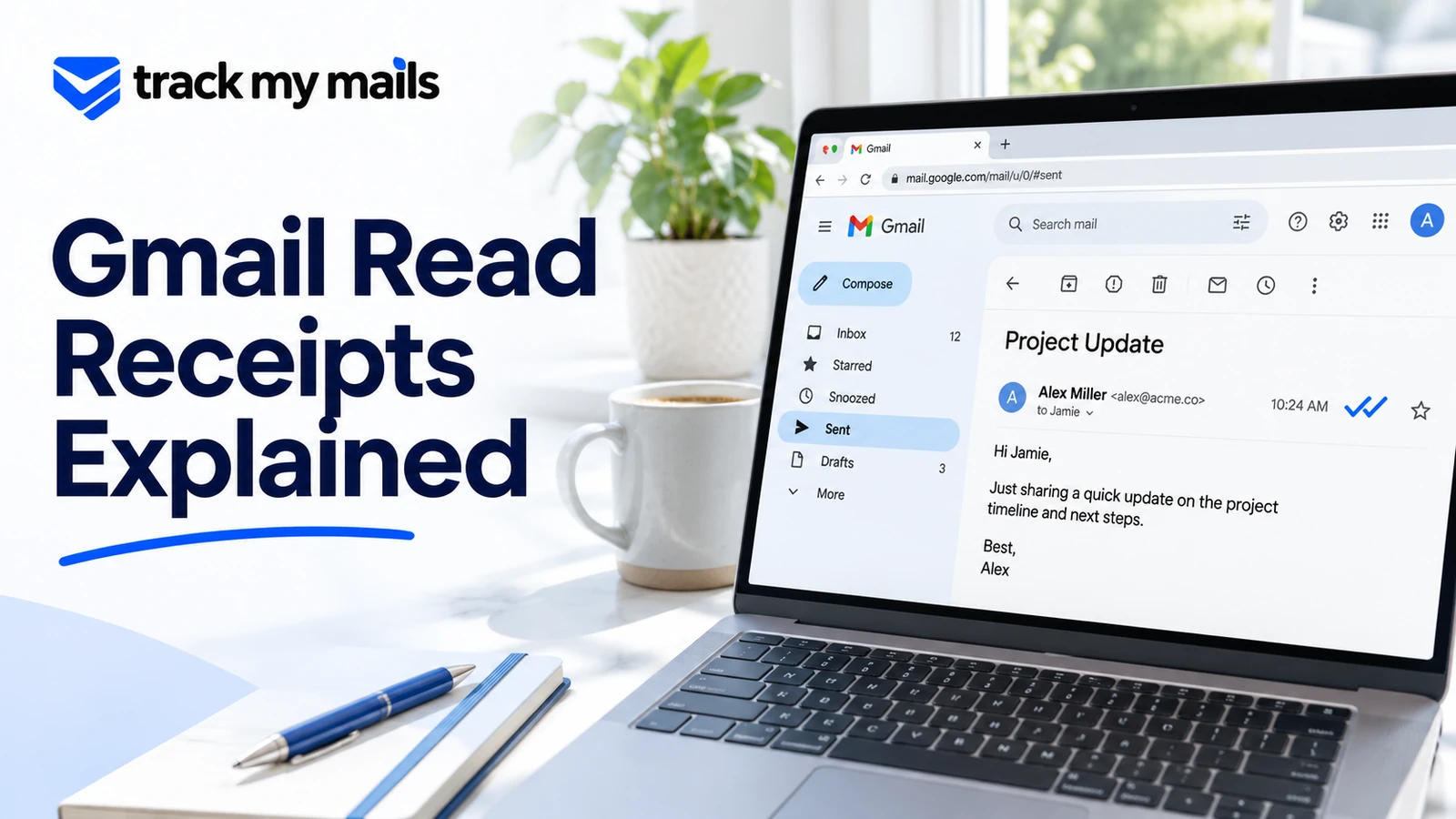
What happens behind a Gmail read receipt: the hidden image, link redirects, Gmail’s image proxy and why some opens aren’t people.
Read guideTrack My Mails Library
100 focused guides covering Gmail read receipts, tracking accuracy, better follow-ups, privacy, analytics, and troubleshooting.
What happens behind a Gmail read receipt: the hidden image, link redirects, Gmail’s image proxy and why some opens aren’t people.
Read guide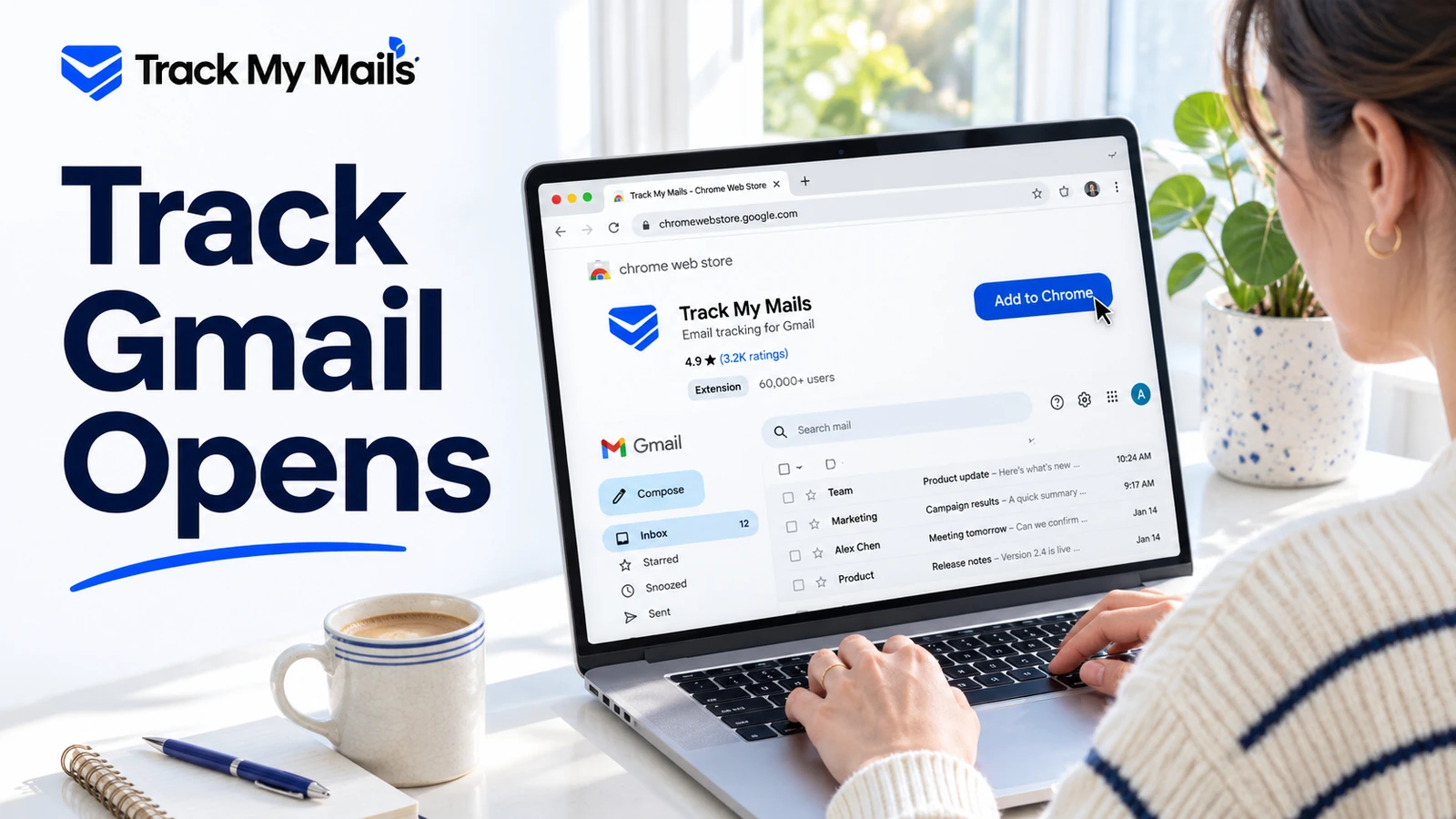
Add the extension, sign in with Google, press Connect, send a test email and read the ✓ / ✓✓ ticks — plus what is never tracked.
Read guide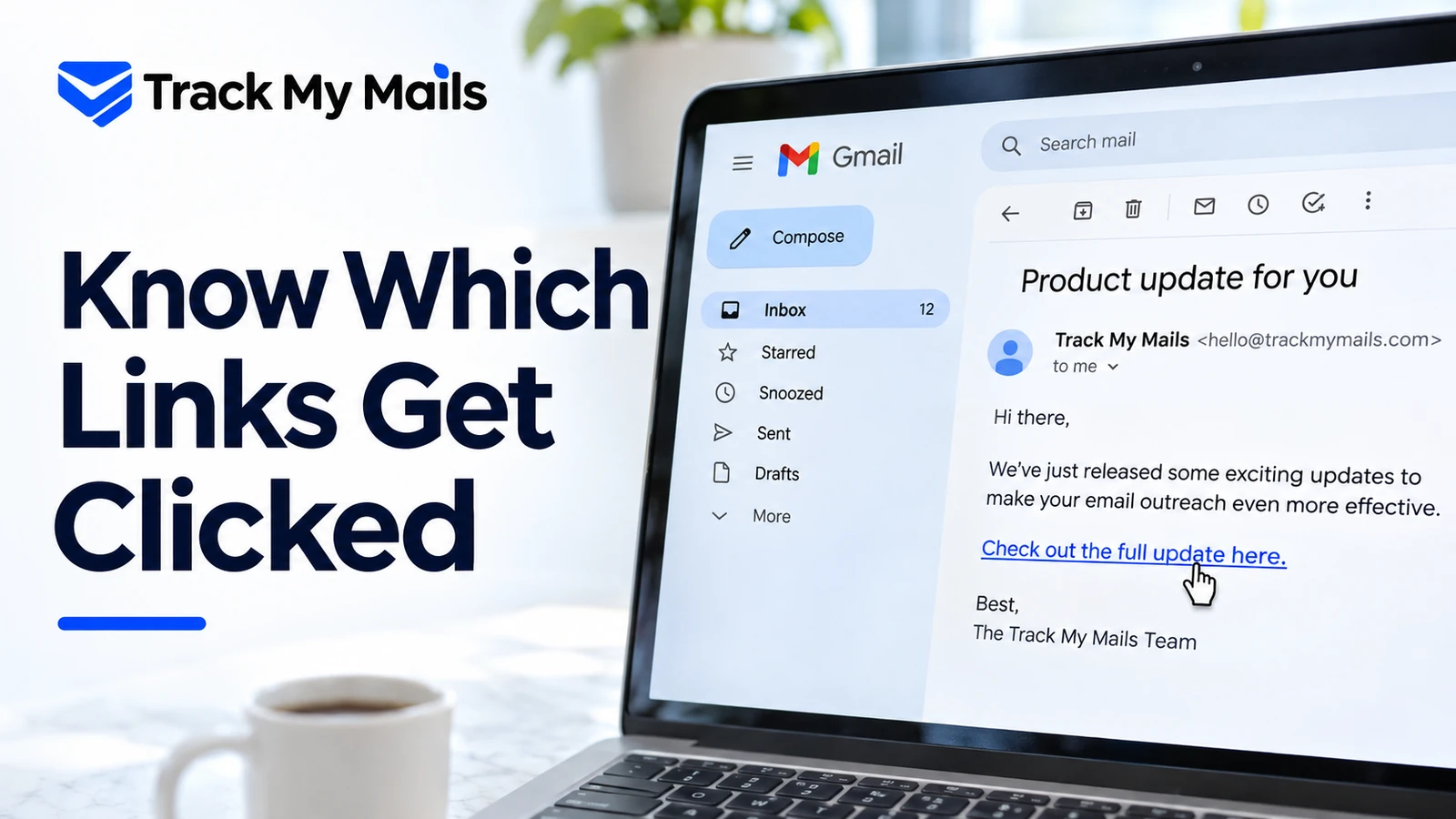
How a tracked link records a click and redirects the reader, which links are never wrapped, and how automatic scanner clicks are filtered out.
Read guide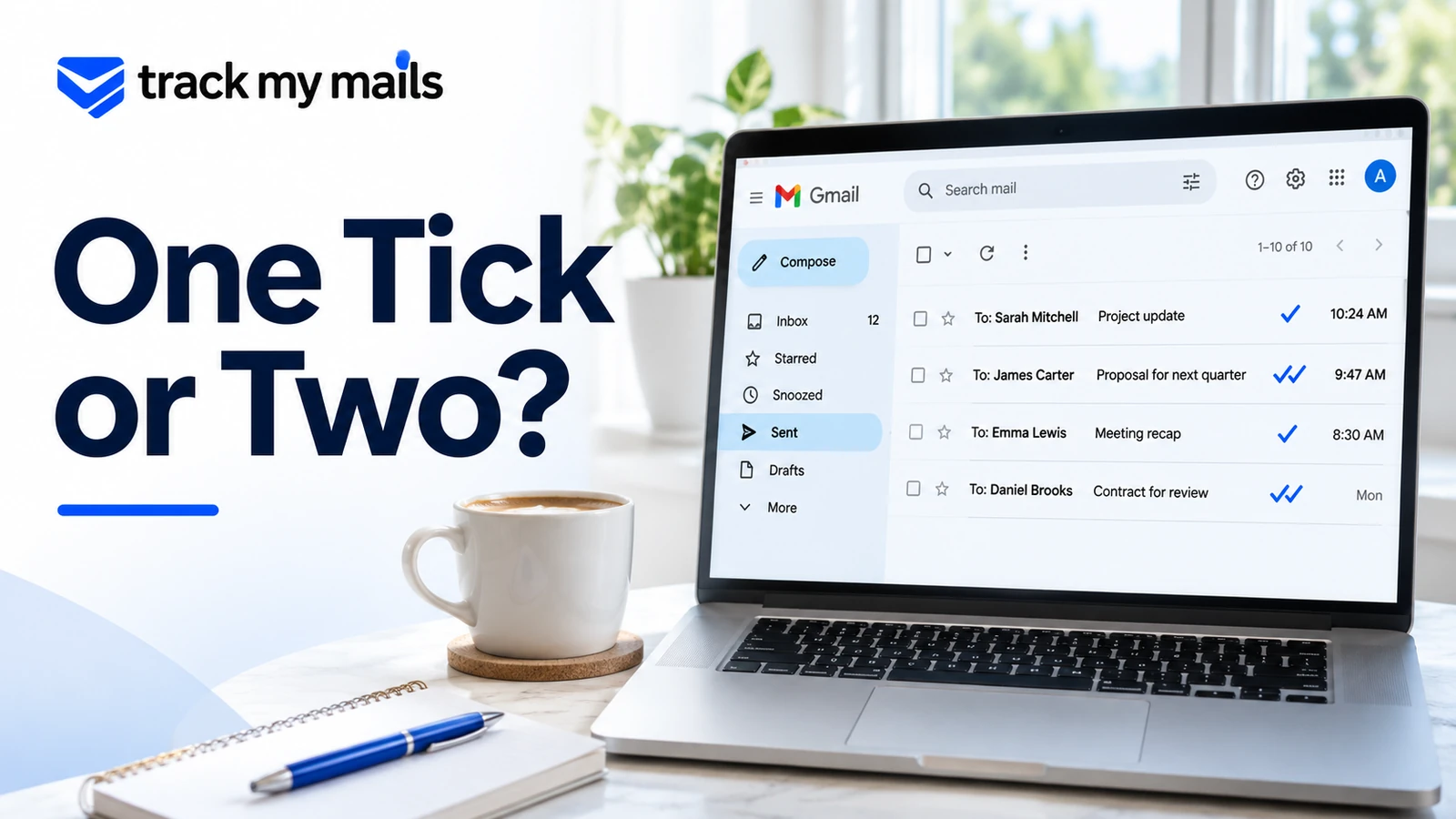
One tick means sent with tracking, two ticks mean an open was recorded. What each status tells you, and what it cannot.
Read guide
Turn on desktop alerts or Web Push so you are told when a tracked email is opened, without drowning in notifications.
Read guide
Open tracking measures whether an image loaded, not whether someone read the email. Where it misses, where it over-counts and how to read it.
Read guide
Blocked images, plain text and privacy tools can hide real reads. Why some opens are never recorded and how to check your own side.
Read guide
Security scanners can open emails and click links within seconds. How to spot false opens and avoid acting on them.
Read guide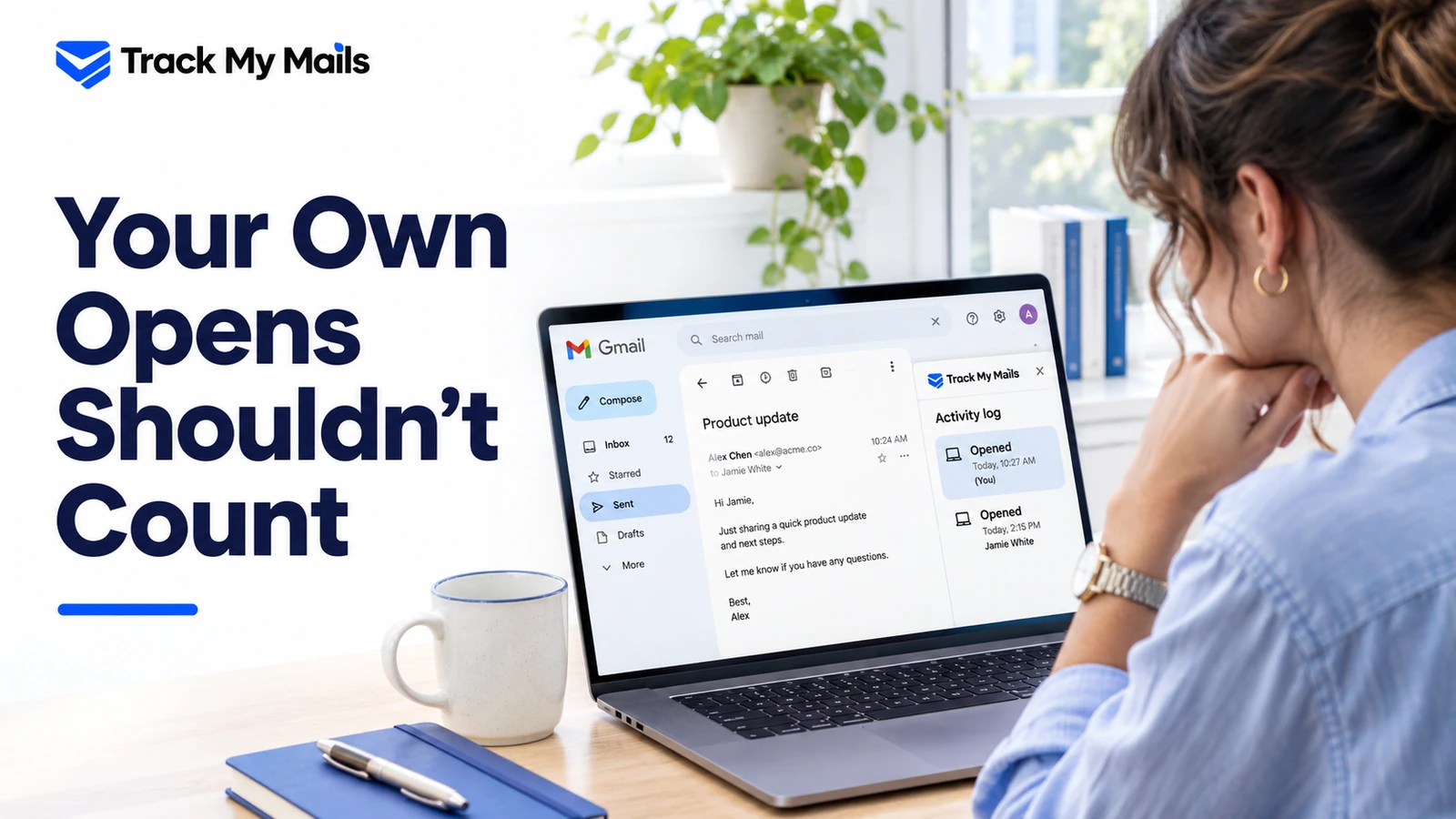
Your own opens should never count. How self-open filtering works, where it can still slip, and how to test it.
Read guide
A plain-English look at whether email tracking is legal, how rules differ by region and habits that keep you on safe ground.
Read guide
What data a tracking pixel creates, how to choose a lawful basis and what senders should tell recipients. General information, not legal advice.
Read guide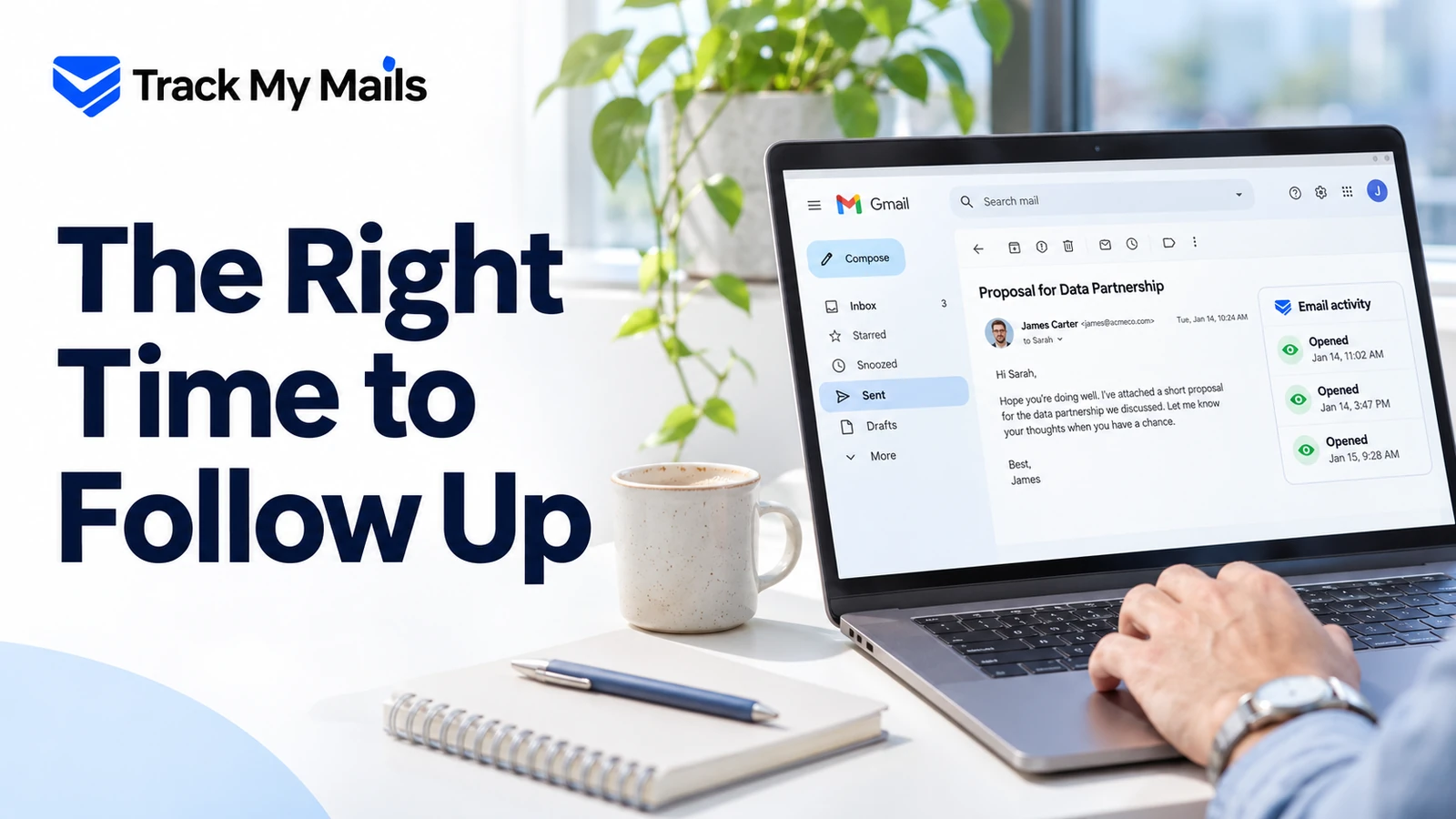
Wait long enough, then let repeat opens or a click guide the moment. A practical rhythm for follow-up timing.
Read guide
Write a short, helpful follow-up after an open without ever mentioning the open. Structure and examples.
Read guide
A tracked email still on a single tick is not necessarily ignored. What to check, what to change and when to stop.
Read guide
Set a cap, space your messages and make each one add value. How to follow up without becoming a nuisance.
Read guide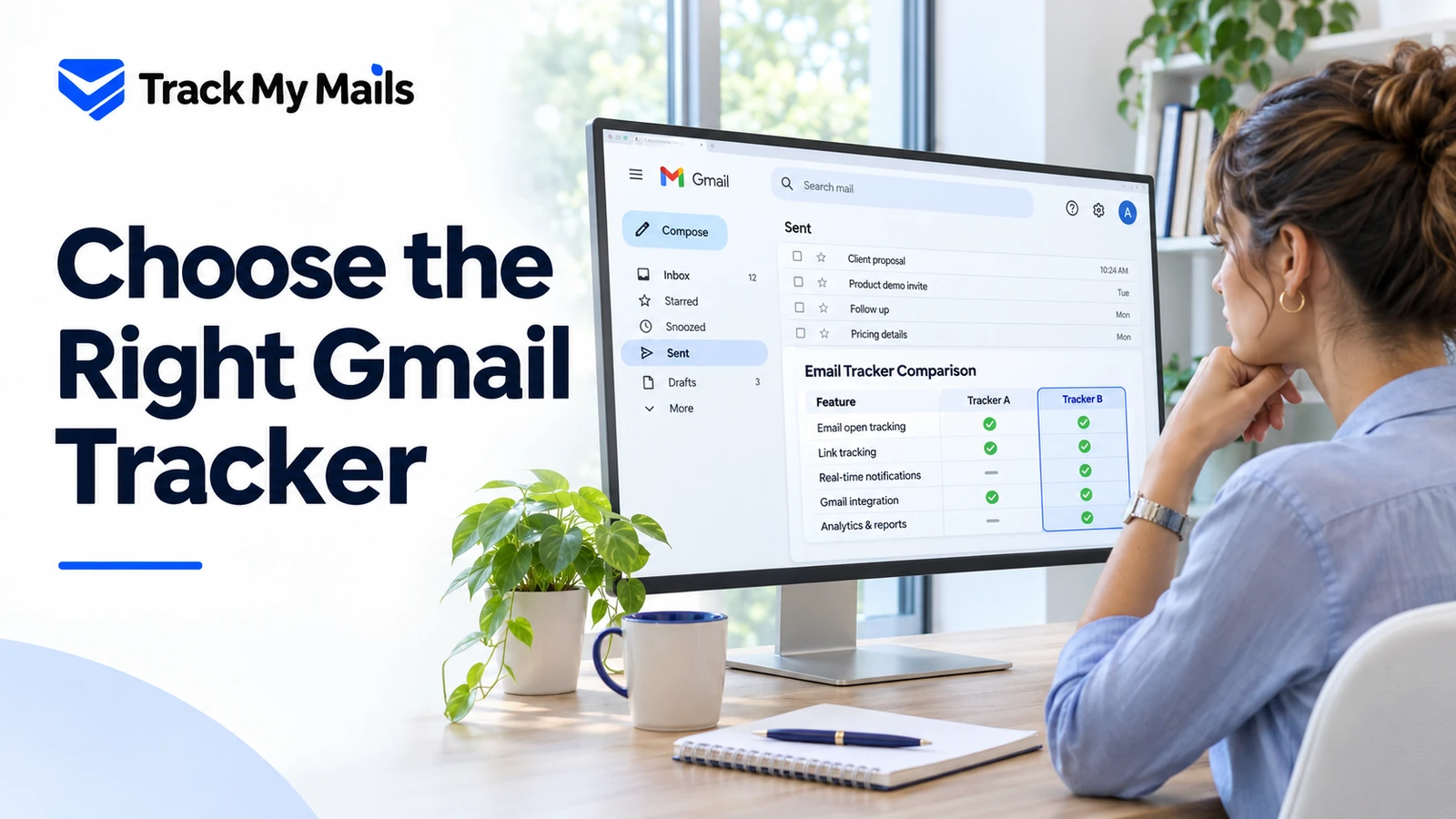
Match a Gmail tracker to your needs: features, permissions, data handling and cost at your volume, tested on real emails.
Read guide
Why people leave Mailtrack and a neutral checklist for comparing alternatives, including signatures, limits and privacy.
Read guide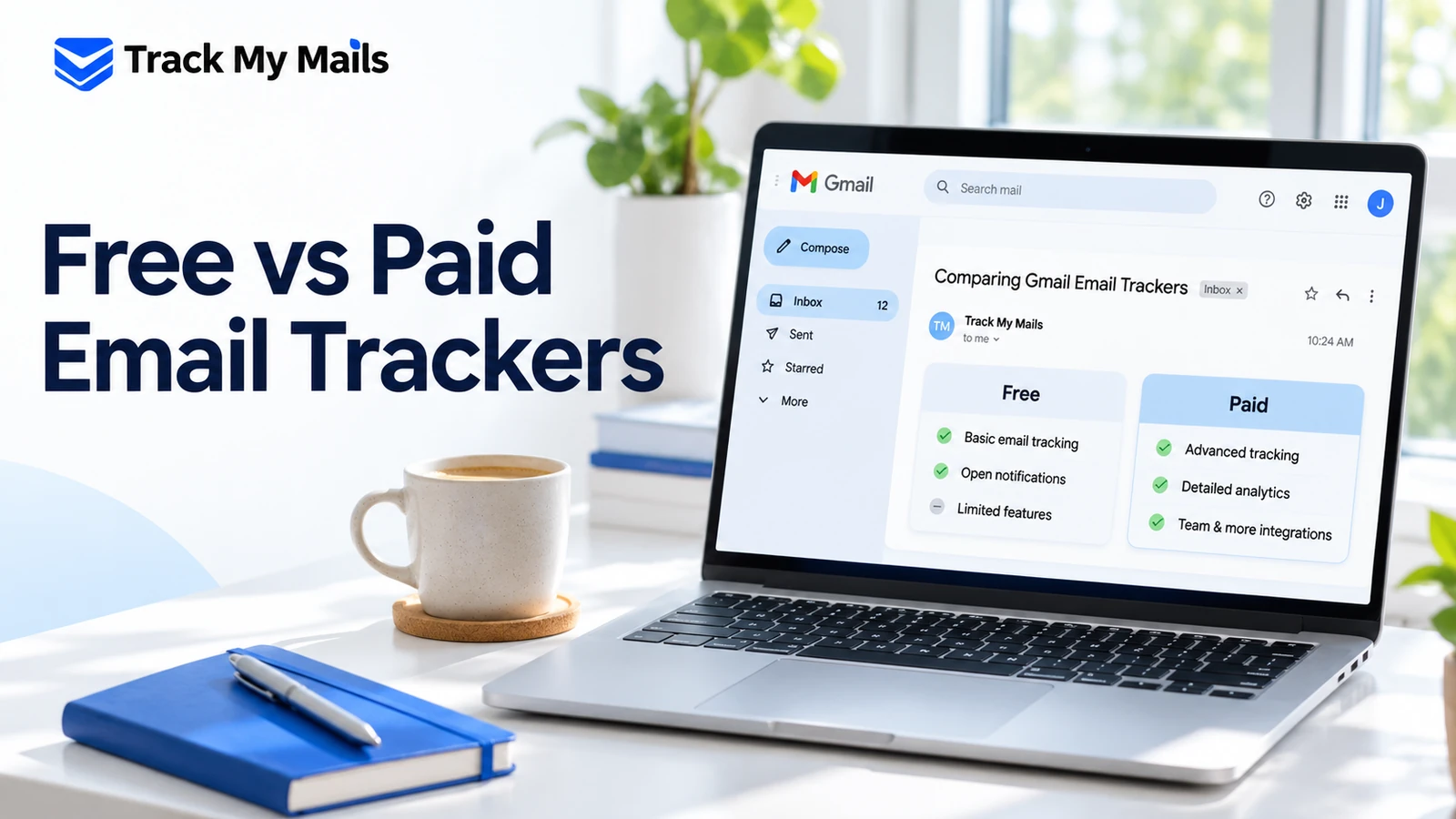
What free Gmail trackers cover, what paid plans add and the hidden costs to watch for.
Read guide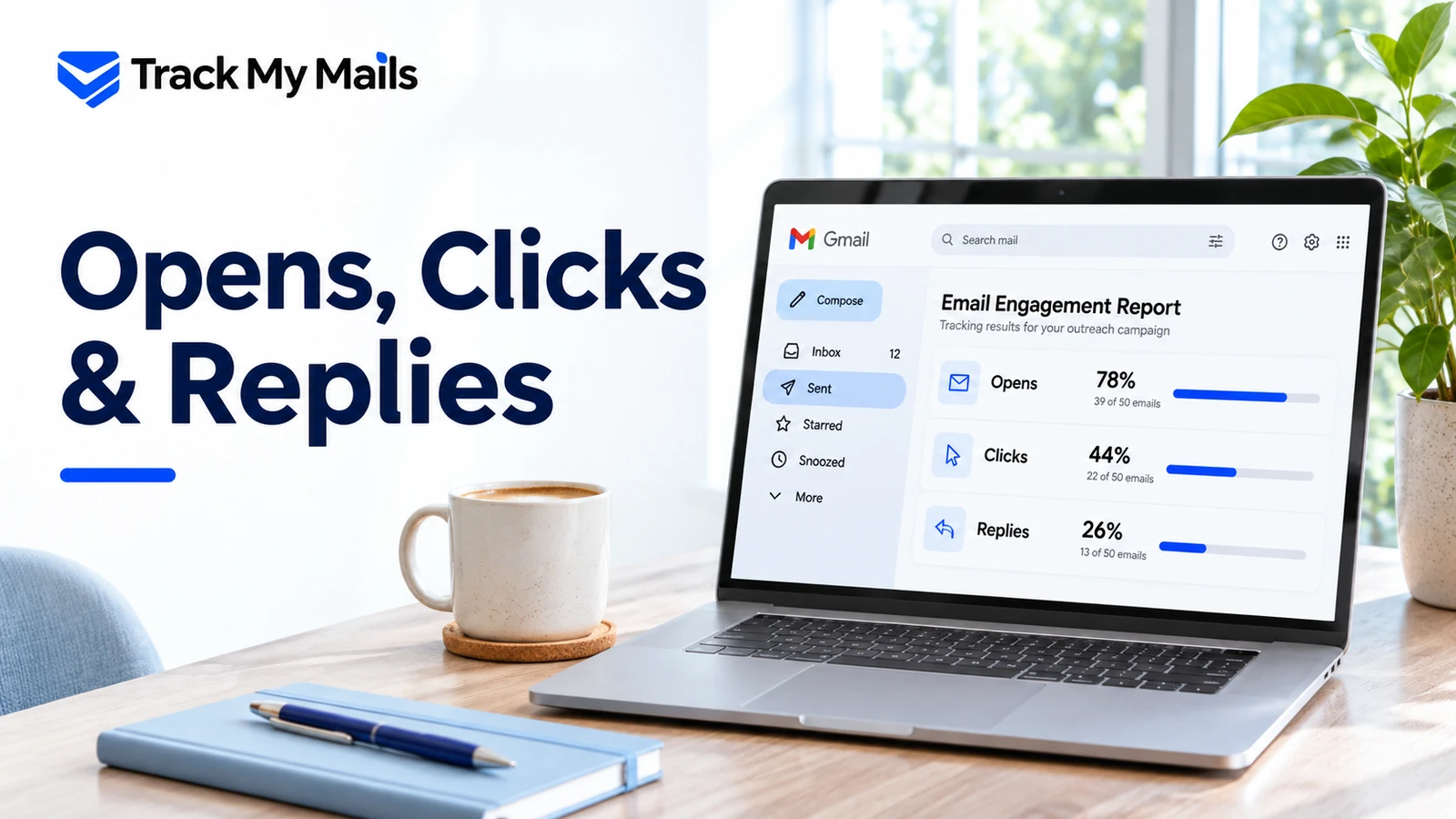
Opens, clicks and replies answer different questions. Which signal to trust most and how to combine them.
Read guide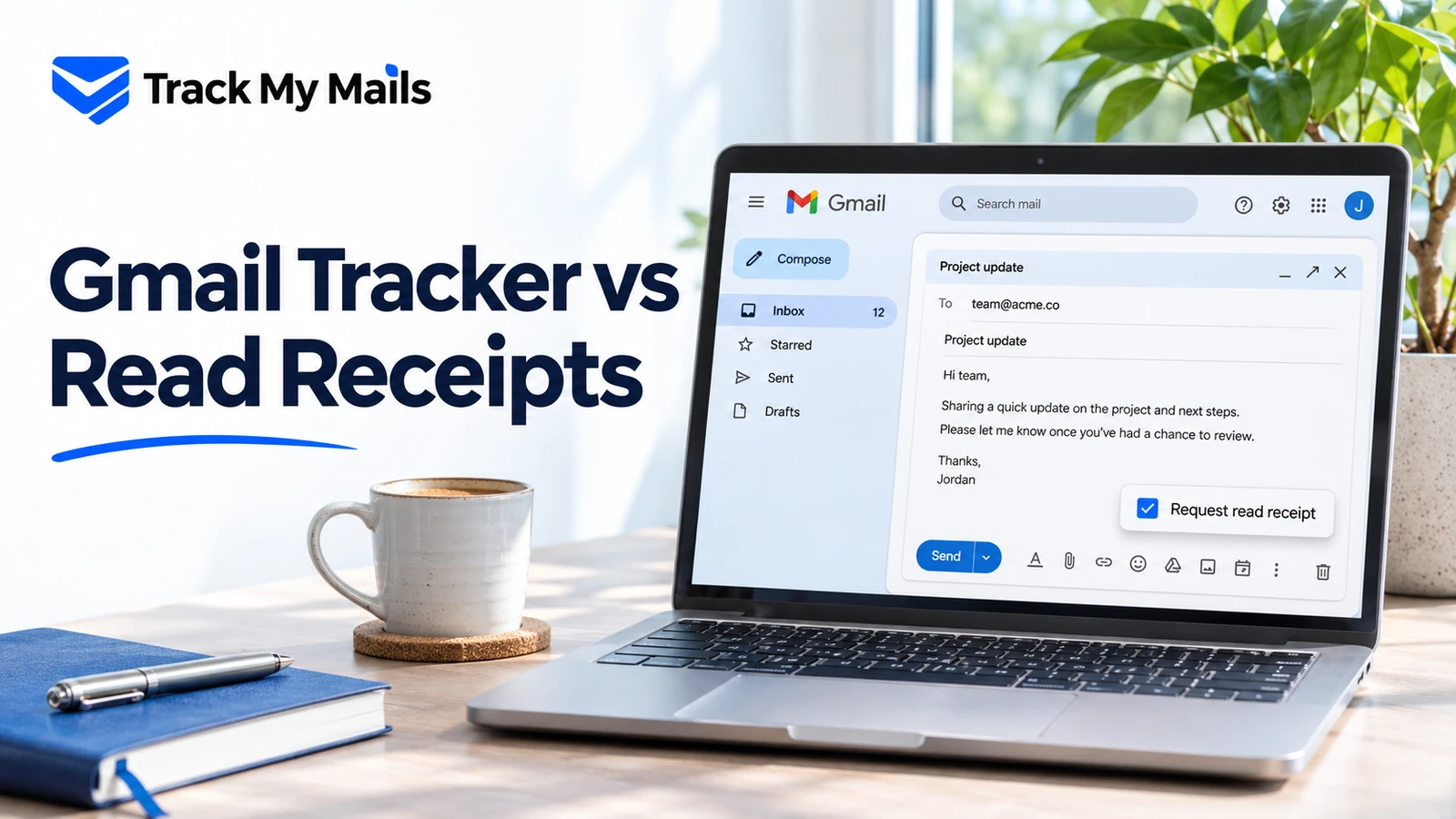
Google Workspace read receipts ask the recipient; a tracker does not. How they differ and which suits you.
Read guide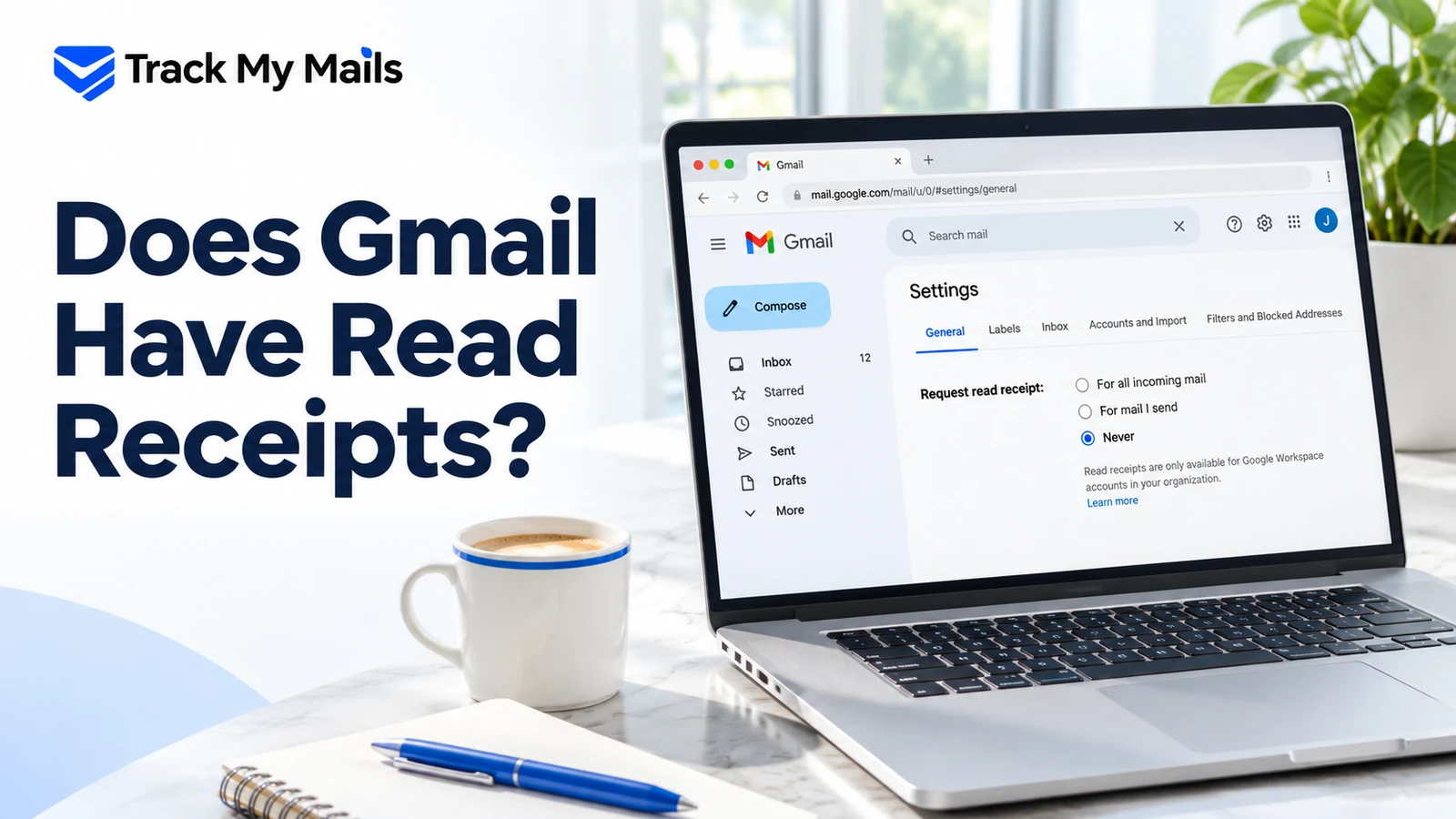
Personal Gmail has no read receipts. Here is how Workspace receipts work, their limits, and the extension alternative.
Read guide
Missing opens are usually a test or image issue, not a fault. Work through the checks in order to find the cause.
Read guide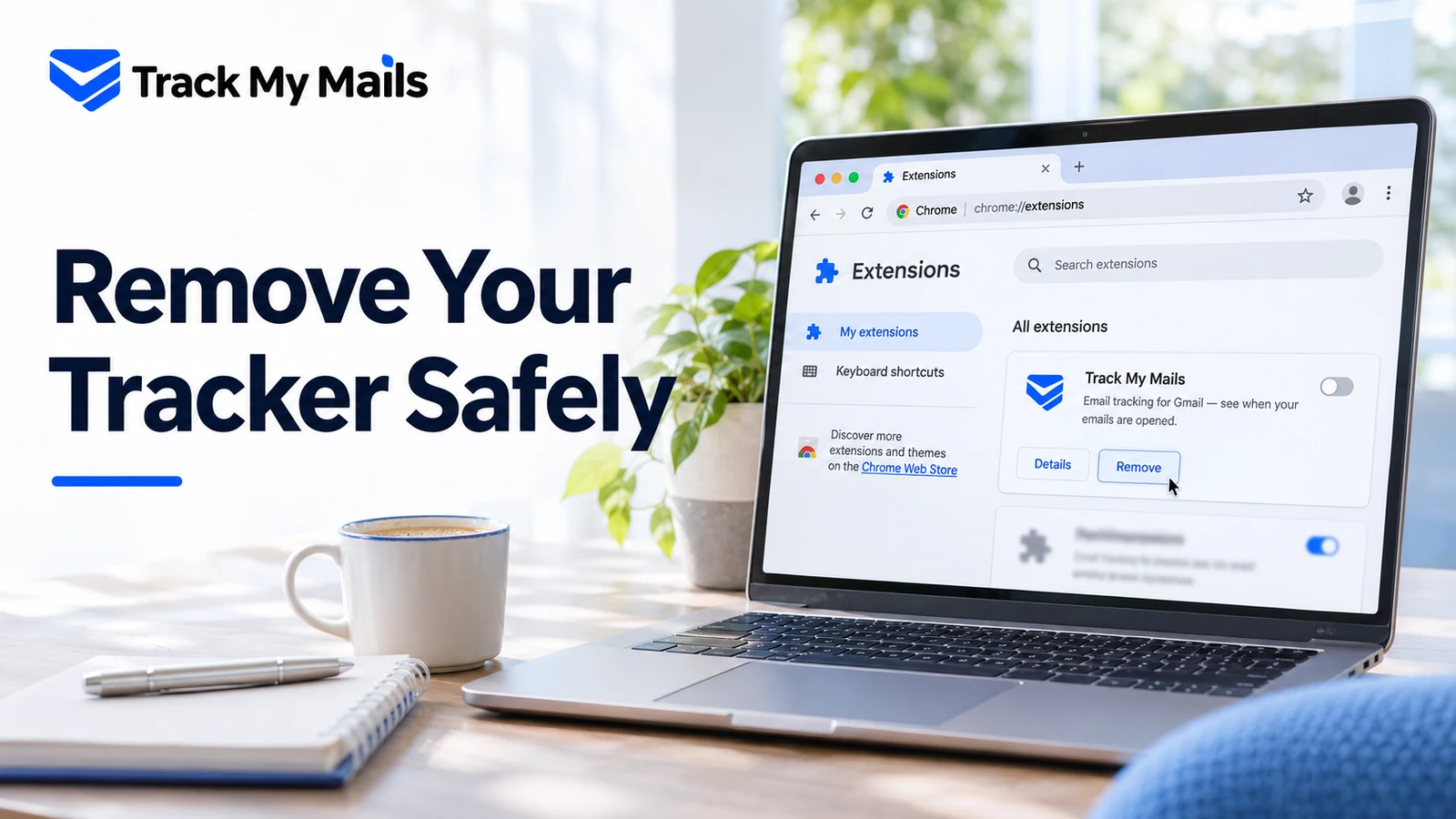
Remove the extension, free the device slot and keep your history. A safe step-by-step uninstall.
Read guide
Recipients cannot see a tracker directly, but a hovered link may look different. What they can and cannot tell.
Read guide
Tracking adds a tiny image and does not slow Gmail. How to check if something else is causing delays.
Read guide
Why emails sent from the Gmail mobile app are not tracked, and how to track from desktop instead.
Read guide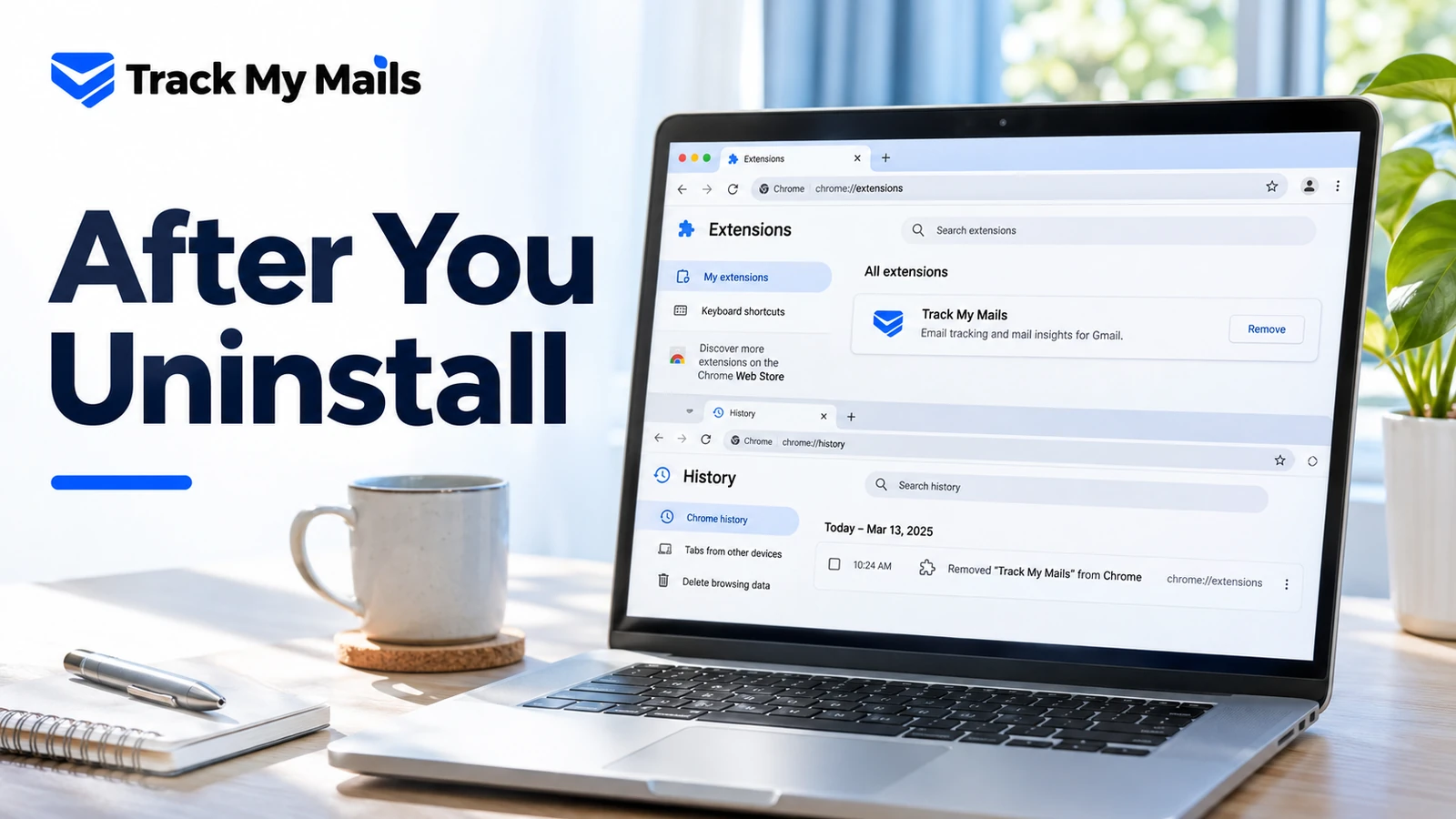
Uninstalling stops new tracking but keeps your history. What happens to existing emails and your account.
Read guide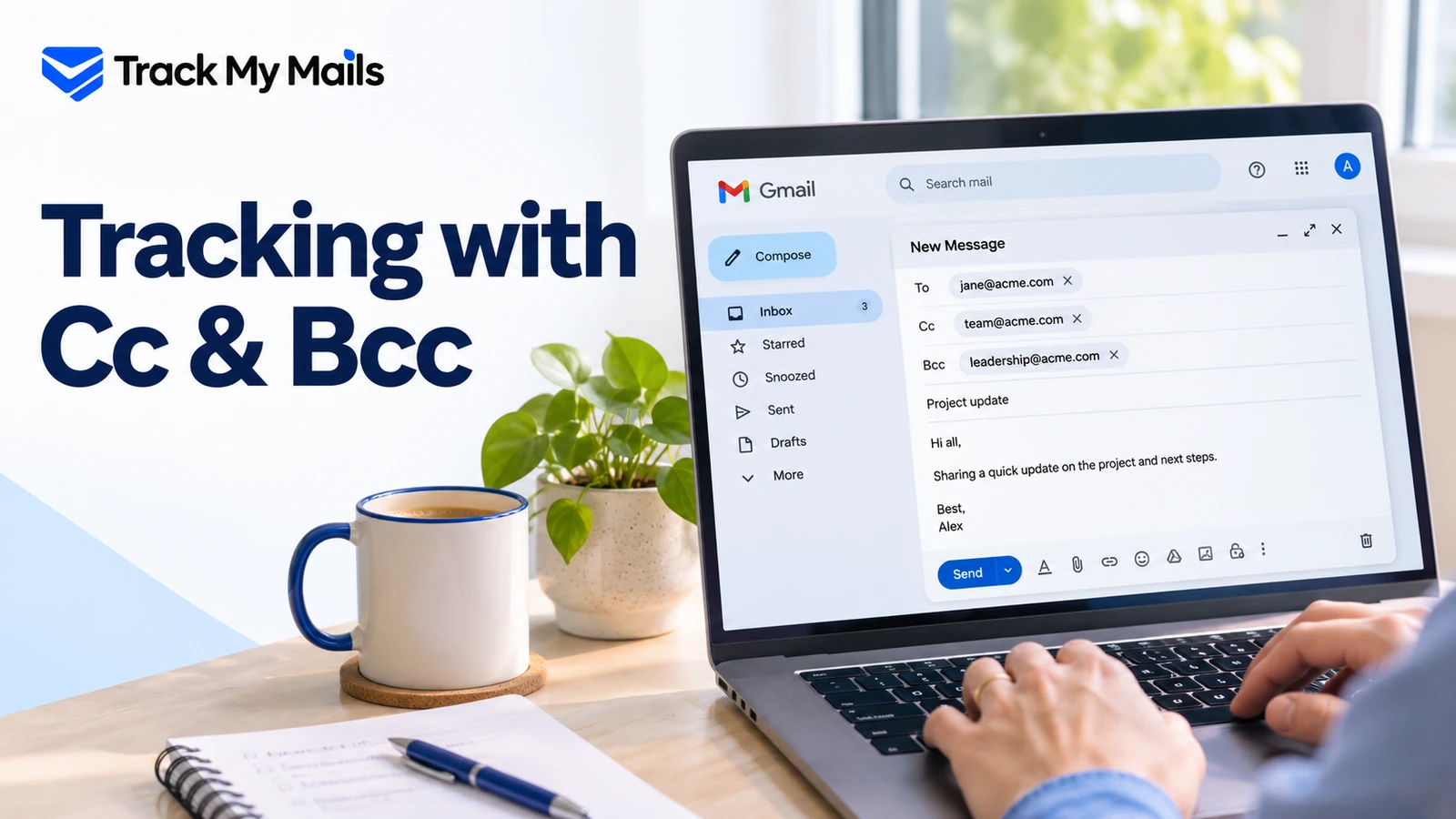
How Cc and Bcc recipients are tracked and what you will see in the dashboard.
Read guide
Tracking must be on when you press Send. What you can and cannot do for an email already sent.
Read guide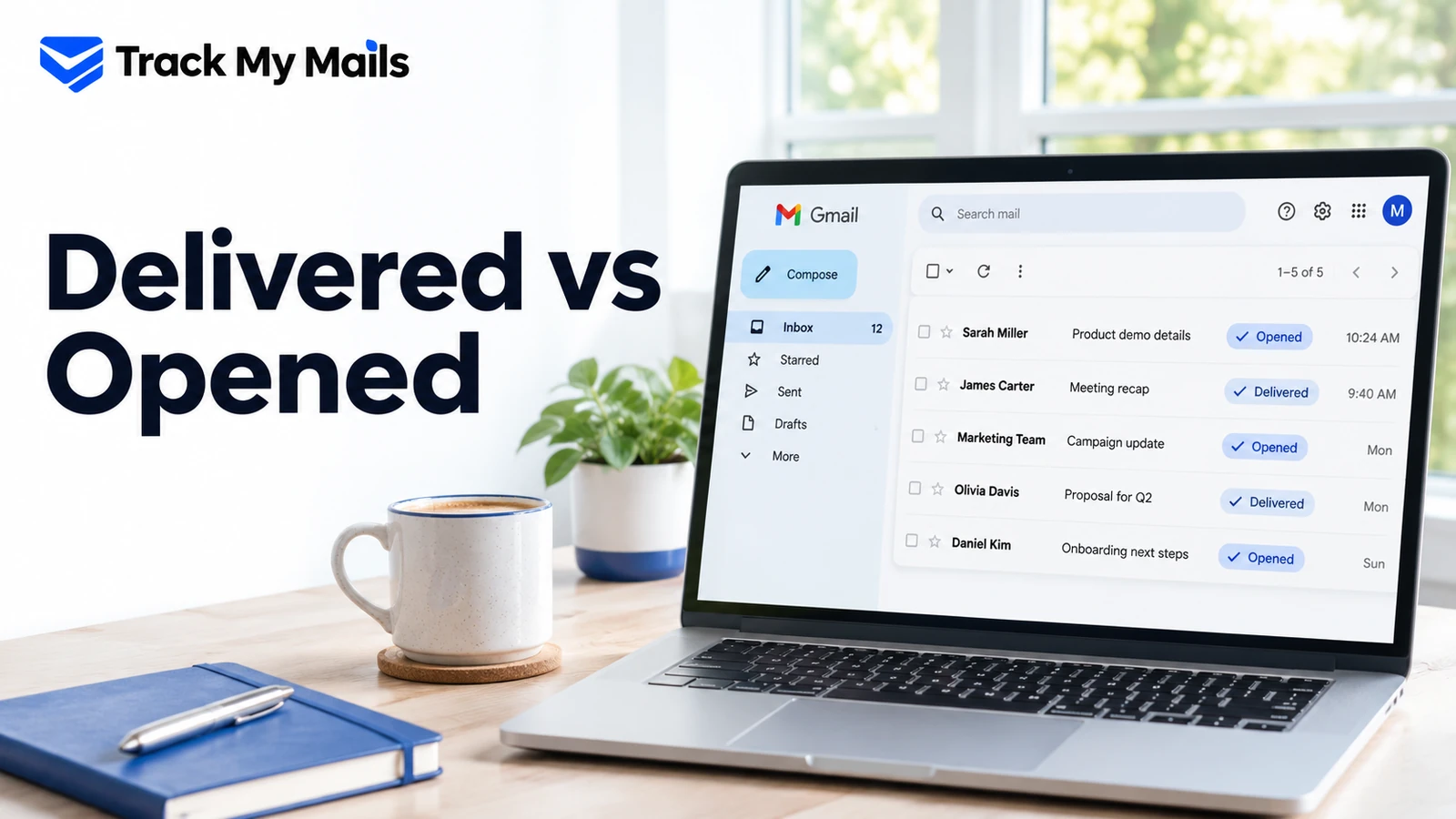
Delivered means the message reached the mailbox; opened means the image loaded. Why they differ.
Read guide
One recipient can create several opens: reopening, devices and replies. How merging works.
Read guide
What happens when a tracked email is forwarded, and what the dashboard can and cannot tell you.
Read guide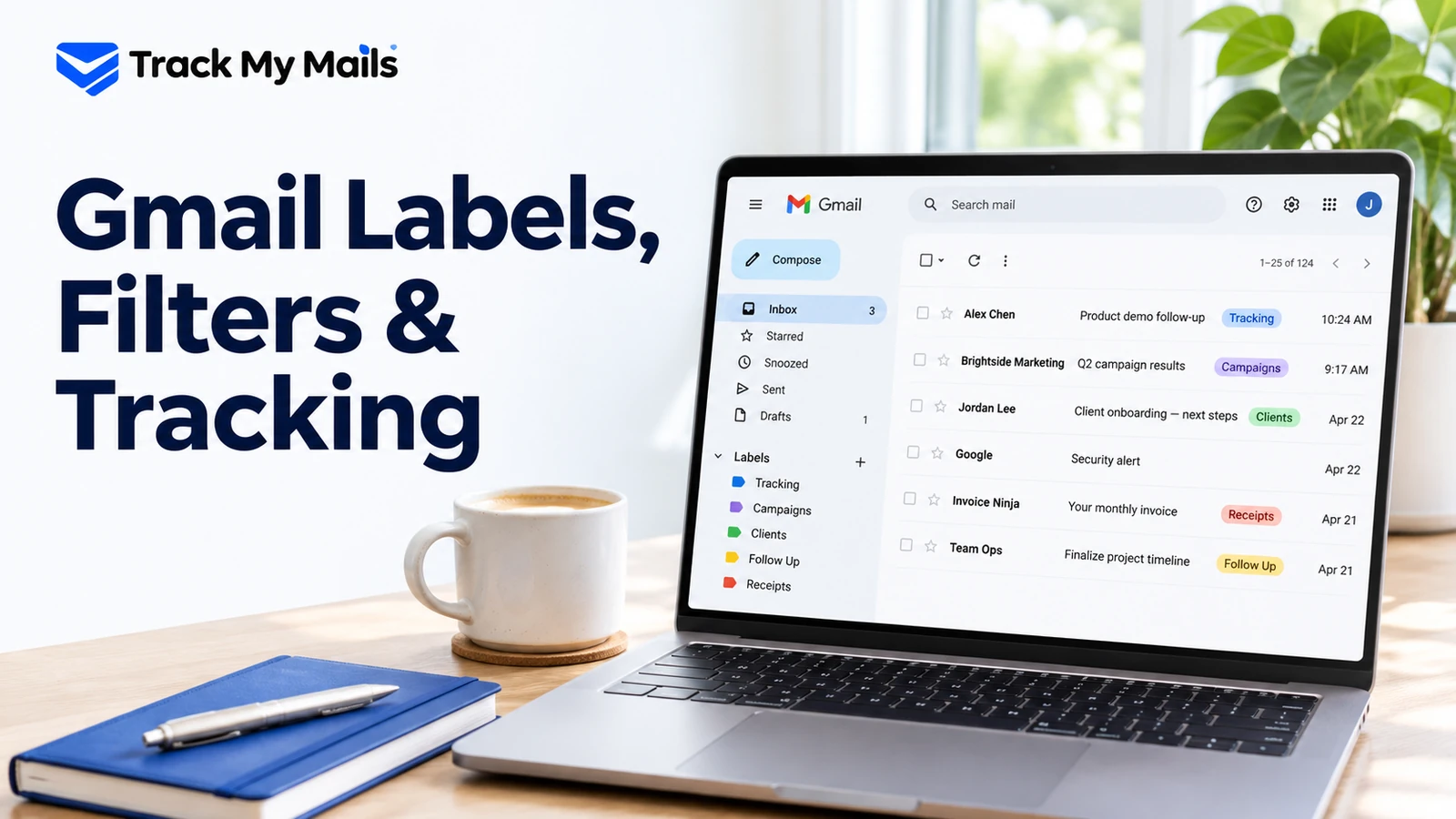
Labels and filters do not stop tracking. What does matter, such as plain text and the sending browser.
Read guide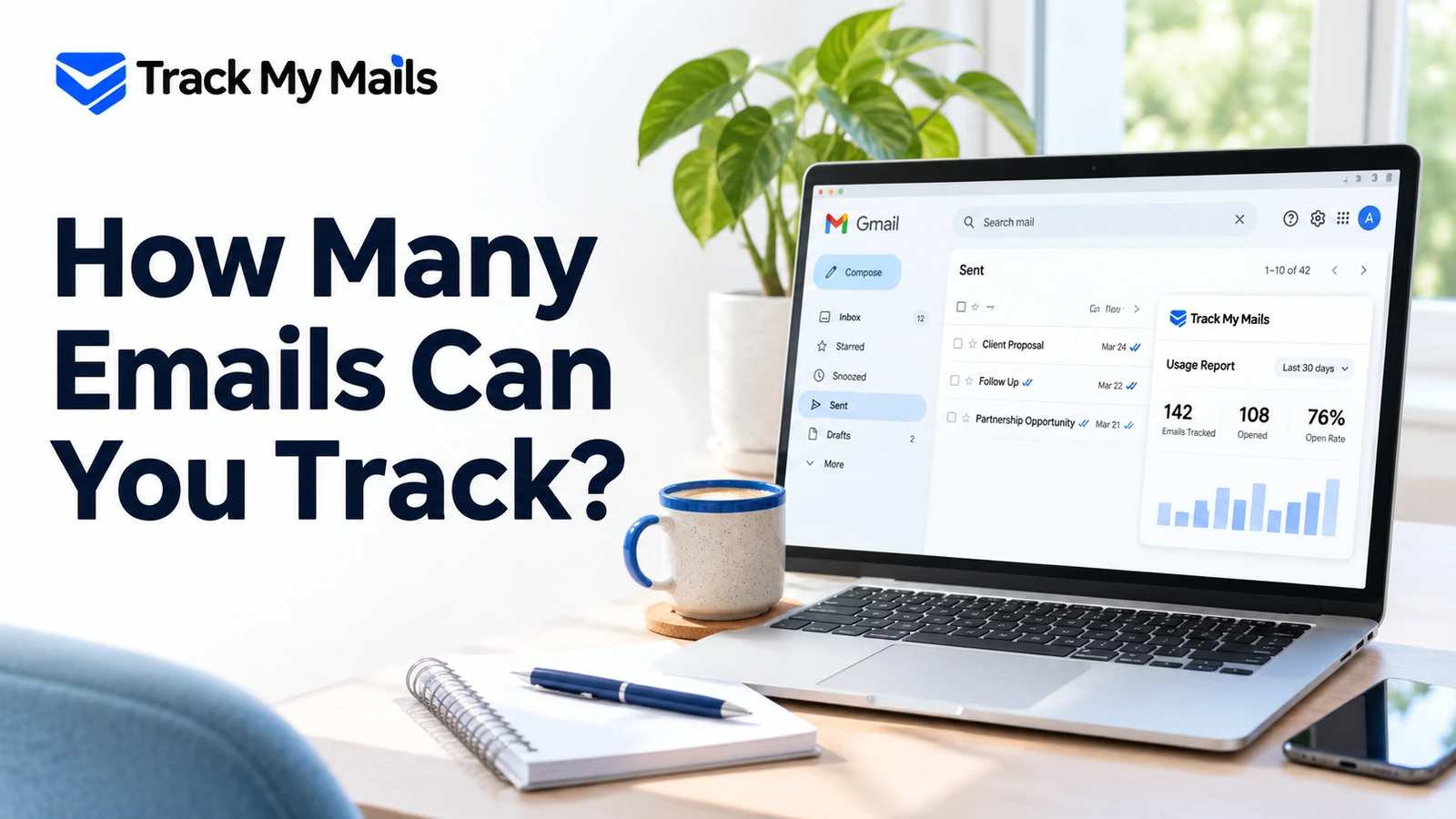
Free allows 200 tracked emails a month; paid plans are unlimited for normal use. Limits explained.
Read guide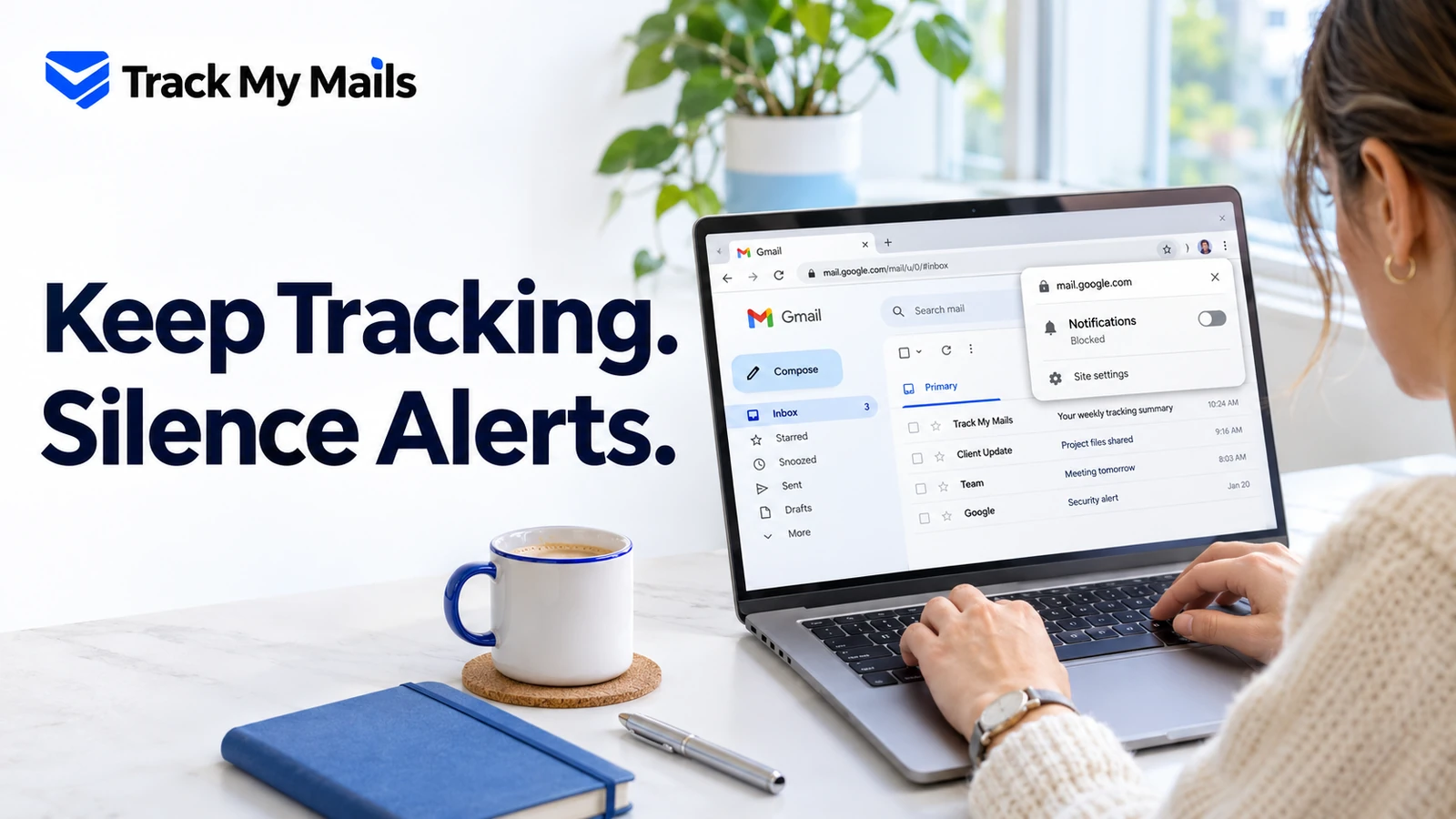
Switch alerts off without losing data. How to keep tracking while silencing notifications.
Read guide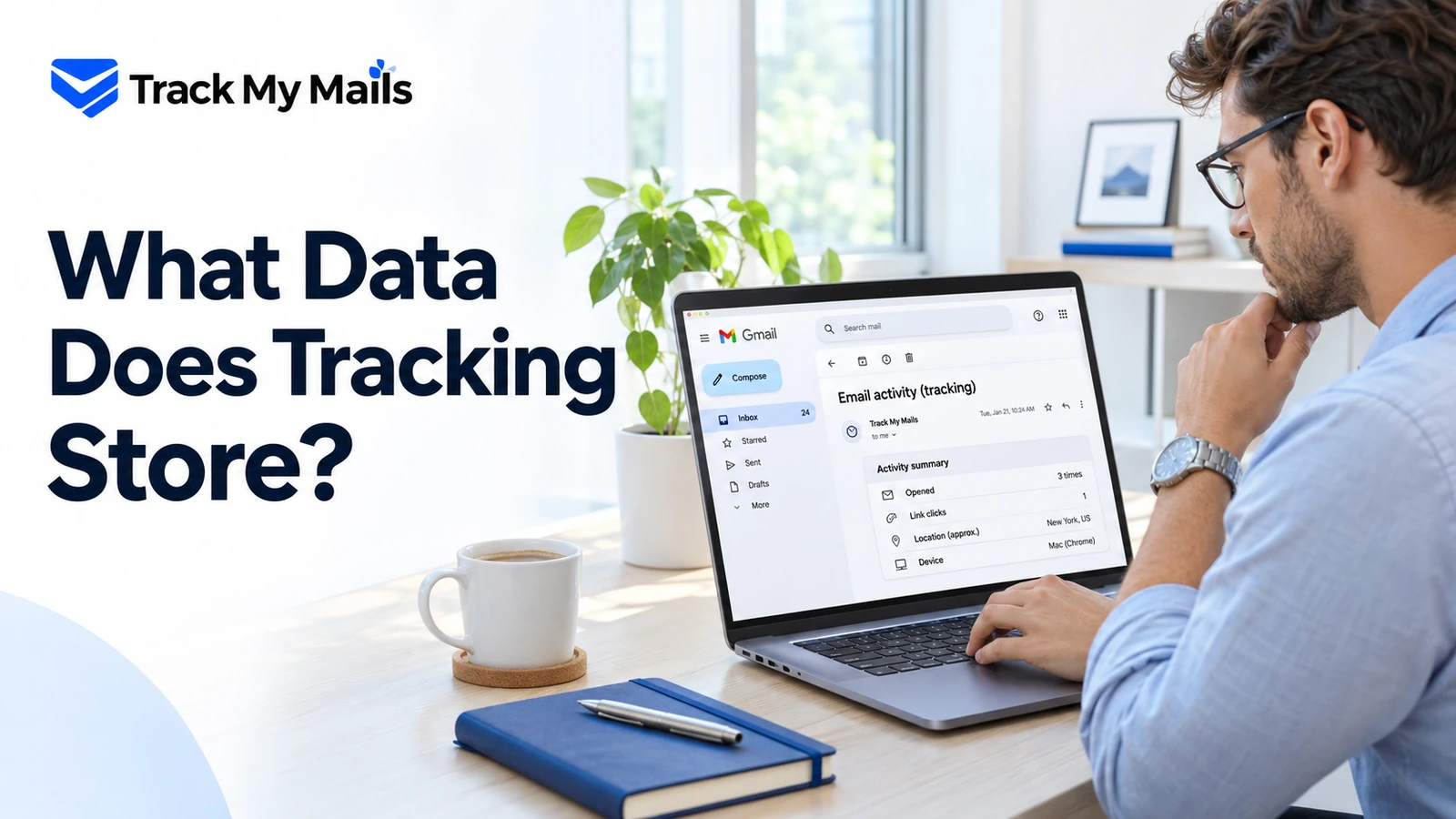
Recipients, send times, opens, clicks and subjects are kept; message bodies and attachments are never stored. What you control.
Read guide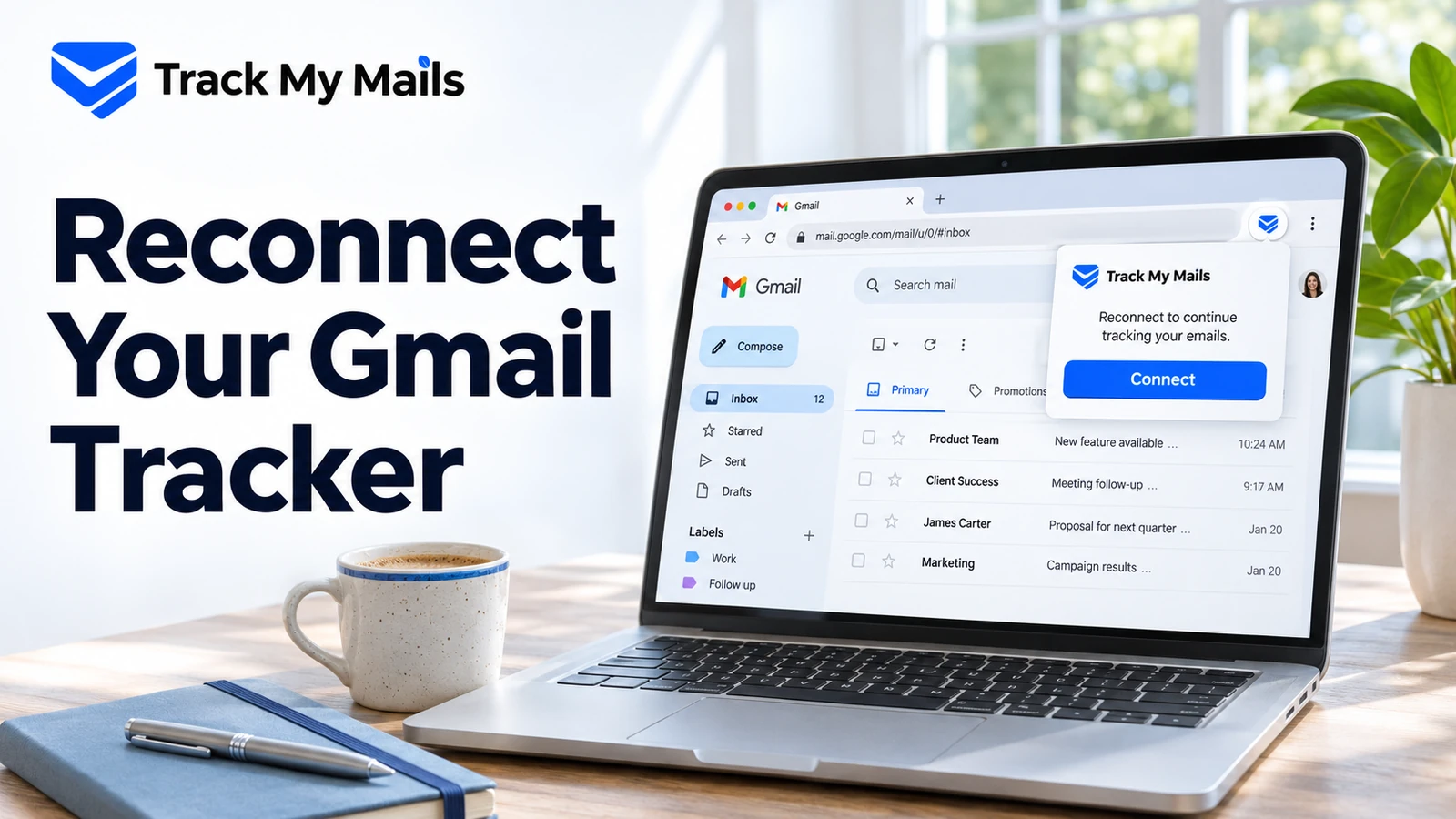
Signed out or ticks stopped? Reconnect the extension with one Google sign-in and get open and click updates working again.
Read guide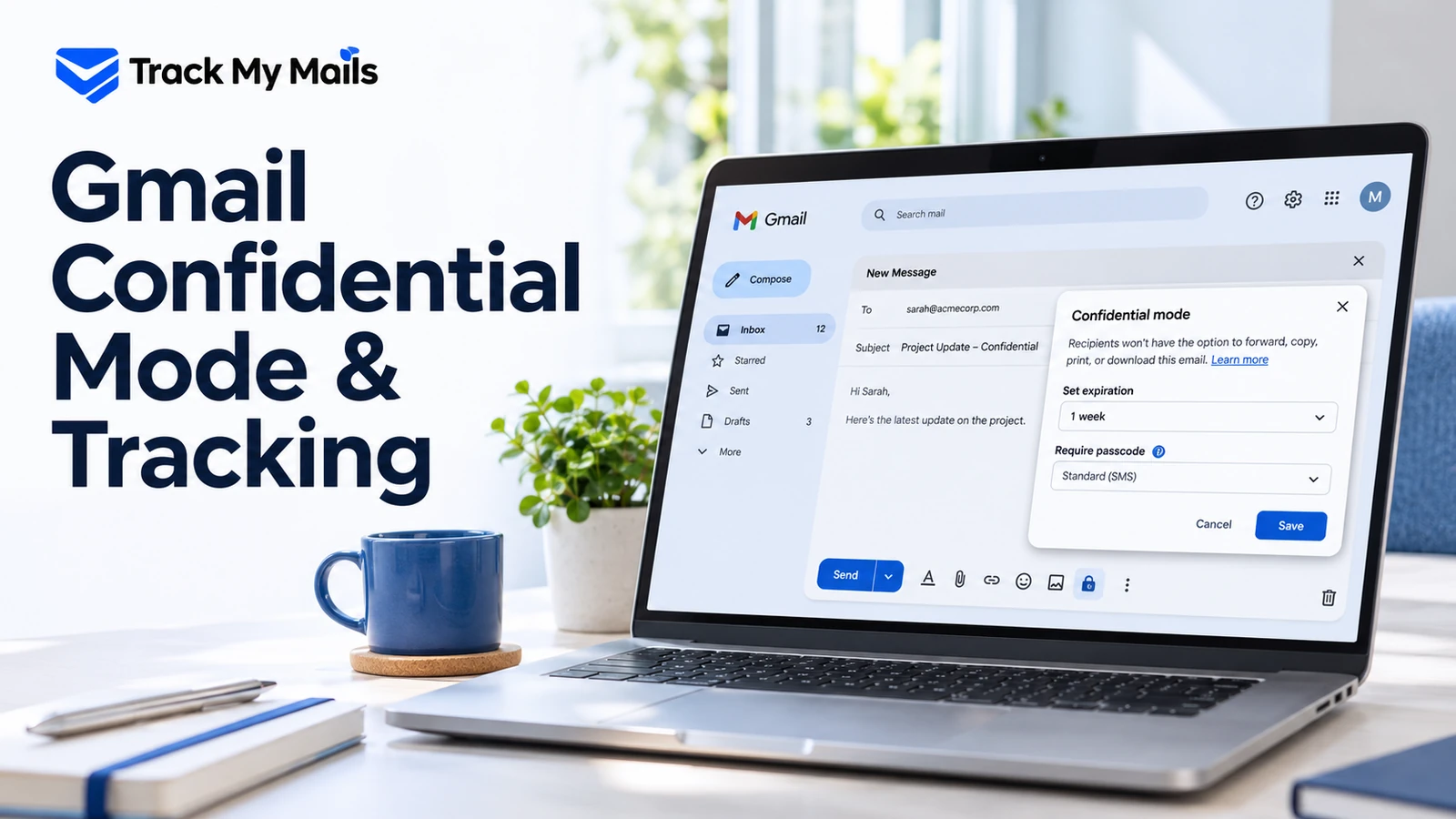
Gmail's confidential mode is not supported. What happens if you use it and what to do instead.
Read guide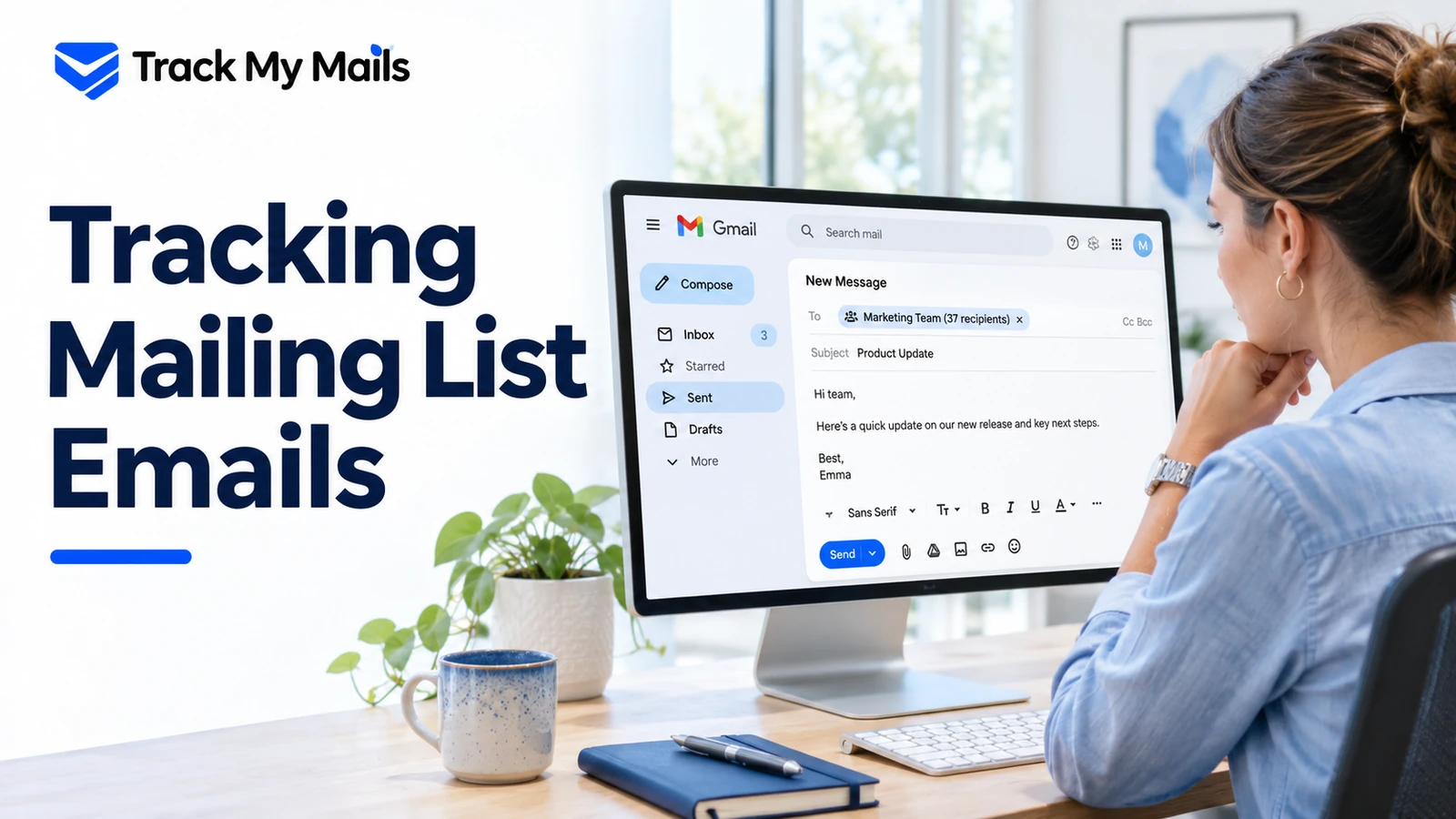
Tracking mailing-list emails: what works, what does not and how to read the results.
Read guide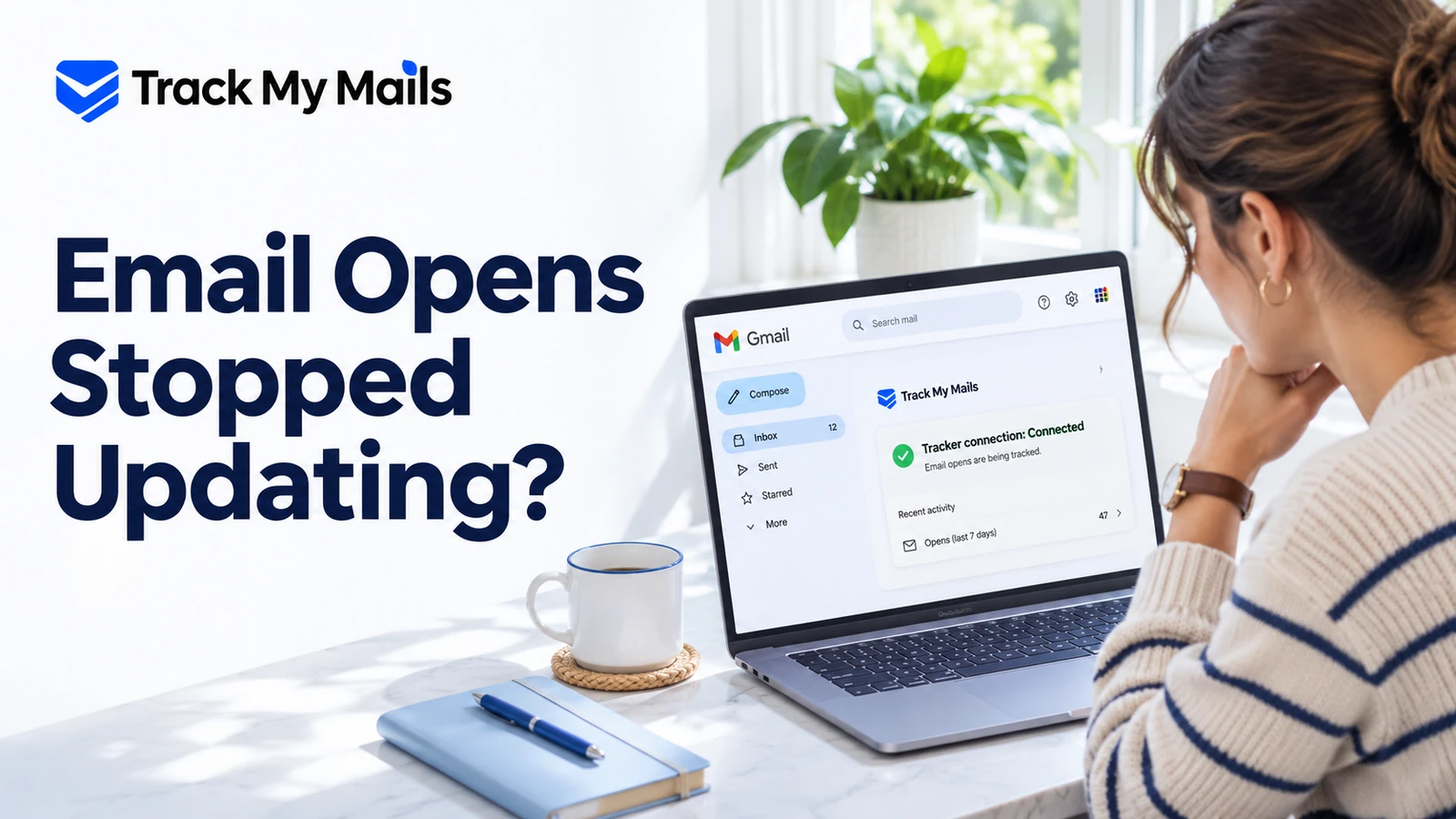
When opens stop updating: check the connection, the browser and notification permissions in order.
Read guide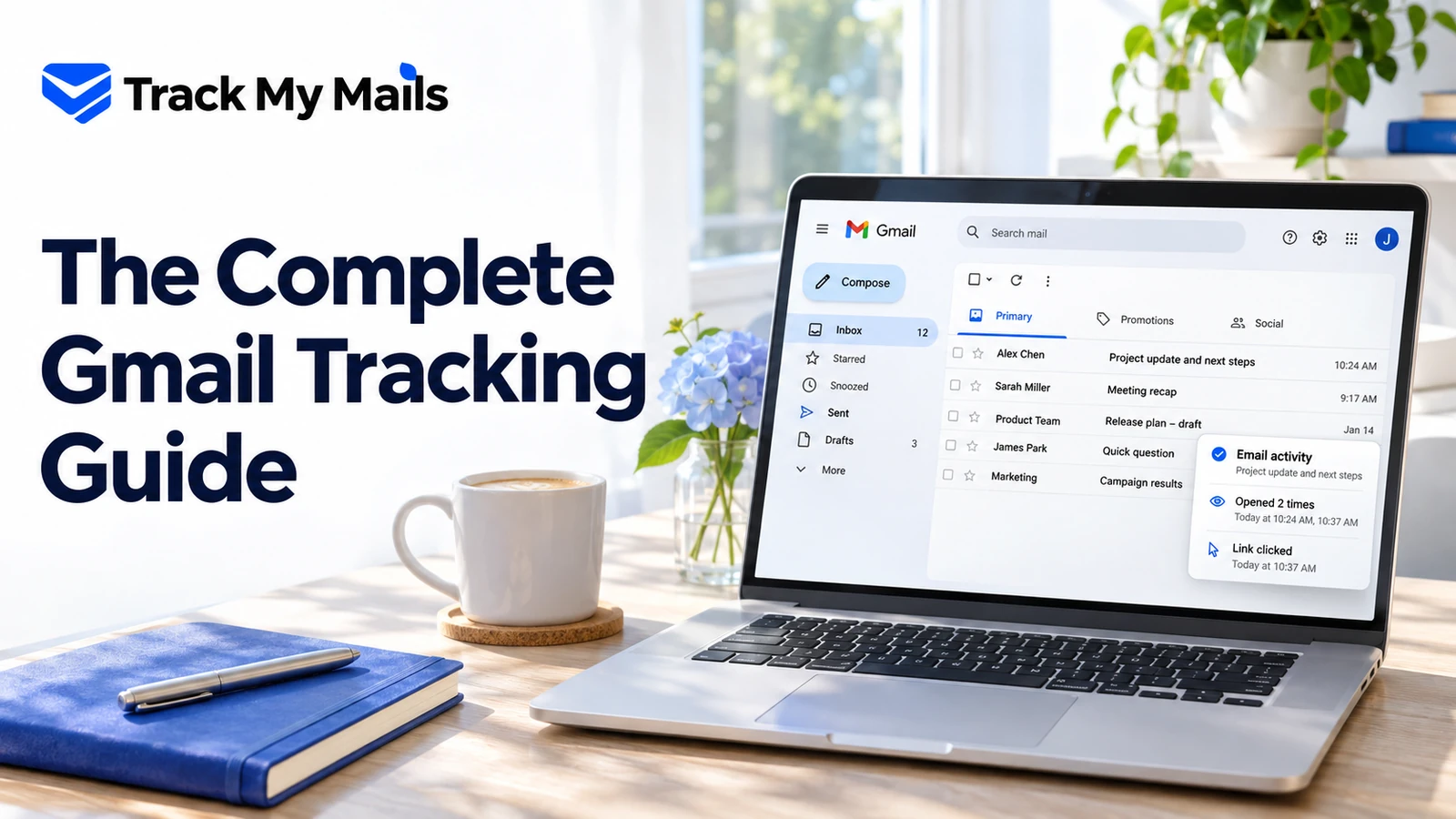
A complete guide to Gmail email tracking: setup, reading ticks, limits, follow-ups and privacy, with links to deeper articles.
Read guide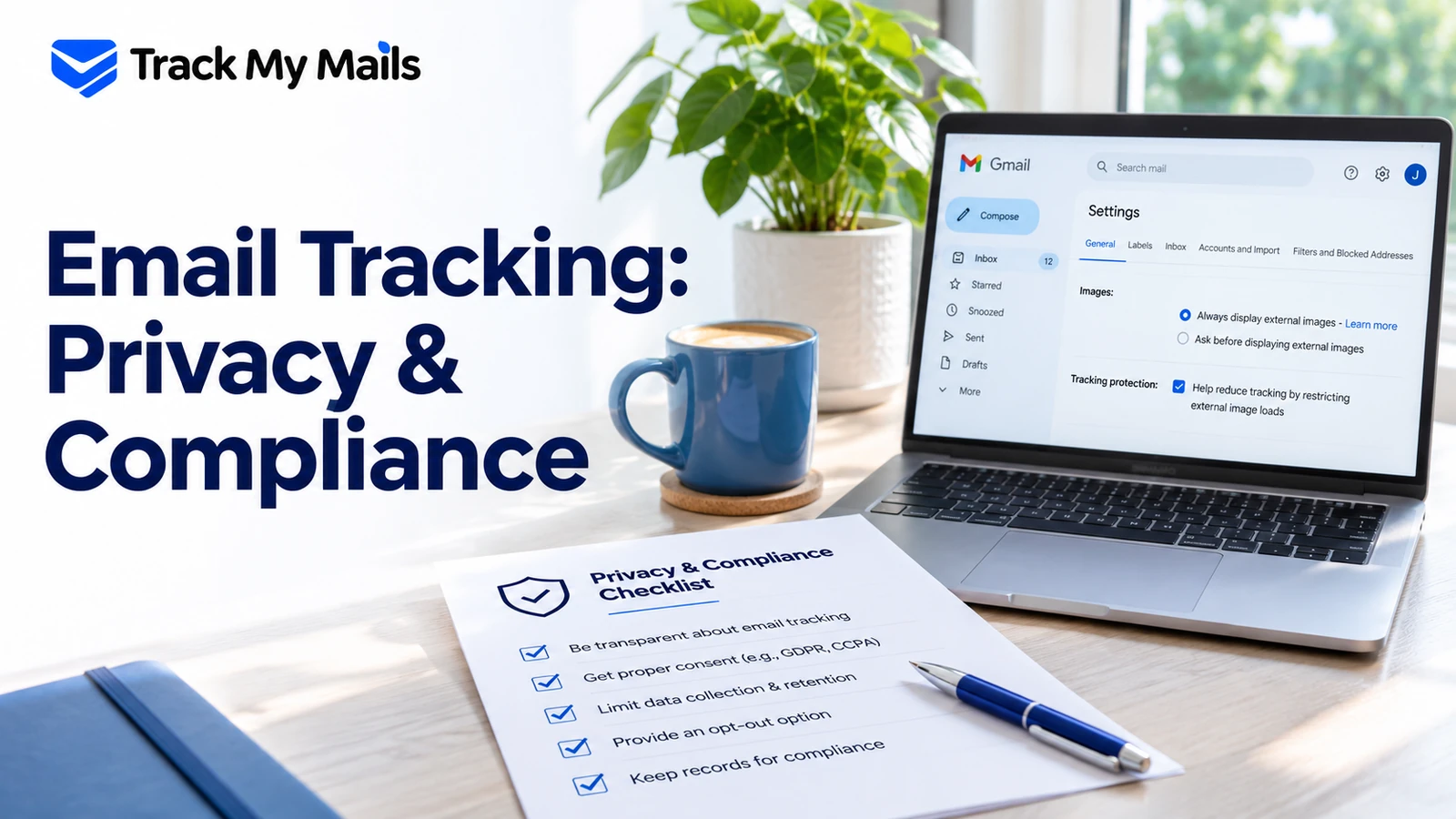
A practical privacy and compliance checklist for email tracking: minimise, be open, respect choices, keep data safe.
Read guide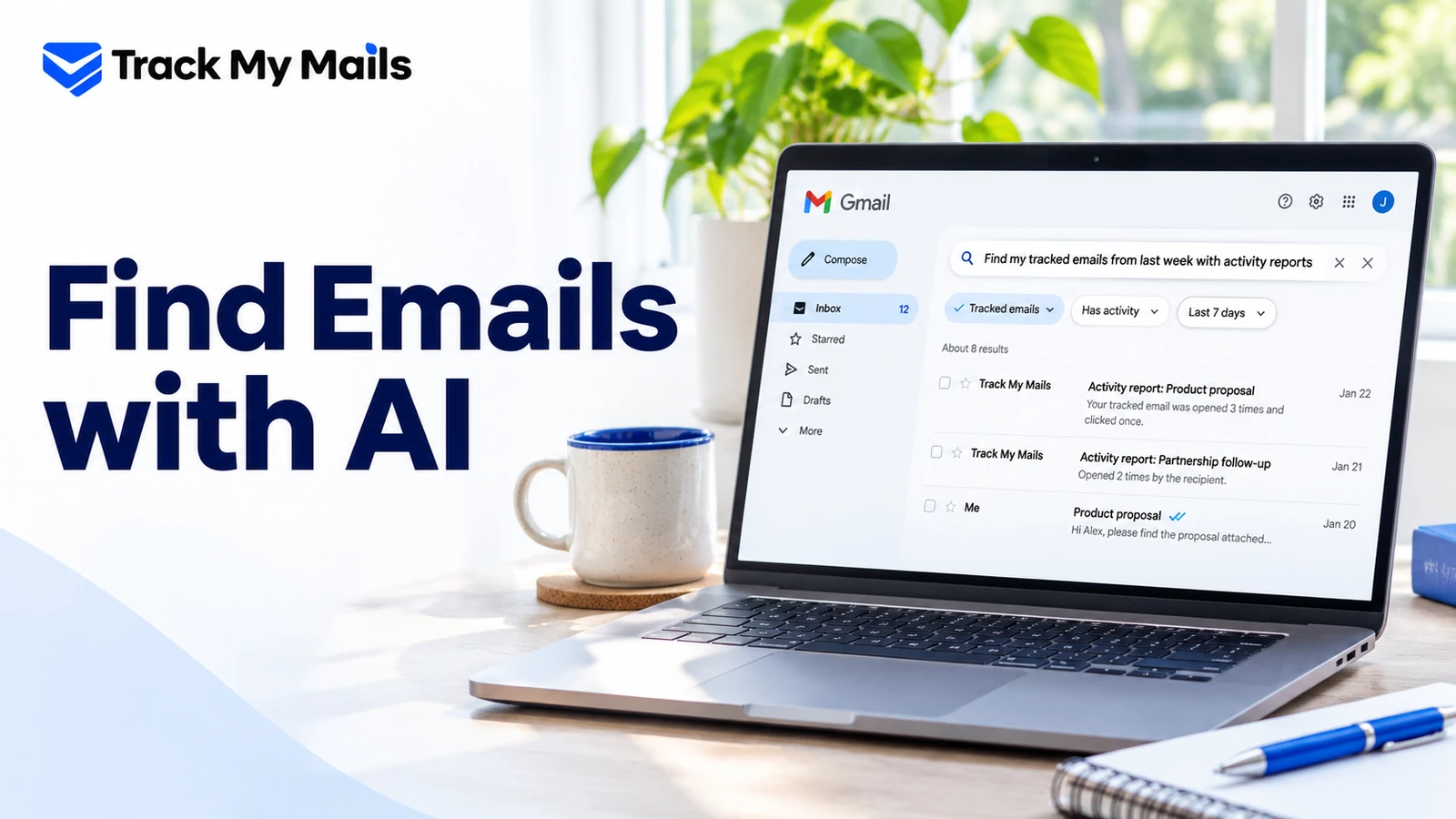
Ask in plain Bangla or English — "opened 5+ times this week" — and your tracked emails filter instantly. Plus daily, weekly or monthly activity reports in your inbox.
Read guide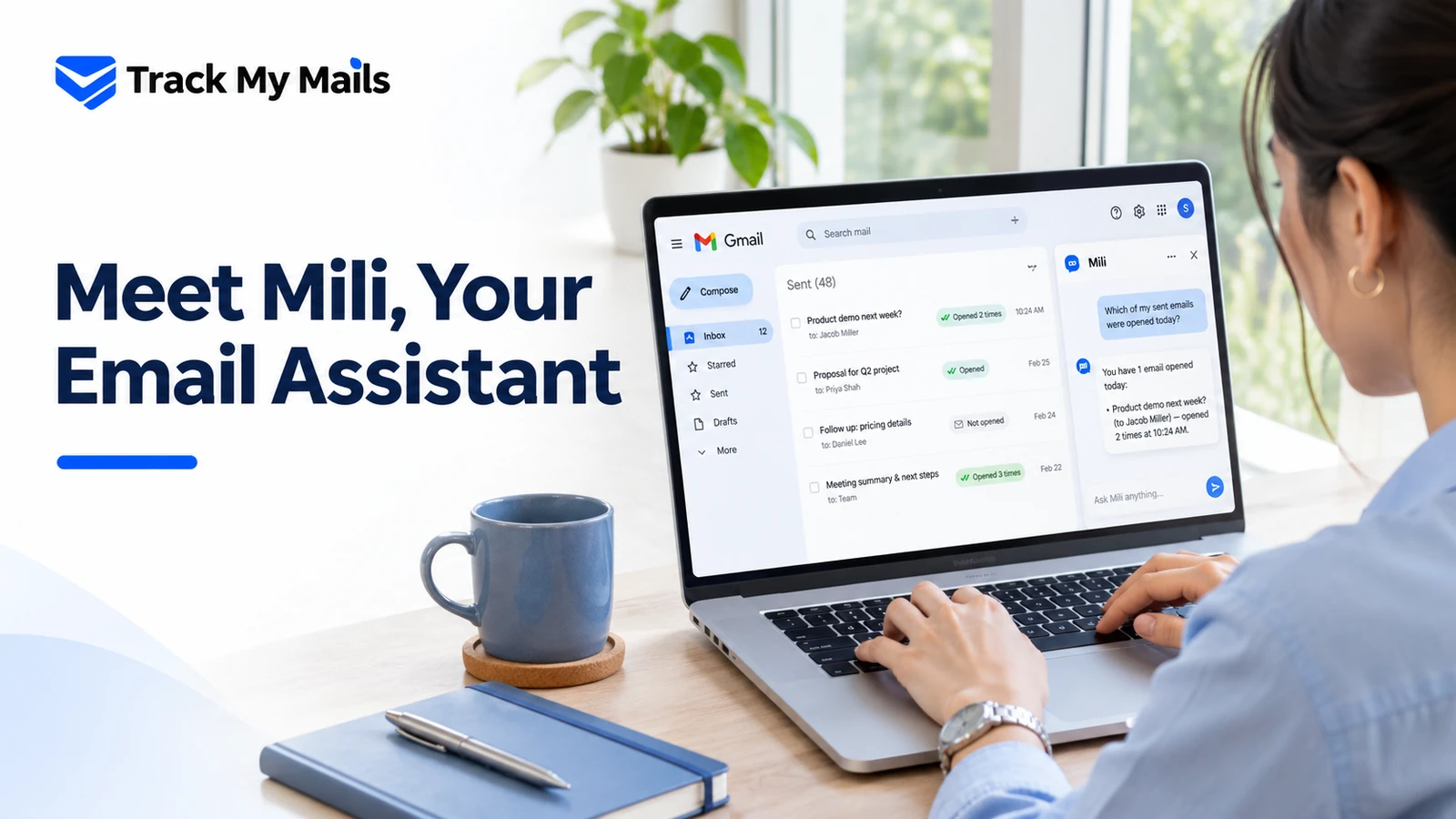
Mili is the AI assistant inside Track My Mails. Ask it about your tracked Gmail emails — hot leads, unopened follow-ups, open rate — and it answers with real numbers while filtering your list.
Read guide
Looking for a Mailtrack alternative without the "Sent with Mailtrack" signature? Compare features, watermark rules, multi-account support and pricing before you switch.
Read guide