Mailtrack Alternatives: What to Look For
Why people leave Mailtrack and a neutral checklist for comparing alternatives, including signatures, limits and privacy.
The short answer
When looking for a Mailtrack alternative, focus on the reasons you are leaving: price at your volume, a signature on your emails, missing features, privacy concerns or accuracy. Define those reasons first, then check each candidate against them with a real test. Always verify current prices and features on the vendor's own site, since they change.
Track My Mails is one option; this article gives a neutral checklist you can use for any.
Common reasons people switch
People most often switch because of a visible signature, limits that bite at their volume, a missing feature such as click tracking or reports, or doubts about how data is handled. Naming your own reason keeps the search short.
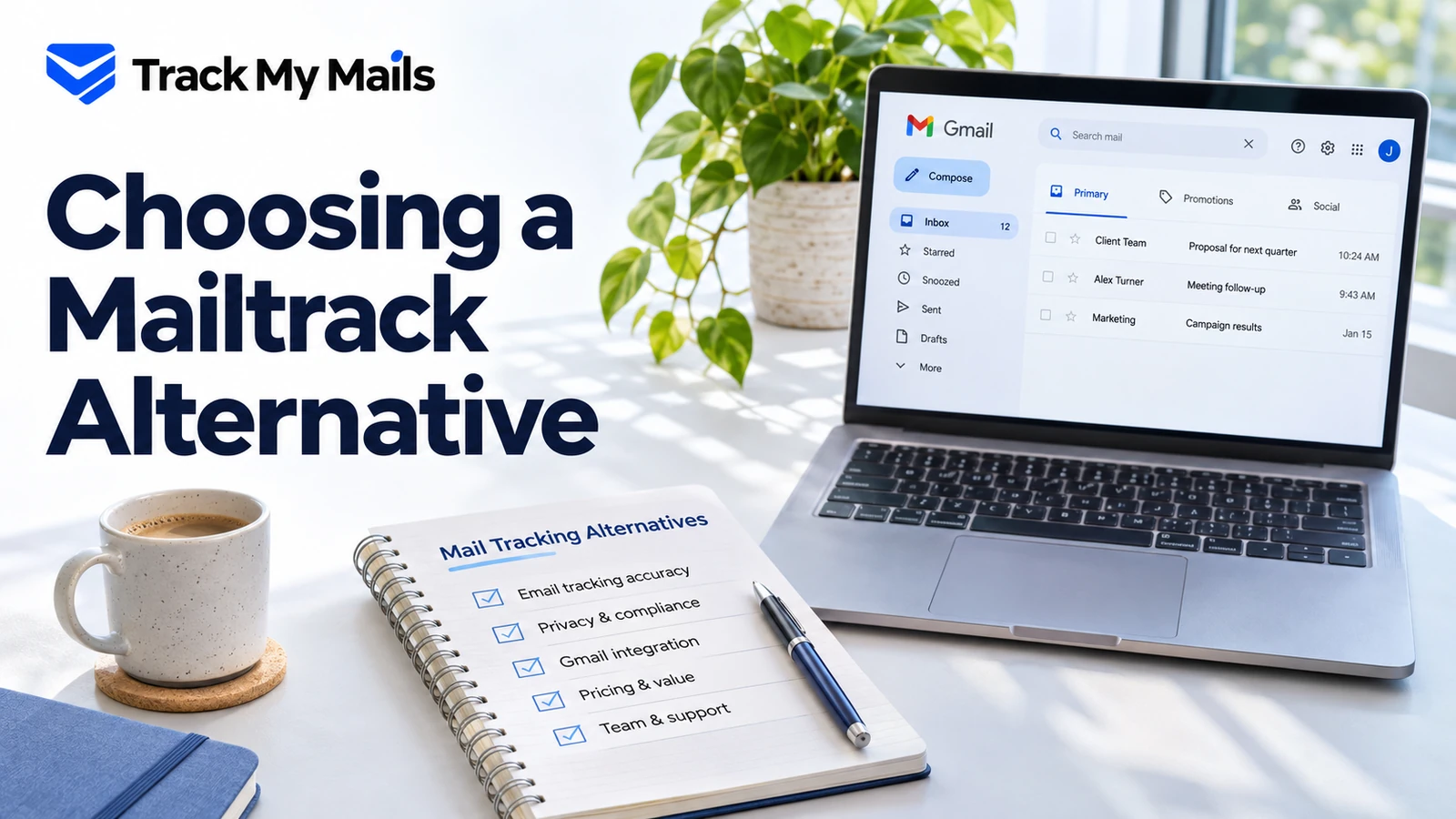
A comparison checklist
Compare candidates on the same points:
- Does it add a signature or watermark to emails?
- What are the free tier limits?
- Are your own opens filtered out?
- Is link click tracking included, and on which plan?
- How does it handle several Gmail accounts?
- What does it store, and can you delete it?
- How are automatic opens, such as Apple Mail, shown?
How Track My Mails answers these
No plan adds a signature. Free covers 200 tracked emails a month, and Pro, Lifetime and Team are unlimited for normal use. Your own opens are never counted. Link click tracking is on Pro. One plan covers every Gmail address you use in the connected browser, within a device limit. Body text and attachments are never stored, and Apple Mail opens are labelled as possibly automatic.
Switching without double-counting
Do not run two trackers on the same emails, because opens may be counted twice and the numbers become confusing. Remove the old extension, install the new one, sign in and connect, then send a test. History from the old tool stays in that tool.
Common mistakes
People tend to trip over the same few things:
- Switching for a feature you will not use
- Running two trackers at once
- Trusting a comparison table without checking the vendor's own page
A worked example
A freelancer wants no signature, click tracking on proposals and a low price. She lists these, tries two tools for a week with test emails and picks the one that meets all three. She removes the old extension the same day to avoid double counts.
Putting it into practice
Before switching, export or screenshot anything you need from the old tool, since history stays there. Then remove the old extension, install the new one, sign in and press Connect, and send a test to a second address. Check ticks, alerts and the dashboard. Only then update any saved links or notes that pointed to the old tool.
Key points to remember
A quick summary you can come back to:
- Name your reason for switching
- Compare on the same checklist
- Do not double-track
- Verify current prices on vendor sites
Frequently asked questions
Is Track My Mails a good Mailtrack alternative?
It may be if you want no signature, unlimited paid tracking and Gmail-focused features. Test it on real emails and compare against your own checklist.
Will my old data move across?
No. History stays in the old tool. New emails are tracked from the moment you connect.
Can I run two trackers together?
It is better not to. Opens can be double-counted. Remove the old extension after switching.
Where can I check current prices?
On each vendor's own site, since prices and features change.
Track your next Gmail with context
See sent status in Gmail and review opens, timestamps, and link clicks in one dashboard.
Start with Google