Open Tracking vs Reply Tracking vs Click Tracking
Opens, clicks and replies answer different questions. Which signal to trust most and how to combine them.
The short answer
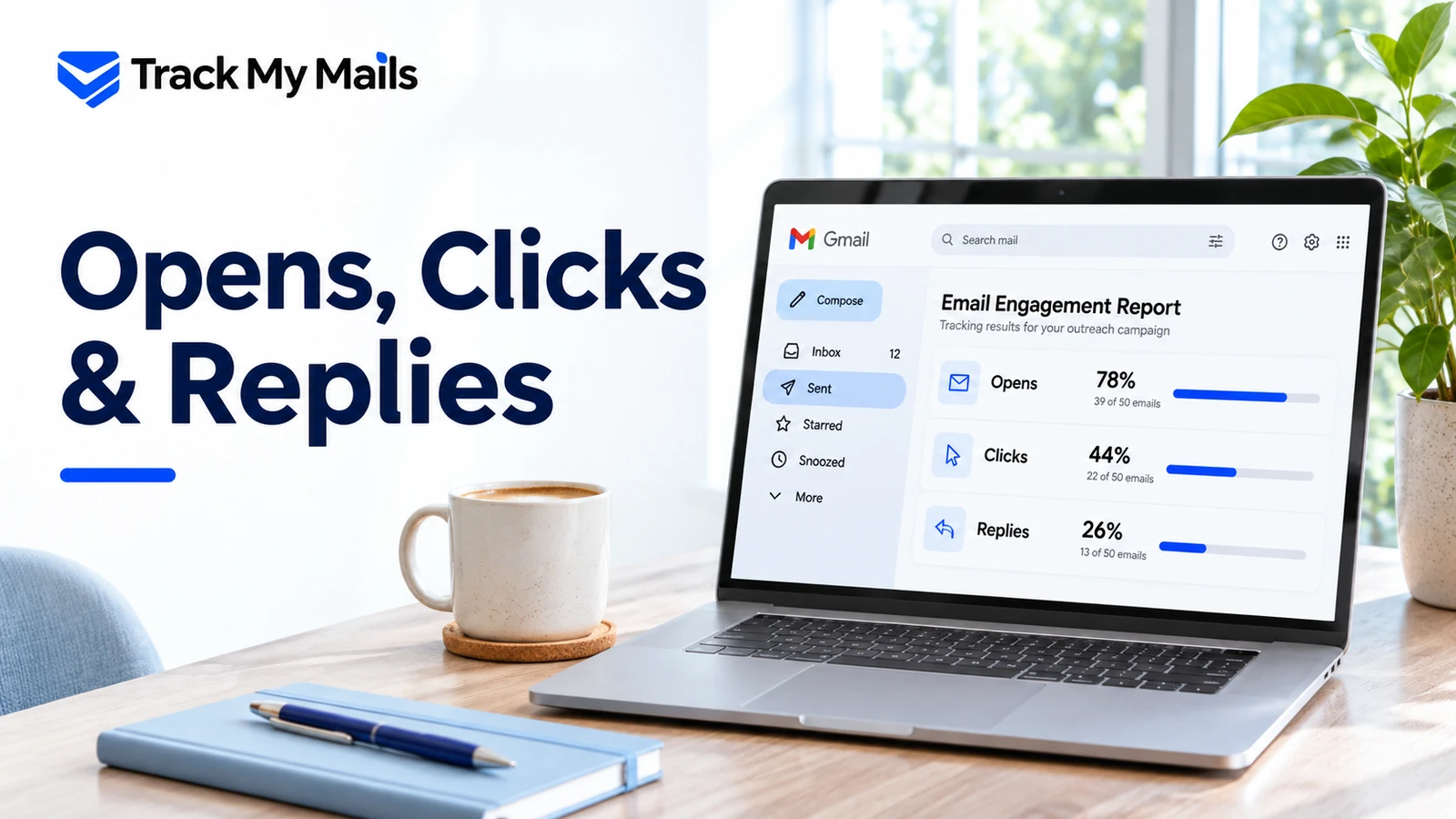
Open tracking shows that a message was loaded, click tracking shows that a link was used and reply tracking shows that the person answered. Replies are the strongest sign of engagement, clicks come next and opens are the weakest because they can be automatic or hidden. Use all three together, and trust them in that order.
In Track My Mails, opens are available on every plan and link click tracking is a Pro feature. A reply is something you see in Gmail itself.
Open tracking
A hidden image loads when the email is opened, and our server records it. It is quick and needs no action from the reader. Its weakness is that images can be blocked, which hides real reads, or loaded automatically by scanners and some privacy features, which creates opens nobody made.
Click tracking
A tracked link records the click and redirects the reader. A click needs a deliberate action, so it signals interest more reliably, although automatic scanners can also click. Track My Mails discards clicks that look automatic, such as ones within seconds of sending.
Replies
A reply is a human response and needs no tracking technology; you see it in your Gmail thread. Because opens and clicks are indirect, a reply remains the clearest outcome. The purpose of tracking is to help you earn one.
- Opens: easiest to get, easiest to misread
- Clicks: stronger, but need a link and a Pro plan
- Replies: strongest, visible in Gmail
Combining the signals
Read them as a ladder. An open means the message arrived. A click on a relevant link means interest. A reply closes the loop. When you see opens without clicks, make the next message easier to act on. When you see clicks without a reply, offer help with the next step.
Common mistakes
People tend to trip over the same few things:
- Trusting opens more than replies
- Adding many links to collect more clicks
- Assuming a click always means a human
A worked example
You send a proposal. Day one shows two opens. Day two shows a click on the booking link but no reply. You write: "I have Thursday at 10 and Friday at 2 free, which suits you?" That message responds to interest without naming the click.
Putting it into practice
Review your last ten important emails and note, for each, the highest signal reached: open, click or reply. You will see where messages stall. If many stop at an open, your call to action may be unclear; if many stop at a click, the landing page or next step may be too heavy. Fix the weakest step first.
Key points to remember
A quick summary you can come back to:
- Replies beat clicks, clicks beat opens
- Opens work on every plan
- Clicks need Pro
- Read the signals together
Frequently asked questions
Which signal is most reliable?
A reply, then a click, then an open. Opens can be hidden or automatic.
Do I need link tracking if I have open tracking?
It adds a stronger signal, especially for proposals and pricing links, but opens alone are enough for basic timing.
Does Track My Mails track replies?
Replies appear in your Gmail thread as usual. Track My Mails focuses on opens and clicks and groups replies with the original in the conversation view.
Why can clicks be unreliable too?
Security tools may click links automatically. Track My Mails drops clicks that look automatic.
Track your next Gmail with context
See sent status in Gmail and review opens, timestamps, and link clicks in one dashboard.
Start with Google