Free vs Paid Gmail Email Trackers
What free Gmail trackers cover, what paid plans add and the hidden costs to watch for.
The short answer
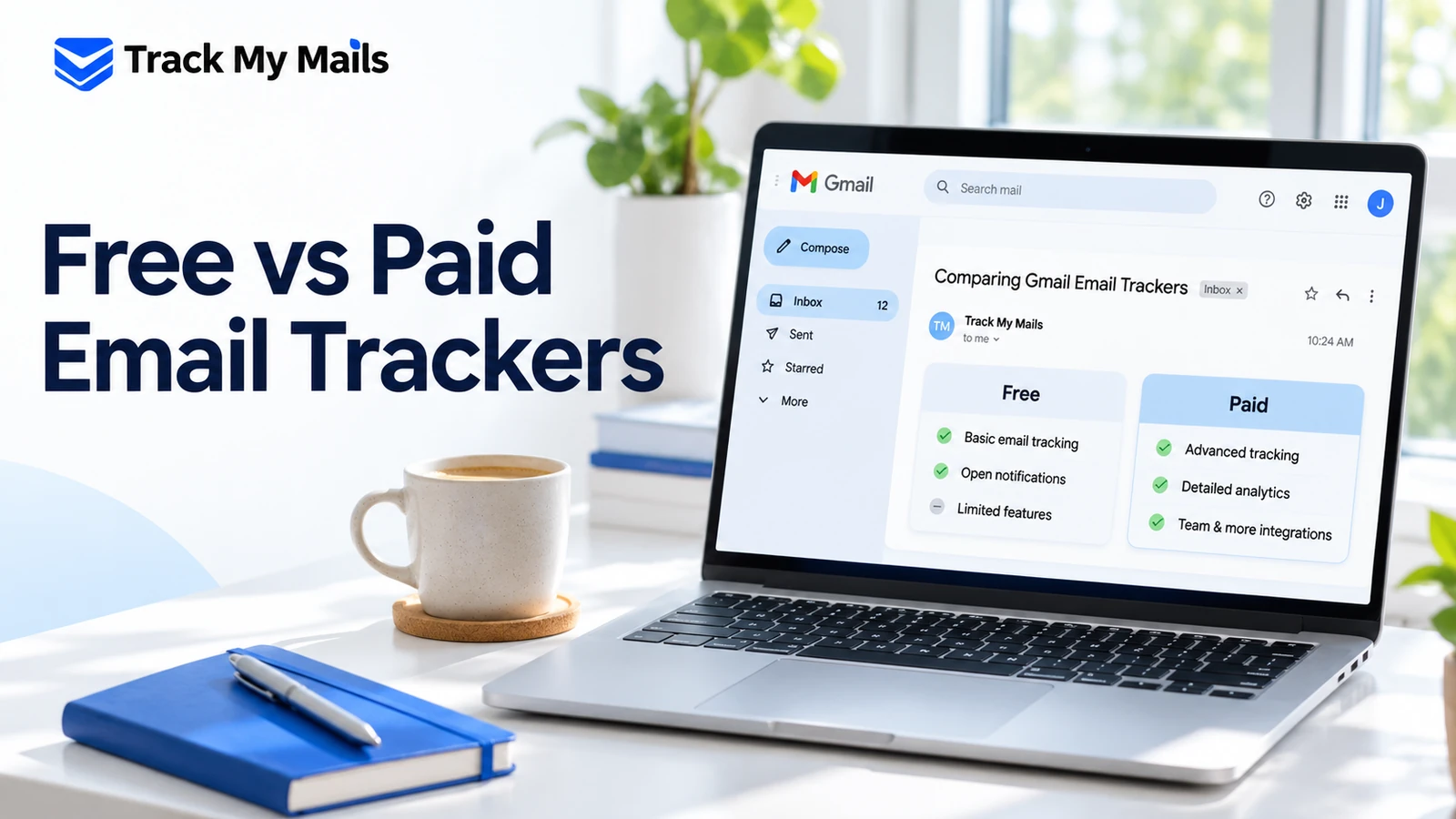
A free Gmail tracker is enough if you send a modest number of tracked emails and only need opens. A paid plan makes sense when you hit limits, need link click tracking, reports, more devices or team features. Compare on what is limited rather than the price alone, and check what free costs you in signatures or data.
Free is not automatically a trap and paid is not automatically better; the useful question is what you will use.
What free usually covers
Free tiers typically allow open tracking with a monthly cap. Track My Mails Free allows 200 tracked emails a month, with no signature or watermark, and a dashboard of opens. New accounts also get 30 days of Pro without a card, so you can try the paid features first.
What paid adds
Paid plans commonly remove monthly caps, add link click tracking and support more connected browsers. In Track My Mails, Pro, Lifetime and Team are unlimited for normal use, link click tracking is a Pro feature and device limits are 1 browser per account on Free, 2 on Plus and 3 on Max.
- Unlimited tracked emails for normal use
- Link click tracking
- More connected browsers
- Team features for shared work
Deciding
Count the tracked emails you send in a typical month. If you stay well under 200 and only need opens, Free works. If you want click data on proposals, send more or connect several browsers, a paid plan is worth testing during the 30-day Pro trial.
Common mistakes
People tend to trip over the same few things:
- Paying for features you never open
- Staying on Free after hitting the monthly limit repeatedly
- Choosing a free tool without checking what it does with data
A worked example
A solo founder sends about 80 tracked emails a month and wants opens only, so Free fits. After starting a campaign with 400 emails and a pricing link, she upgrades because she needs click tracking and the Free limit would be hit mid-month.
Putting it into practice
Count your tracked emails for one month. If the number is comfortably under 200 and you only use opens, stay on Free. If you reach the limit, want click data on proposals or connect more than one browser, use the 30-day Pro trial for a real workload and then decide with your own usage in hand.
Key points to remember
A quick summary you can come back to:
- Free: 200 tracked emails a month
- Paid: unlimited for normal use
- Link click tracking is Pro
- No plan adds a signature
Frequently asked questions
How many emails can I track for free?
The Free plan covers 200 tracked emails a month.
Does the Free plan add a signature?
No. No Track My Mails plan adds a signature or watermark.
Is link click tracking free?
No, link click tracking is a Pro feature.
Can I try Pro first?
Yes. New accounts get 30 days of Pro without a card.
Track your next Gmail with context
See sent status in Gmail and review opens, timestamps, and link clicks in one dashboard.
Start with Google