Can Recipients Tell an Email Is Being Tracked?
Recipients cannot see a tracker directly, but a hovered link may look different. What they can and cannot tell.
The short answer
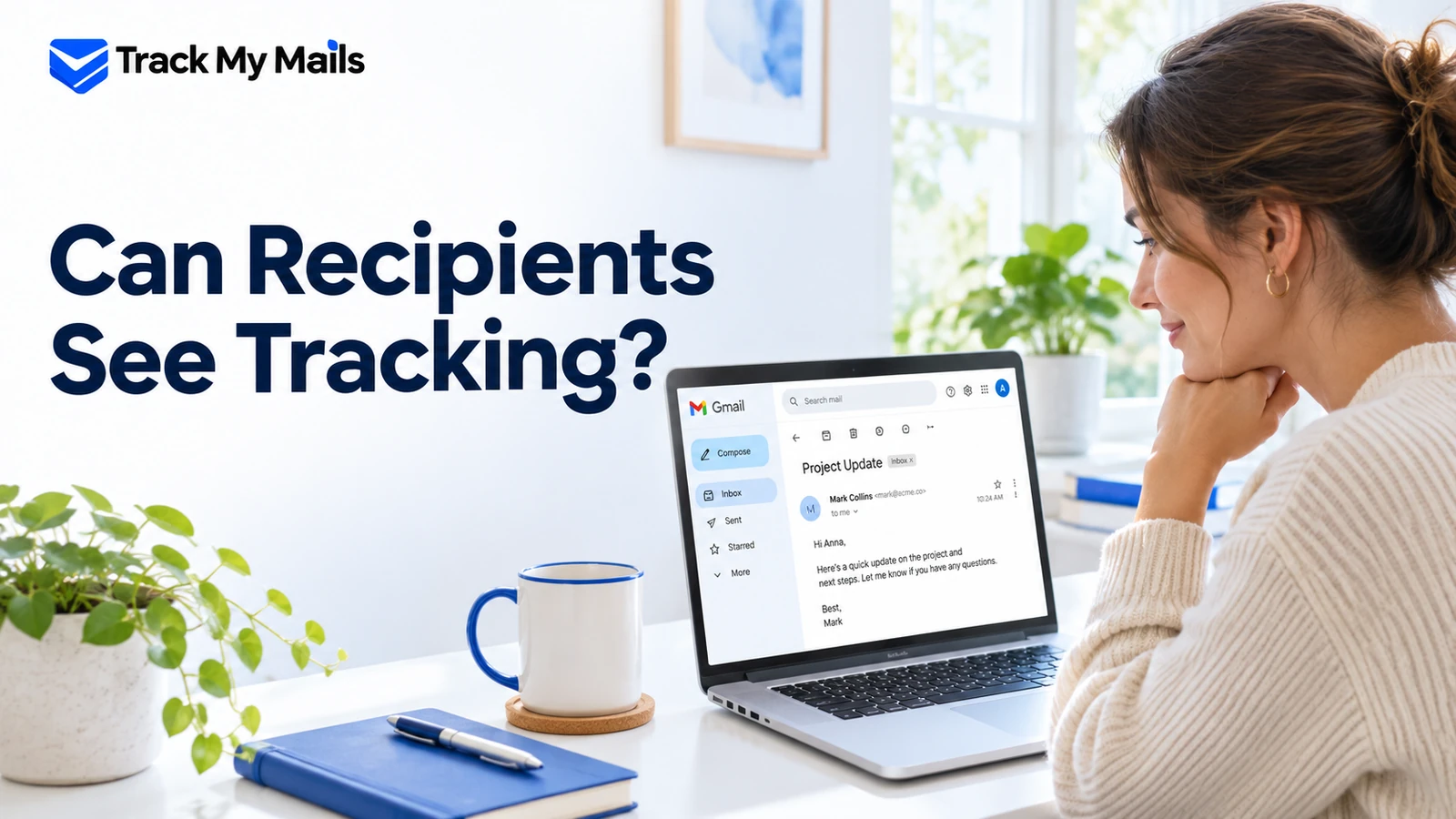
Usually not by looking at the email. Track My Mails adds no banner, no signature and no “sent with” line, so the message reads exactly as you wrote it. But “usually not” is not “never”. A technical recipient, a privacy tool or a careful look at a link can reveal that an email is tracked, and you should plan for that rather than hope no one notices.
What the recipient sees
Open tracking uses a tiny transparent image, one pixel in size, placed at the end of the message. It has no visible shape, so there is nothing to spot on screen. Nothing is added to your text and the email does not look different from a normal one.
How a recipient could find out
There are a few real ways, and it is better to know them than to be surprised:
- Hovering over a tracked link. Links in Pro-tracked emails go through our tracking address first and then send the visitor straight to your original page, so the address shown on hover can differ from the final destination
- Viewing the message source. A person who opens the original message can see an image from our tracking host
- Privacy tools. Apple Mail Privacy Protection, some browser extensions and some security products detect or block tracking images, and a few of them tell the reader
- Image blocking. If a recipient’s app blocks images, the reader may see a notice that images were blocked, and no open is recorded
Where the tracking happens
Tracking images and tracked links use a dedicated, HTTPS-secured tracking host that belongs to Track My Mails. It only records opens and clicks and forwards visitors to your original link. It never hosts files. If someone opens that address directly, they land on the Track My Mails website.
Should recipients be told?
This is a judgement call and, in some places, a legal one. Email tracking is common and widely understood in sales and recruiting, but rules on consent and disclosure vary by country and by relationship. If you write to people in regions with strict privacy rules, or in a setting where trust matters, a short line in your email footer or a mention in your privacy policy is a sensible, low-cost habit.
This is general information, not legal advice. Ask a qualified adviser about the rules that apply to you and your recipients.
A worked example
You send a proposal with a link to a shared document. The client sees a normal email. If they hover over the link, the address they see is our tracking address, and clicking it takes them straight to the document. If they have images blocked, they see nothing unusual either, and you get no open, only a click if they use the link. A technically minded reader who opens the message source can find the image. None of this is secret engineering, it is how email tracking works everywhere, which is why the next section matters.
Habits that keep trust intact
Tracking is easier to defend when you use it with restraint:
- Follow up with something useful, never with “I saw you opened my email”
- Switch tracking off for personal or sensitive messages
- Mention tracking in your privacy policy or footer if you write to people in strict-privacy regions
- Treat an open as a hint about timing, not as a reason to pressure anyone
Putting it into practice
The practical rule is to assume that a careful recipient could find out, and to behave accordingly. Write emails that you would be comfortable with them knowing were tracked, keep your follow-ups helpful, and give people an easy way to opt out of further messages. Used that way, tracking is just a timing aid. It tells you when a message has probably been seen, so that you can make your next email relevant instead of repetitive.
Key points to remember
A short summary you can come back to:
- The message itself shows no banner, signature or watermark
- A tracked link shows our tracking address when hovered, then goes straight to your page
- Tools and technical readers can find the image in the message source
- Switch tracking off per email when it does not belong
- Rules on disclosure vary, so check what applies to you
Keep control for sensitive emails
Tracking is per email. Click the badge next to Send to switch it off for a message you do not want tracked, for example a personal note or something sensitive. Some recipients, such as certain government addresses, are not tracked for privacy reasons.
Frequently asked questions
Does the email look different because of tracking?
No. Track My Mails adds no signature, banner or watermark, and your text is unchanged.
Can a recipient tell that I opened a link on their side?
No. They only see the link they click. The click is recorded on our side and they are sent straight to your page.
Is it legal to track emails?
It depends on your country and your recipients. Many places expect some disclosure or consent. This is general information, not legal advice, so check the rules that apply to you.
Can I turn tracking off for one email?
Yes. Click the tracking badge next to the Send button before you send.
Track your next Gmail with context
See sent status in Gmail and review opens, timestamps, and link clicks in one dashboard.
Start with Google