Gmail Tracker vs Google Workspace Read Receipts
Google Workspace read receipts ask the recipient; a tracker does not. How they differ and which suits you.
The short answer
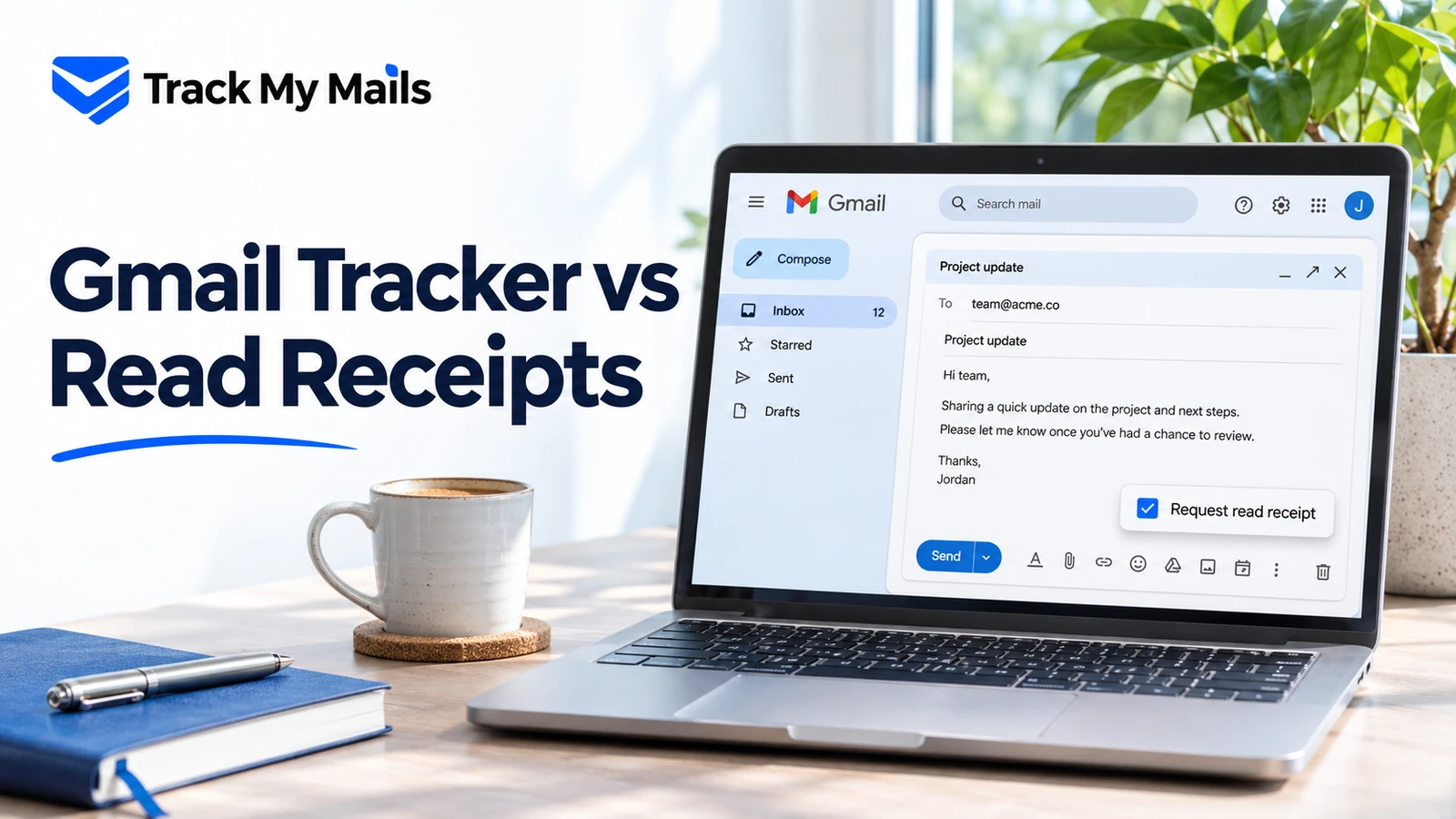
Google Workspace read receipts are a built-in feature, available only on some Workspace editions and turned on by an admin, that ask the recipient to confirm they read a message. A Gmail tracker such as Track My Mails works on any Gmail account without asking the recipient anything, by recording image loads and link clicks. They are different systems with different strengths.
Choose based on your account type, how much control you need and whether recipient consent matters to you.
How Gmail's own read receipts work
Read receipts are available only with certain Workspace plans and must be enabled by an administrator. When you send with a receipt requested, the recipient may be asked to send one back. They can decline, and receipts are limited to recipients inside certain domains. A personal @gmail.com account cannot use them.
How a tracker works
A tracker adds a small hidden image and, optionally, redirected links. The recipient is not asked anything. You see when the image loaded and when links were clicked. It works for free @gmail.com accounts and Workspace accounts alike, using a Chrome extension on desktop.
Side by side
The main differences are consent, availability and detail.
- Receipts: recipient is asked and may decline; trackers: no prompt
- Receipts: some Workspace plans and admin setup; trackers: any Gmail account
- Receipts: one confirmation; trackers: every recorded open and click
- Both can miss or mislead: a declined receipt or a blocked image
Which should you use?
If you are on a Workspace plan that includes receipts and your recipients are inside your organisation, the built-in feature may be enough and is the most transparent. For external recipients, free accounts or detail such as repeat opens and clicks, a tracker is more practical. Some teams use both.
Whatever you choose, be honest with recipients about tracking where good practice or the law expects it.
Common mistakes
People tend to trip over the same few things:
- Expecting read receipts on a free Gmail account
- Assuming a receipt proves the message was read carefully
- Forgetting that external recipients may decline
A worked example
A company on Workspace asks staff to use read receipts for internal memos, where recipients can confirm. The sales team also uses a tracker for outside prospects, because prospects never see a receipt prompt and the team wants to know about repeat opens.
Putting it into practice
Ask your Workspace admin whether read receipts are enabled and for which people. For internal mail they may be enough. For external prospects and for any free Gmail sender, install a tracker and test it. Document which tool you use for which purpose so that your team does not mix the two systems.
Key points to remember
A quick summary you can come back to:
- Receipts: Workspace only, recipient may decline
- Trackers: any Gmail account, no prompt
- Neither proves careful reading
- Use each where it fits
Frequently asked questions
Can I use Gmail read receipts on a free Gmail account?
No, Gmail's own read receipts are limited to some Workspace plans with admin setup. A tracking extension such as Track My Mails works on free Gmail accounts.
Does the recipient know with a tracker?
Nothing is asked of them. They may notice a different address if they hover over a tracked link. Mention tracking in your privacy notice where appropriate.
Which is more accurate?
A receipt is an explicit confirmation if the recipient agrees. A tracker records every load and click but cannot prove reading. Neither is perfect.
Can I use both?
Yes, some teams do: receipts for internal mail and a tracker for external recipients.
Track your next Gmail with context
See sent status in Gmail and review opens, timestamps, and link clicks in one dashboard.
Start with Google