Self-Open Filtering: Why Your Own Opens Should Not Count
Your own opens should never count. How self-open filtering works, where it can still slip, and how to test it.
The short answer
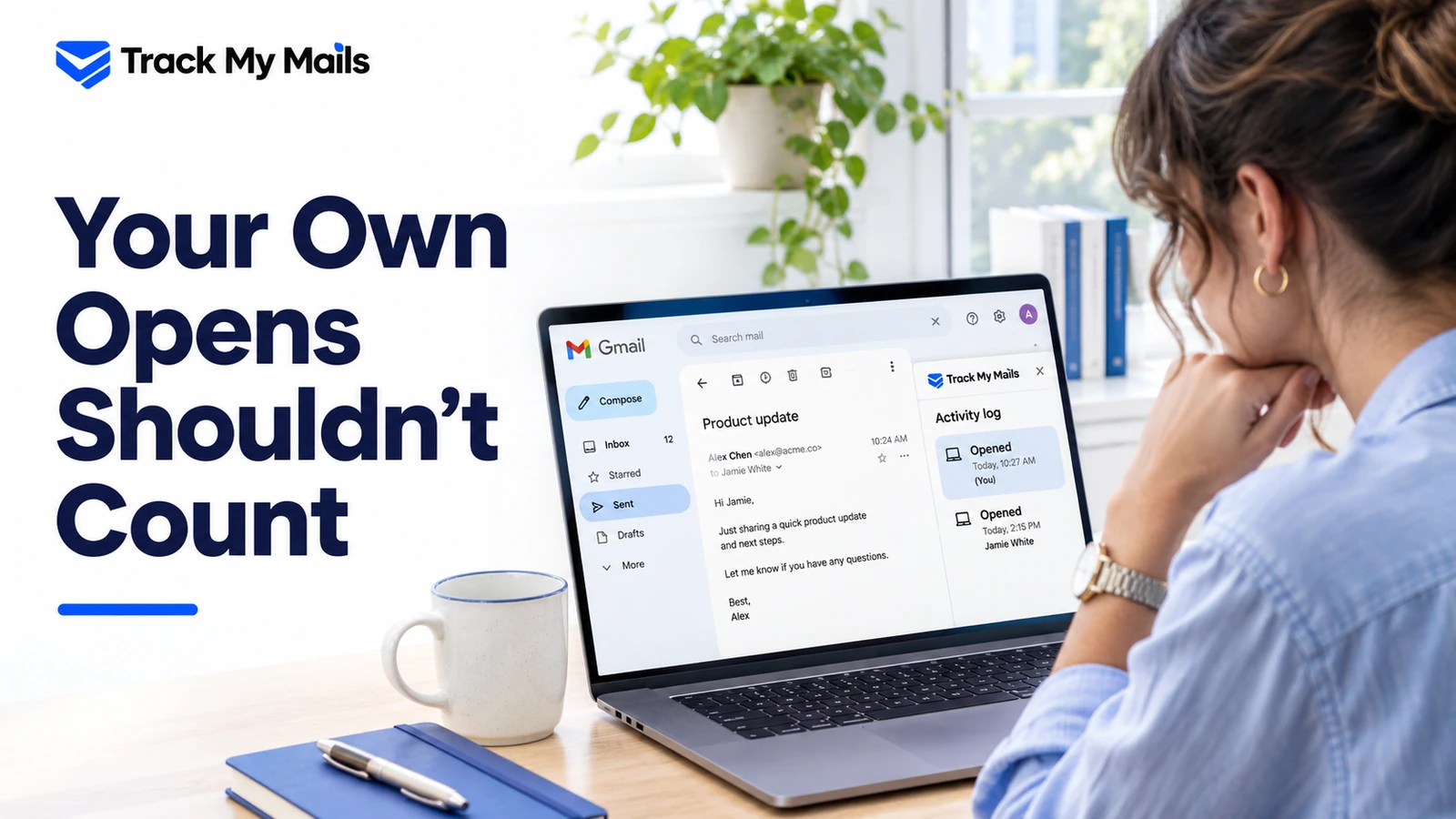
Track My Mails never counts your own opens. If it did, every time you checked your Sent folder or re-read a draft you would see a false double tick and could not tell whether the recipient had looked at the message. Self-open filtering keeps the open count about the other person.
It works automatically and needs no setup, as long as you are signed in and the extension is connected.
Why your own opens are a problem
A tracked email contains a hidden image. Whenever any email app loads that image, an open is recorded, including when you view the message in your Sent folder. Without filtering, you would be creating opens yourself, and a message you re-read three times would look as if a recipient had read it three times.
The count would become useless exactly when you rely on it most: when a quiet tick is the only clue you have.
How the filtering works
When you view your own sent messages in a connected browser, the extension prevents that load from counting. Opens recorded in the first seconds after you send are also ignored, because Gmail checks its own copy of the message at that moment. A two-minute merge then combines nearby loads into a single open.
Together these remove the common sources of self-generated noise without hiding genuine recipient activity.
Where self-opens can still slip through
Filtering works for browsers where the extension is connected. If you open the same email on a phone that is not connected, from a different computer without the extension or through another email client, that load may be recorded as an open because the system cannot tell that it is you.
Likewise, sending to another address of your own and opening it counts as an open by someone else. That is useful for testing, but remember it when you read your numbers.
- Connected desktop browser: your own opens are not counted
- Phone or other computer without the extension: may count
- Your second email address: counts as a normal recipient
- The first seconds after sending: always ignored
A worked example
You send an invoice, open it from Sent to double check the amount and then send a reminder the next day, checking the Sent folder again each time. None of those views counts, so the email stays on a single tick until the client actually opens it. When the tick finally turns into two, you know it is the client's doing.
Common mistakes
People tend to trip over the same few things:
- Testing tracking by opening the Sent copy and expecting an open
- Opening a tracked email on a phone without the extension and then wondering about the count
- Disconnecting the browser and not noticing that filtering stops there
How to test it yourself
Send an email to another address you control and do not open it there. Open your Sent copy several times in Gmail. The tick should stay single. Now open the message from the other account in a normal window, wait a minute, and the tick should become double. This confirms both that your own views are filtered and that tracking works.
Putting it into practice
Use a second address for tests and keep it signed in on another browser profile. Send, wait a minute, open from the second account and check the tick. This takes less than five minutes and proves that tracking, filtering and the dashboard all work before you rely on them for an important email.
Key points to remember
A quick summary you can come back to:
- Your own opens never count in a connected browser
- The first seconds after sending are ignored
- Nearby opens merge into one
- Other devices without the extension may count
Frequently asked questions
Do I need to turn on self-open filtering?
No. It is automatic when the extension is connected in your browser.
Why did my own open still count?
You may have opened the email on a device or app where the extension is not connected, or from a different address. The system cannot tell that those loads are you.
Are opens right after I press Send counted?
No. Opens in the first seconds after sending are ignored because Gmail itself loads the message then.
Can I test tracking by emailing myself?
Emailing the same account is not a good test, because your own opens are filtered. Use a second address and open it in a regular browser window.
Track your next Gmail with context
See sent status in Gmail and review opens, timestamps, and link clicks in one dashboard.
Start with Google