Corporate Email Scanners and False Opens
Security scanners can open emails and click links within seconds. How to spot false opens and avoid acting on them.
The short answer
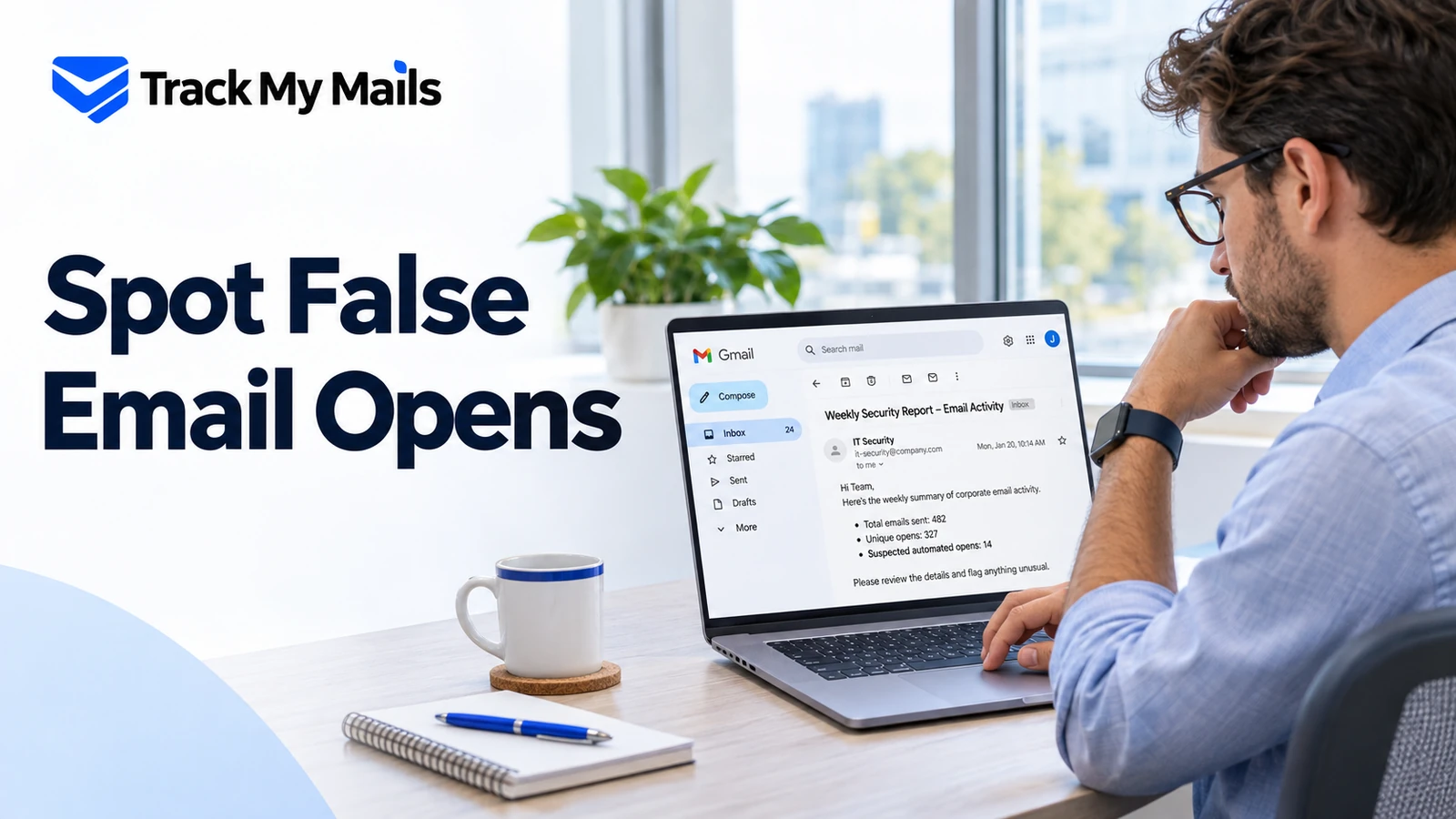
Corporate email security systems often scan every incoming message and follow its links and images before a person sees it. That can look like an open or a click a few seconds after delivery. These are false positives: a machine did it, not the recipient.
You cannot switch scanners off, but you can learn to recognise their pattern and avoid acting on it.
What these scanners do
Security gateways check messages for malware and phishing. To do that, some of them load the images in an email and request each link to see where it leads. When they load your tracking image, our server records an open. When they request a tracked link, it may be recorded as a click.
The scan usually happens within seconds of delivery, often before the recipient is even at their desk.
How to spot the pattern
Several signs point to a scanner. The open arrives almost immediately after you send. Several links are clicked in the same second, in the order they appear in the email. The device or location looks like a data centre rather than a person. The recipient works at a company with a known security gateway.
A human pattern looks different: a single open at an ordinary time, then a click on one link that matters to the reader, perhaps followed by a later return.
- Open within seconds of sending, followed by silence
- Every link clicked at once and in order
- Server-like location or device information
- No further activity for days despite the early burst
What Track My Mails does about it
We ignore loads that happen in the first seconds after sending, never count your own opens and merge opens within two minutes of each other. Links are also checked against Google Web Risk when you send. These measures remove a lot of noise, but they cannot identify every third-party scanner, because many look like ordinary readers.
Mailboxes that use Apple Mail are labelled "Apple Mail (may be automatic)", which is the clearest example of a flagged automatic open.
Common mistakes
People tend to trip over the same few things:
- Calling someone right after an instant open and a click
- Treating every link clicked in the same second as genuine interest
- Assuming nothing can be done about scanner noise
How to act on the data
Do not treat an instant open as interest. Wait for a second sign, such as an open hours later, a repeat open on another day or a click on a single meaningful link. Base your follow-up on that, and make it helpful rather than referring to the open.
If you send to the same company repeatedly and always see an instant open, you can safely assume their gateway is the cause and ignore that first event for that account.
Putting it into practice
Keep a short note on contacts at companies whose gateways always trigger an instant open. For those, ignore the first burst and look only for later activity, such as an open hours afterwards or a single click on one link. Over a few weeks you will learn which organisations are noisy and which show clean human patterns, and your follow-ups will become better timed.
Key points to remember
A quick summary you can come back to:
- Scanner activity arrives within seconds
- Many links hit at once suggests a machine
- Wait for a second, human-looking signal
- Early loads and your own opens are already filtered
Frequently asked questions
Why did my email show an open and click within seconds?
That is typical of a security scanner that loads images and follows links before a person sees the message. Wait for a later, human-looking signal before acting.
Can I stop scanners from being counted?
Not completely. Track My Mails ignores very early loads, never counts your own opens and merges nearby opens, but many scanners look like normal readers.
Does the scanner click mean the link is unsafe?
No. Scanners follow all links as a routine check. It says nothing about your link's safety.
How do I tell a real click from a scanner click?
Look at timing and pattern. Real clicks tend to be single, on a relevant link and not instant. Scanner clicks hit many links at once, right after delivery.
Track your next Gmail with context
See sent status in Gmail and review opens, timestamps, and link clicks in one dashboard.
Start with Google