Why Some Email Opens Never Get Recorded
Blocked images, plain text and privacy tools can hide real reads. Why some opens are never recorded and how to check your own side.
The short answer
An open is only recorded when the tracking image in your email is loaded from our server. If the recipient's email app does not load that image, no open is recorded, even when the message is read in full. The usual causes are blocked images, plain text mode, privacy settings and mail apps that never load remote content.
This is a limit of all email tracking, not a fault in any one tool, and it is worth knowing before you draw conclusions from a message that stays on a single tick.
Blocked images
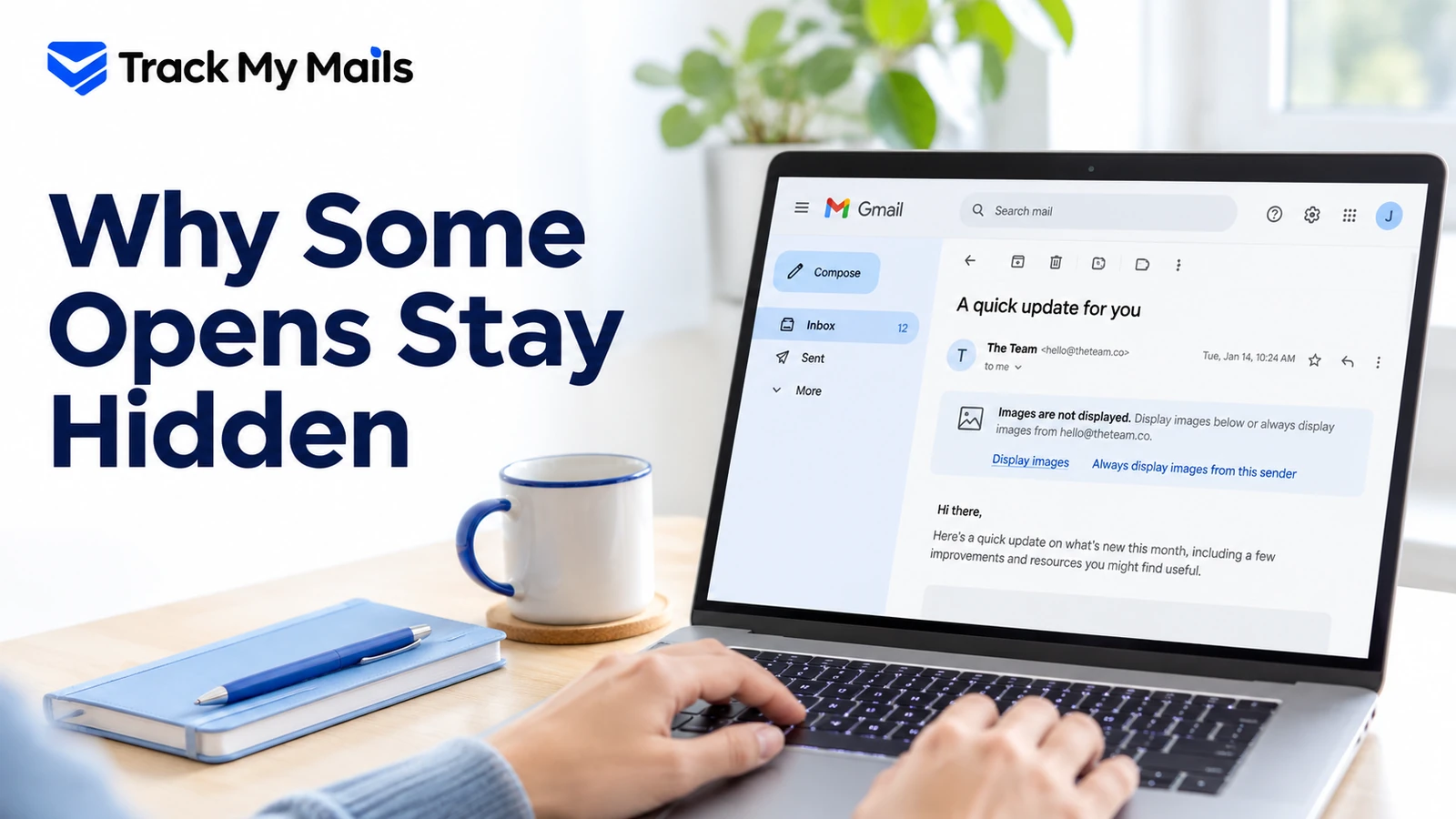
Many email programs hide remote images until the reader clicks "show images". Some corporate environments block them permanently. A recipient in such a setup can read your email normally and never trigger the tracking image.
Gmail on the web usually loads images, which is why Gmail recipients are among the easiest to track. Other clients vary a great deal.
Plain text and text-first readers
Plain text mode removes the tracking image by design, so a message sent that way cannot record opens. The same is true for readers who set their client to show text only, and for screen readers or terminal mail tools that ignore images.
If you switch to plain text mode in Gmail for a particular message, expect no open data for it.
Privacy tools and gateways
Some browser extensions, VPN-style filters and company gateways strip known tracking images. In those cases the request never reaches us. Because the filter works silently, you will see a single tick and nothing to explain it.
On the other side of the coin, some privacy features, such as Apple Mail Privacy Protection, load images automatically. That produces opens you did not earn, and we label them "Apple Mail (may be automatic)".
How to check whether the problem is on your side
Before blaming the recipient, confirm that tracking worked for the email in question. Look for a single tick next to the message in your Sent folder. No tick means the message was not tracked. That happens when the extension was not connected, when you sent from the mobile app or when Gmail was open before you connected the browser.
Then send a test to a second address you control, open it in a normal browser window and see whether a double tick appears after a short wait. Your own opens in the same account do not count, so use a different account for the test.
- Confirm the single tick appeared right after sending
- Send a test to another address and open it in a regular browser
- Wait a minute or two, since opens in the first seconds are ignored
- Check that the extension is connected in the browser you sent from
Common mistakes
People tend to trip over the same few things:
- Concluding the recipient ignored you because no open appears
- Testing by emailing the same account you send from
- Switching to plain text for a message and still expecting open data
A worked example
A recruiter emails ten candidates. Seven show opens, three stay on one tick for a week. Two of those three replied by phone and said they had read the email. Their mail apps blocked images, so nothing was recorded. The recruiter now treats a quiet tick as "unknown" rather than "not read", and follows up with a short note instead.
Putting it into practice
When a message matters and stays on a single tick, treat the silence as unknown rather than negative. Send a short second message with a clearer subject line, or try a call. If the person later says they read the first one, you have confirmation that their setup hides opens, and you can interpret their future silence the same way.
Key points to remember
A quick summary you can come back to:
- Image blocking hides real reads
- Plain text mode removes the tracking image
- Privacy tools can block the request
- Check your own side first: single tick, connected browser
Frequently asked questions
Why was my email replied to but never shown as opened?
The reader probably blocked images or uses plain text, so the tracking image never loaded. The reply proves they read it; the missing open is a limit of image-based tracking.
Does a single tick mean nobody opened my email?
No. It means no open has been recorded. Image blocking and privacy tools can hide real reads.
Can I make opens more likely to be recorded?
Not reliably. You can send from a connected desktop browser and avoid plain text mode, but whether the image loads depends on the recipient's email app.
Do tracked link clicks still work if images are blocked?
Yes. Link click tracking works through the link itself, not the image, so a click can be recorded even when no open was. Link click tracking is a Pro feature.
Track your next Gmail with context
See sent status in Gmail and review opens, timestamps, and link clicks in one dashboard.
Start with Google