How to Track Email Opens in Gmail: Step-by-Step Setup
Add the extension, sign in with Google, press Connect, send a test email and read the ✓ / ✓✓ ticks — plus what is never tracked.
What you need before you start
A computer with Chrome, Edge or Brave, and the Google account you want to sign in with. That's it — no API key, no file download, no developer mode. The whole setup takes about two minutes.
Step 1: Add the extension from the Chrome Web Store
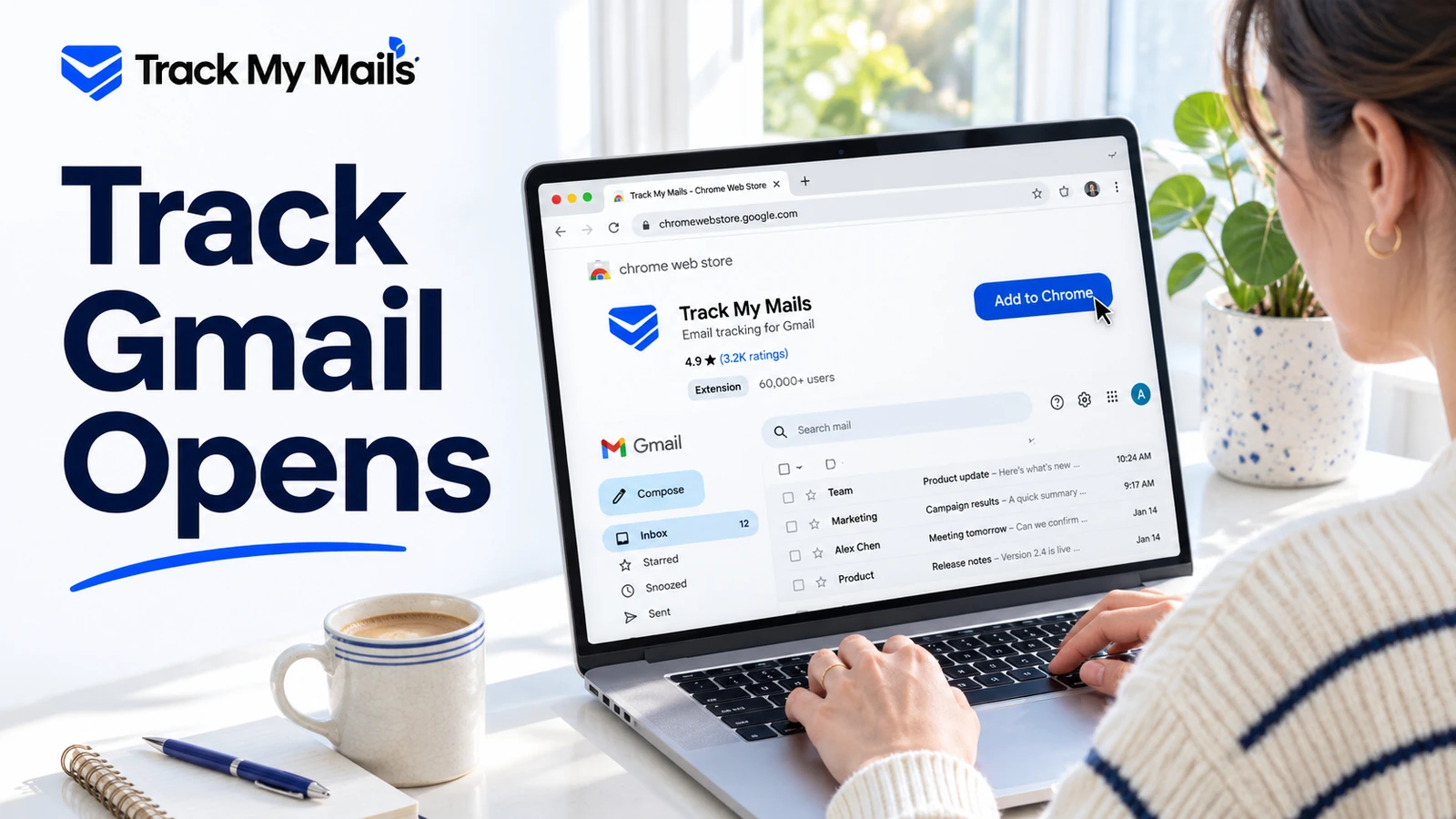
Open the Track My Mails page on the Chrome Web Store, click Add to Chrome, then confirm with Add extension. Chrome only installs it from the official store, so you always get the current version and automatic updates.
Click the puzzle icon in the toolbar and pin Track My Mails. The pinned icon is the quickest way to check whether this browser is connected.
Step 2: Sign in with Google and press Connect
Click the pinned icon and choose Sign in. A Track My Mails page opens where you continue with Google. After sign-in you land on the Connect page — press Connect and this browser is linked to your account.
You do this once per browser. Every Gmail account you open in that browser is covered by the same plan, and new accounts start with a free Pro trial, no card required.
- Opened Gmail before connecting? Reload the Gmail tab once so the extension can attach
- The compose badge says “Not connected”? Click it — it takes you straight back to the Connect page
Step 3: Write and send your first tracked email
Open Gmail and click Compose. Next to the Send button you'll see a small Track My Mails badge — that tells you tracking is on for this email. Write as usual and press Send. Nothing is added to the text: no signature, no banner, no “sent with” line.
Sending something personal that you don't want tracked? Click the badge to switch tracking off for that one email before you send.
Quick test: send an email to a friend (or a second address you own on another device) and ask them to open it. Opening it yourself in the same browser won't count, on purpose.
Step 4: What each tick in Gmail means
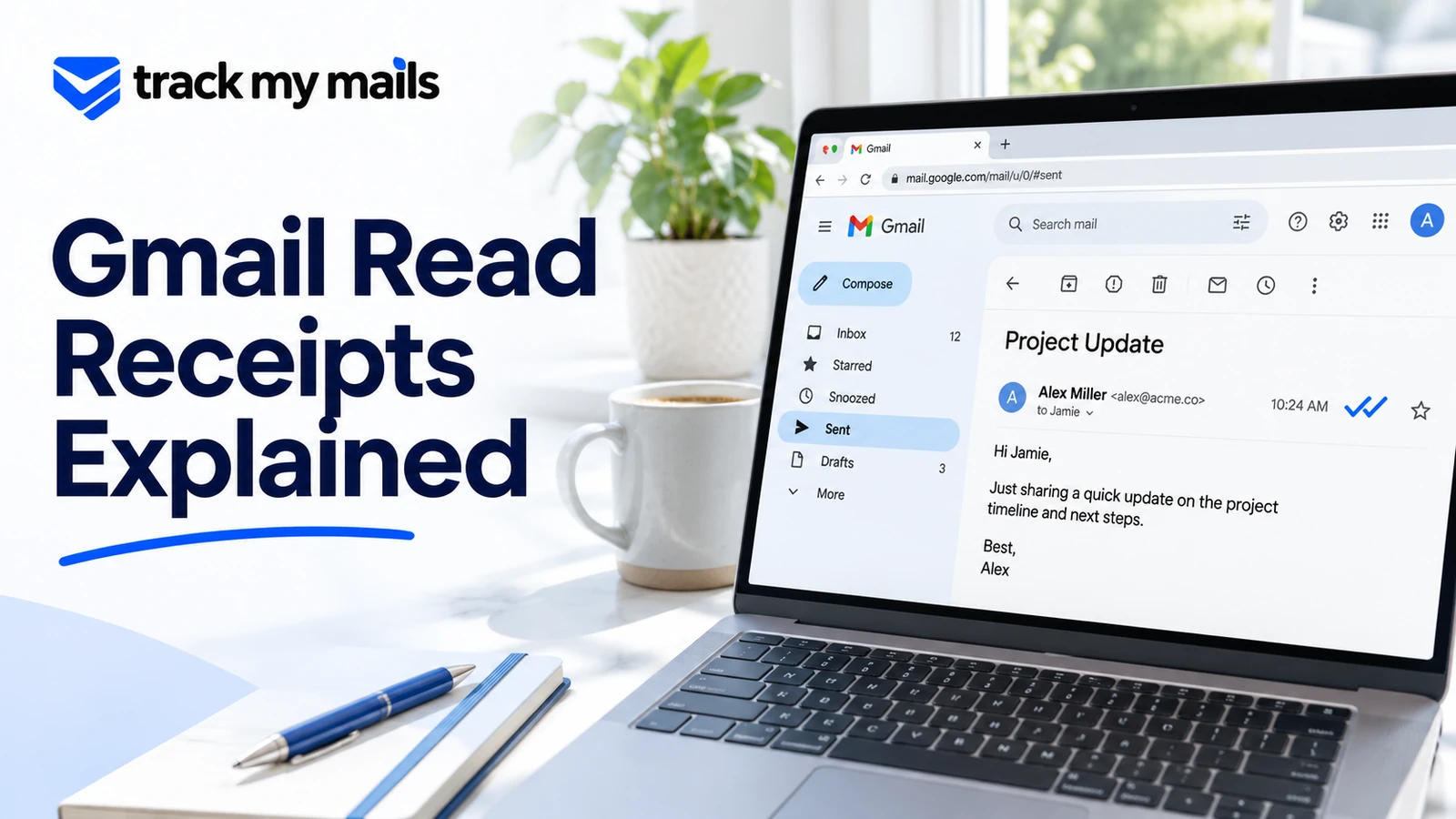
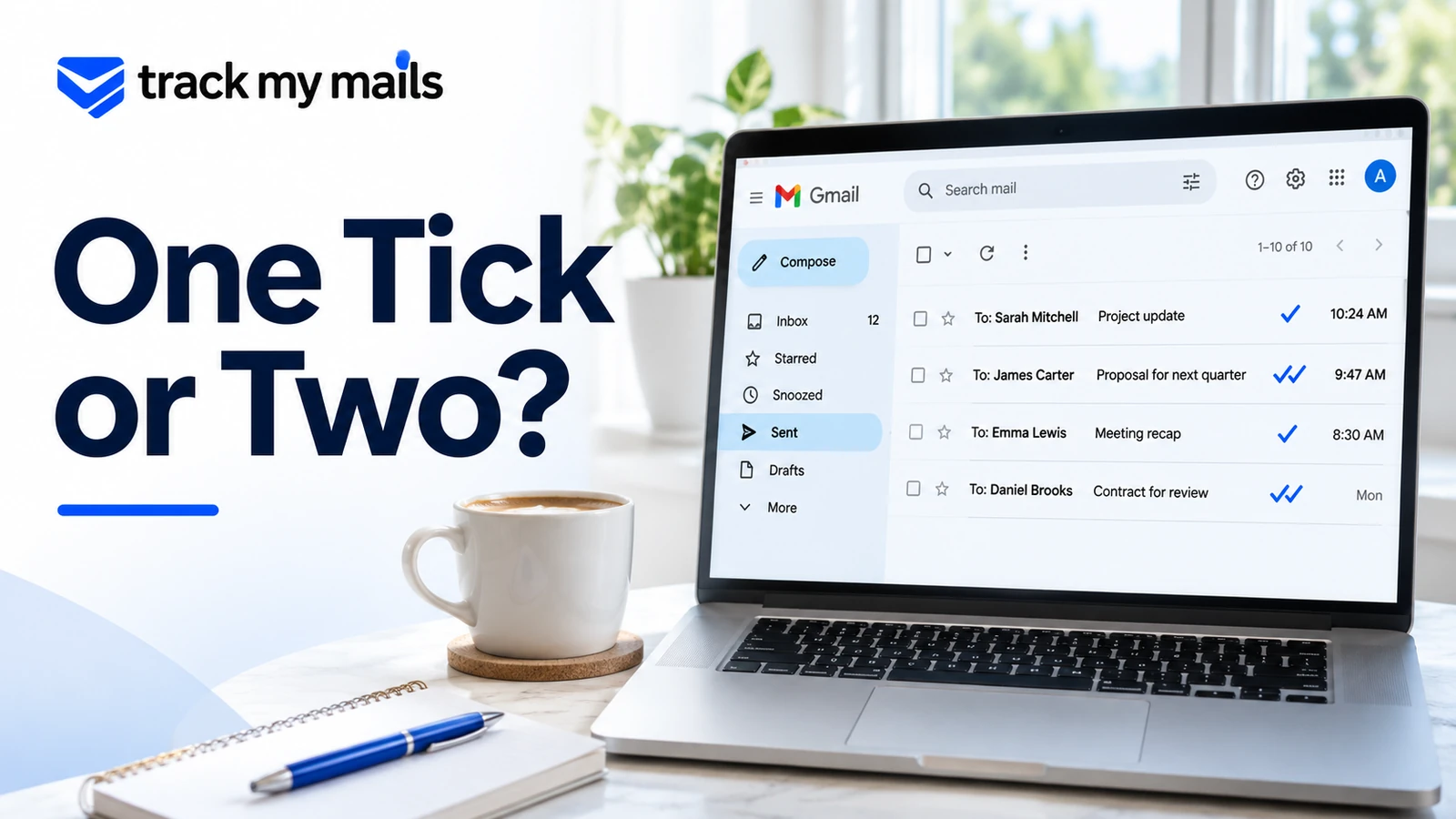
Go to your Sent folder. Tracked emails get a small mark next to the subject:
- ✓ Single tick — the email went out with tracking, but no open has been recorded yet
- ✓✓ Double tick with a number — at least one open was recorded; the number is how many opens so far (yours excluded)
- Green pulsing “Active” — someone opened it in the last few minutes, a good moment to reply quickly
- No mark at all — the email was sent without tracking (badge switched off, extension not connected, or your free limit was reached)
Step 5: See the details and turn on alerts
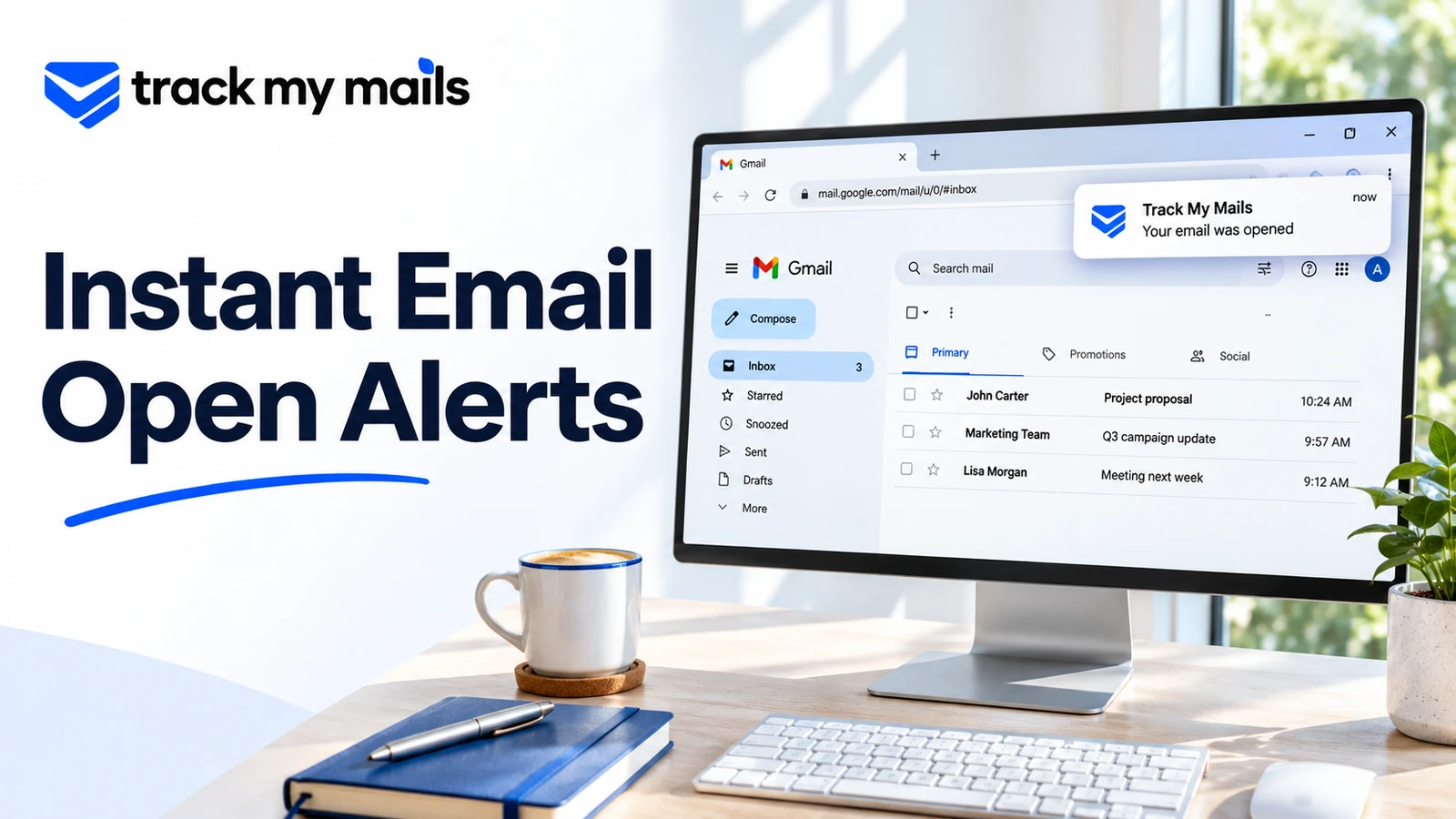
Open the dashboard to see each email's timeline: when it was sent, every open and every link click, with device and country. Switch on desktop or phone alerts in Settings to get a ping the moment an email is opened, and use the Needs follow-up filter to list emails nobody has opened yet.
What Track My Mails does not track
It helps to know the edges before you rely on the ticks:
- Your own opens — reopening your sent email never adds to the count
- Whether the email was actually read, how long someone looked at it, or if they scrolled to the end
- Forwards — if the recipient forwards it, a later open can come from someone else, and you can't tell who
- Opens in apps that block images — these may never show up, so a single tick isn't proof of being ignored
- Emails sent from your phone's Gmail app or other email apps — only emails sent from Gmail in the connected browser are tracked
- Attachments being opened or downloaded, and replies (Gmail already shows you those)
- Anything inside the recipient's inbox — we never read their mail, contacts or files
Frequently asked questions
Do I need an API key to set up tracking?
No. Install from the Chrome Web Store, sign in with Google and press Connect. There is no key to copy or paste.
I sent an email but there's no tick. What's wrong?
Usually the browser isn't connected yet or Gmail was open before you connected. Reload Gmail and check that the compose badge doesn't say “Not connected”.
Why is my email still on a single tick?
No open has been recorded yet. The recipient may not have opened it, or their email app blocks images. Check for link clicks before following up.
Are emails I send from my phone tracked?
No. Only emails sent from Gmail in a browser where the extension is connected are tracked.
Track your next Gmail with context
See sent status in Gmail and review opens, timestamps, and link clicks in one dashboard.
Start with Google