How Gmail Read Receipts Work: A Simple Guide
What happens behind a Gmail read receipt: the hidden image, link redirects, Gmail’s image proxy and why some opens aren’t people.
The idea in one paragraph
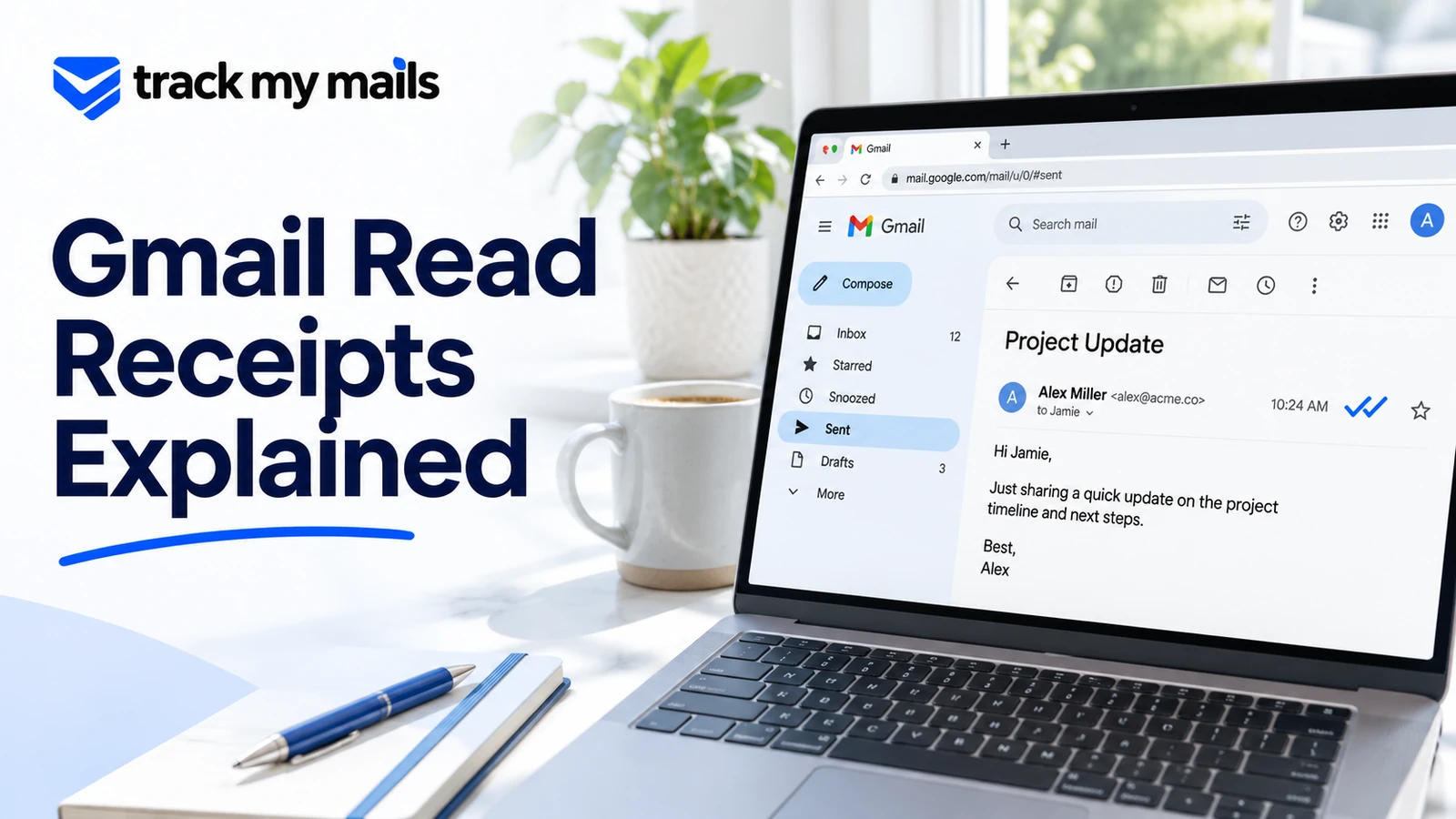
A Gmail read receipt from a tracker isn't a message the recipient sends back. When you send an email, the tracker quietly adds a tiny invisible image and, if you like, rewrites your links so they pass through a short redirect. When the recipient's email app loads that image, or they click a link, the tracker's server notes the time — and that note becomes your “opened” or “clicked” status.
What happens behind an “opened” status
Each tracked email gets its own unique image address. Nothing personal is in it; it simply identifies that one email. When a mail app asks for the image, the server records one open with the approximate country and device type, then sends the image back so the email looks normal.
Because it depends on images loading, an open is a signal that the email was displayed — not a guarantee that a person read it.
What happens behind a “clicked” status
Tracked links point to the tracker first and then forward the reader to your real page in a fraction of a second. A click needs a deliberate action, so it usually tells you more about real interest than an open does.
Why Gmail itself makes this tricky
Gmail loads images through Google's own image proxy. That protects the recipient's IP address, so locations from Gmail readers are rough, and Gmail may fetch the image again later from its cache. Good trackers handle this:
- Ignoring the fetch Gmail makes right after you send
- Grouping rapid repeat loads into one open
- Filtering out your own views of your sent email
Opens that aren't really people
Company security scanners and Apple Mail Privacy Protection can load images automatically. That's why a very early open, or several opens from one office in seconds, deserves a second look before you treat it as interest.
How this compares to Gmail's own read receipts
Gmail's built-in receipt only exists on Google Workspace accounts and asks the recipient for permission. Tracker read receipts work on any Gmail account but are based on image loads and link clicks. If you just want to get going, our step-by-step setup guide walks through installing, connecting and reading the ticks.
Frequently asked questions
Does the recipient have to approve a tracker's read receipt?
No. Unlike Gmail's Workspace read receipts, nothing is asked of the recipient — the status comes from the image loading or a link being clicked.
Can a tracker see what the recipient does with my email?
No. It only learns that the hidden image loaded or a tracked link was clicked, with a rough location and device type.
Why does Gmail show an approximate location?
Gmail loads images through Google's proxy, which hides the reader's real IP address. Locations from Gmail readers are therefore rough.
Track your next Gmail with context
See sent status in Gmail and review opens, timestamps, and link clicks in one dashboard.
Start with Google