Email Tracking Privacy and Compliance Guide
A practical privacy and compliance checklist for email tracking: minimise, be open, respect choices, keep data safe.
The short answer
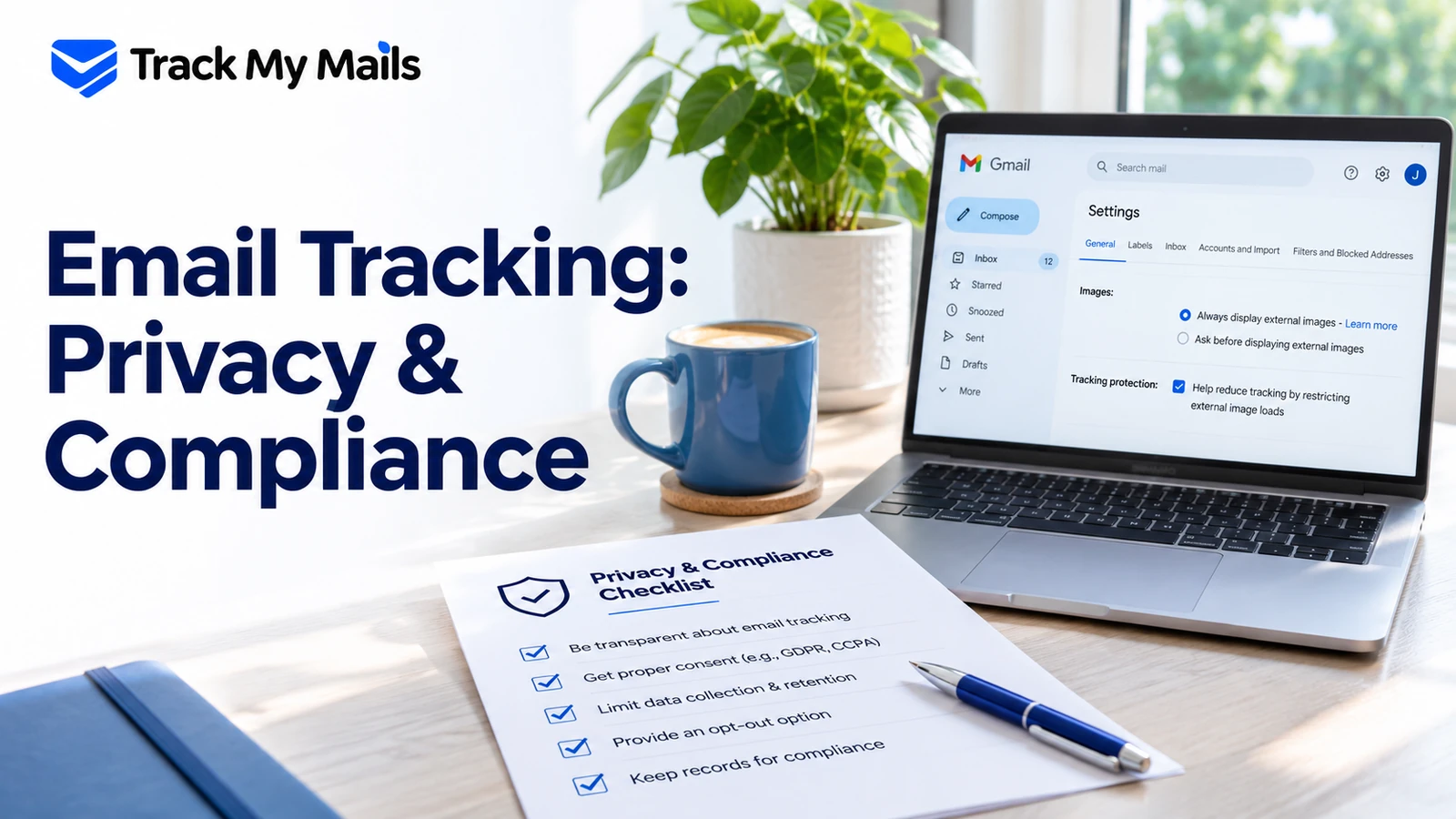
Using email tracking responsibly comes down to four habits: collect only what you need, be open about it, respect people's choices and keep the data safe. These habits cover most privacy and compliance expectations, though specific laws vary and this guide is not legal advice.
Below is a practical checklist you can apply to your own sending, followed by what to look for in a tracker's own data handling.
Collect only what you need
Ask what decision the data supports. If you track opens only to time a follow-up, you do not need long-term records of every open. Delete old tracked emails you no longer need. Track My Mails stores recipients, send times, opens, clicks and subjects, and never the body or attachments, which keeps the footprint small.
Be open about tracking
Mention tracking in your privacy notice, and consider a short line in your footer where recipients would reasonably expect it. Be honest about why you track. Open data is for timing, not for pressuring people.
A helpful disclosure is short: that emails may contain a pixel, what it records, why, how long you keep it and who to contact to object.
Respect people's choices
Honour requests to stop tracking or delete data. Switch tracking off for sensitive topics, for private conversations and for people who ask. Do not track children or use data to discriminate.
Recurring messages from Track My Mails itself, such as reports, carry a one-click opt-out. You can also turn notifications off while keeping tracking on.
Keep data safe
Use a strong sign-in and, if you are on a paid plan, turn on two-step verification. Limit who can see your dashboard, use a team plan rather than sharing one login and remove devices you no longer use. Track My Mails never sells your data or uses it for ads.
- Use two-step verification on paid plans
- Keep one login per person
- Delete old emails and unused devices
- Review who has dashboard access
Common mistakes
People tend to trip over the same few things:
- Tracking everything by default, including sensitive conversations
- Sharing one login across a team
- Leaving former colleagues' devices connected
Checking a tracker's own practices
Ask where your data is stored, what is collected, whether it is sold, how deletion works and what permissions the extension needs. A trustworthy tool answers these plainly. Compare vendors on those answers, not only on features.
Putting it into practice
Turn the checklist into a one-page policy for your team: what is tracked, who may see it, how long it is kept, how to switch it off and who handles requests. Review it each quarter. On a paid plan, enable two-step verification and move shared work to a team plan so that each person has their own login.
Key points to remember
A quick summary you can come back to:
- Collect only what you need
- Be open about tracking
- Respect opt-outs and deletion requests
- Secure accounts with strong sign-in and two-step verification
Frequently asked questions
Do I need a privacy notice to use email tracking?
It is good practice and often expected. Explain that emails may contain a pixel, what it records, why you use it and how people can object.
Can I stop tracking one person?
Yes. Send that email without tracking, and delete their earlier tracked emails from the dashboard if they ask.
Does Track My Mails sell data?
No. Data is never sold or used for ads.
Is this guide legal advice?
No. It is general information. Ask a qualified adviser about the rules that apply to your organisation and recipients.
Track your next Gmail with context
See sent status in Gmail and review opens, timestamps, and link clicks in one dashboard.
Start with Google