Why Did One Recipient Generate Multiple Opens?
One recipient can create several opens: reopening, devices and replies. How merging works.
The short answer
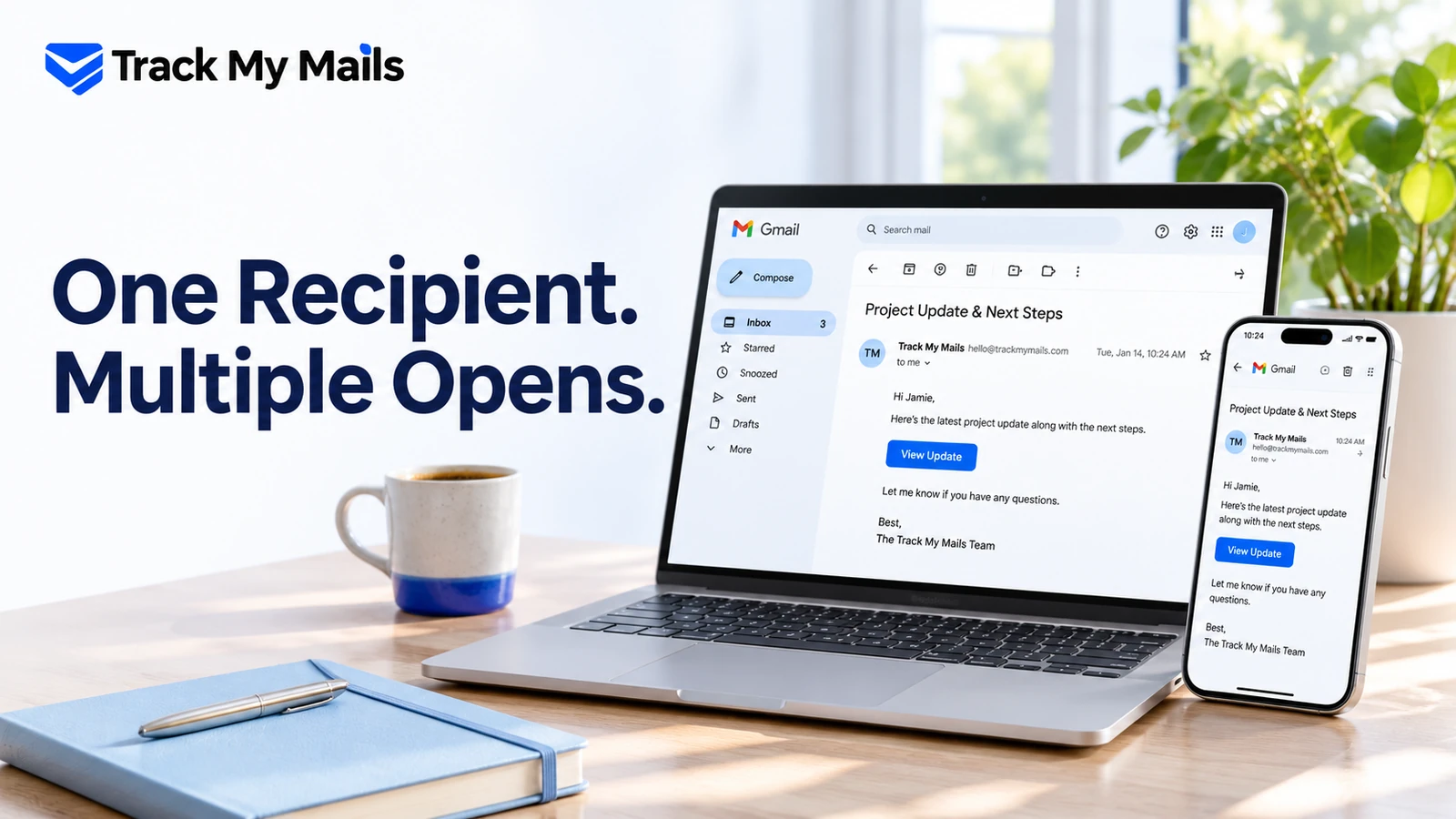
One person can legitimately create several opens. They may have read the email on their phone, then again on a laptop, come back to it later, or opened it in an app that reloads images every time. Several opens are normal and often a sign of real interest. Occasionally, though, extra opens come from software rather than people, so it is worth knowing which is which.
Normal reasons for repeat opens
These are the most common, and harmless, explanations:
- The recipient opened the email on more than one device, for example a phone in the morning and a computer in the afternoon
- They reopened it later to find a detail, a link or an attachment
- They forwarded it to a colleague, and the forwarded copy loaded the same image
- They replied to the thread, which makes Gmail reload the message
- They opened it from a notification and again from the inbox
When software does the opening
Not every open is a person. Some mail apps pre-load images so you do not have to, a feature such as Apple Mail Privacy Protection can fetch images in the background, and company security scanners often open an email to check it. These can create opens that arrive quickly or in odd patterns, and Track My Mails labels or filters the ones it can recognise, for example Apple Mail opens appear as “Apple Mail (may be automatic)”.
A pattern of several opens within a minute of delivery, all from the same device type and with no clicks, is the typical sign of automatic loading rather than interest.
How Track My Mails counts
Your own opens never count, and opens in the first few seconds after you send are ignored, because that is Gmail showing you your own sent message. Opens within about two minutes of the previous one are treated as a single reading, so a recipient clicking back and forth does not inflate the number. A fresh alert for a re-open comes only when at least two minutes have passed since the last one, and a 🔥 hot lead alert appears at three or more opens.
How to read repeat opens
Look at the timeline on the email page, not only at the number. Spread-out opens over several days, on different devices, with a click, strongly suggest real interest. A burst of opens at the moment of delivery, with no click, suggests software.
For a group email, remember that one tracking image is shared by all recipients, so several opens can also be several people.
A worked example
A candidate opens your email on their phone at 8:10 and again on their laptop at 9:30. Two minutes later their company scanner loads it as well. Later that evening they reopen it to copy a date. You see four opens. Three came from a real person on two devices, one from software, and the pattern across several hours suggests real interest. The first minute after delivery is where automatic loads usually hide.
Common mistakes
Avoid these readings of repeat opens:
- Taking a burst of opens at delivery time as a sign of excitement
- Messaging someone to say you saw they opened it several times
- Ignoring clicks, which are the stronger signal
- Forgetting that forwards and group emails add opens from other people
Putting it into practice
When you see repeat opens, slow down before reacting. Check the times and devices, look for a click, and decide whether the pattern looks human. If it does, a calm follow-up that adds something new is a good next step. If it looks automatic, ignore the count and wait for a deliberate action. Either way, a high number on its own is a reason for curiosity rather than for pressure on the recipient.
Key points to remember
A short summary you can come back to:
- Several devices and revisits are normal
- Scanners and privacy features can add automatic opens
- Your own opens never count
- Opens within about two minutes of each other merge
- Look at clicks and the timeline, not only the count
What to do next
Repeat opens are a reason to follow up at a considerate time, with something useful for the reader, not a reason to message them about the opens. Mention the content, not the tracking.
Frequently asked questions
Are repeat opens counted separately?
Yes, each re-open is recorded, but opens a few minutes apart are treated as one reading, so the number is not inflated by quick back-and-forth.
Why did I get an ‘opened again’ alert?
You get one when an email is opened again at least two minutes after the previous alert.
Does a high open count mean a hot lead?
Three or more opens triggers a hot lead alert, but it is only a signal. Check clicks and timing to see whether it reflects real interest.
Can multiple opens come from the recipient’s security software?
Yes. Scanners and privacy features can load images automatically. Track My Mails filters or labels the ones it can recognise.
Track your next Gmail with context
See sent status in Gmail and review opens, timestamps, and link clicks in one dashboard.
Start with Google