How Link Click Tracking Works in Outbound Emails
How a tracked link records a click and redirects the reader, which links are never wrapped, and how automatic scanner clicks are filtered out.
The short answer
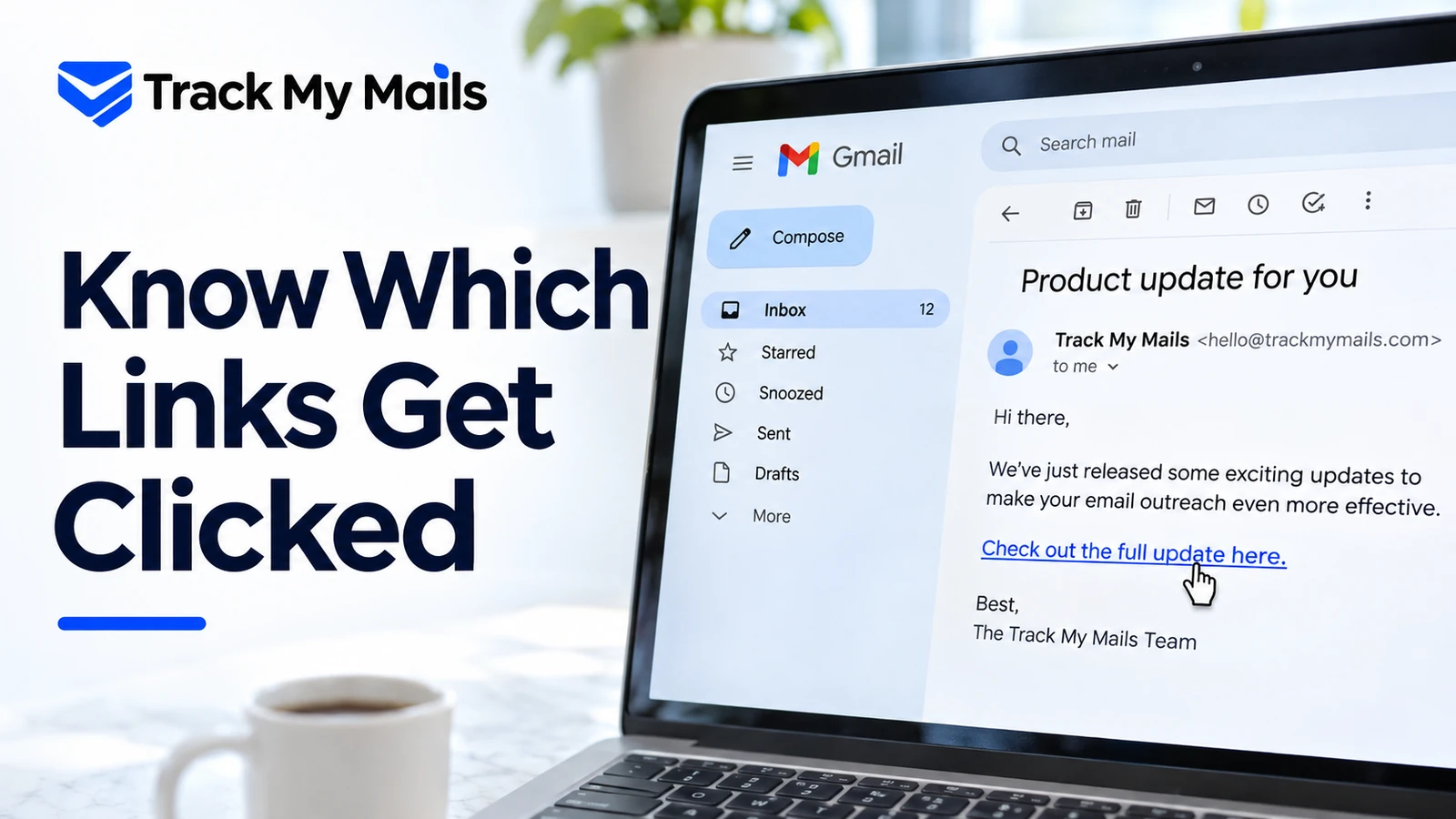
Link click tracking replaces a link in your email with a tracked address that first records the click and then sends the reader on to the original page. The reader lands where you intended, and you learn that the link was used and when. In Track My Mails, link click tracking is a Pro feature.
A click is usually a stronger signal of interest than an open, because it needs a deliberate action rather than an image loading in the background.
What happens when someone clicks
When you send, the extension wraps eligible links so that they pass through the tracking host. On click, the server records the time and an approximate country, then redirects the reader to the real destination within a moment. The reader normally does not notice anything except, if they hover, a different address.
Counting and alerts run after the redirect, so the reader is never kept waiting.
Which links are wrapped, and which never are
Not every link should be wrapped. Mailto and tel links, and attachments, are not tracked. Links are checked against Google Web Risk before wrapping, and a link that cannot be checked is left as it is rather than wrapped blindly. Domains that are very new and unsubscribe or preference links are also left alone.
This protects your deliverability and your recipients: a wrapped link to an unsafe site would reflect badly on you.
- Mailto, tel and attachment links: never tracked
- Links that cannot be safety-checked: left as they are
- Unsubscribe and preference links: left alone
- Very new domains: left alone
Telling real clicks from automatic ones
Some security tools follow every link in an email. A click within seconds of sending, or several links clicked in the same second before any open, is treated as an automatic scanner click: the reader is still redirected, but the click is not counted. Very high click volumes on a single link in an hour also stop counting.
These guards remove a lot of noise, but a person who clicks a link while a scanner also runs can still look odd, so judge the pattern, not one event.
Using click data
Give clicks on a specific link, such as pricing or a calendar booking page, more weight than an open. If someone clicked your proposal link twice over two days, a follow-up that offers help with the next step makes sense. If nothing was clicked, a reminder about the value may work better than a reference to the original email.
Common mistakes
People tend to trip over the same few things:
- Expecting click data on the Free plan
- Wrapping or expecting wrapping for mailto, tel or attachment links
- Treating a click within seconds of sending as interest
A worked example
You send a proposal with two links: a PDF summary and a booking page. The dashboard shows two opens and one click, on the booking page, the next morning. You reply with two available times. You never mention the click; you simply respond to the interest it suggested.
Putting it into practice
Plan your links before you send. Use one clear call to action and, when you need data, a small number of meaningful links, such as a pricing page and a booking page, rather than many. Fewer links make the click data easier to read, and they also reduce the chance that a scanner makes the whole email look suspicious.
Key points to remember
A quick summary you can come back to:
- Clicks are redirected, then recorded
- Pro feature
- Unsafe, new-domain and unsubscribe links are left alone
- Automatic clicks are not counted
Frequently asked questions
Is link click tracking free?
Link click tracking is a Pro feature. Free accounts record opens only.
Will the recipient notice a tracked link?
Usually not, apart from a different address if they hover. They land on the original page after a brief redirect.
Are attachments tracked?
No. Mailto, tel and attachment links are not tracked.
Why was a click not counted?
It may have looked automatic, such as a click within seconds of sending or many links hit at once, or the link volume limit was reached. The reader was still redirected.
Track your next Gmail with context
See sent status in Gmail and review opens, timestamps, and link clicks in one dashboard.
Start with Google