Does Tracking Work With Gmail Labels and Filters?
Labels and filters do not stop tracking. What does matter, such as plain text and the sending browser.
The short answer
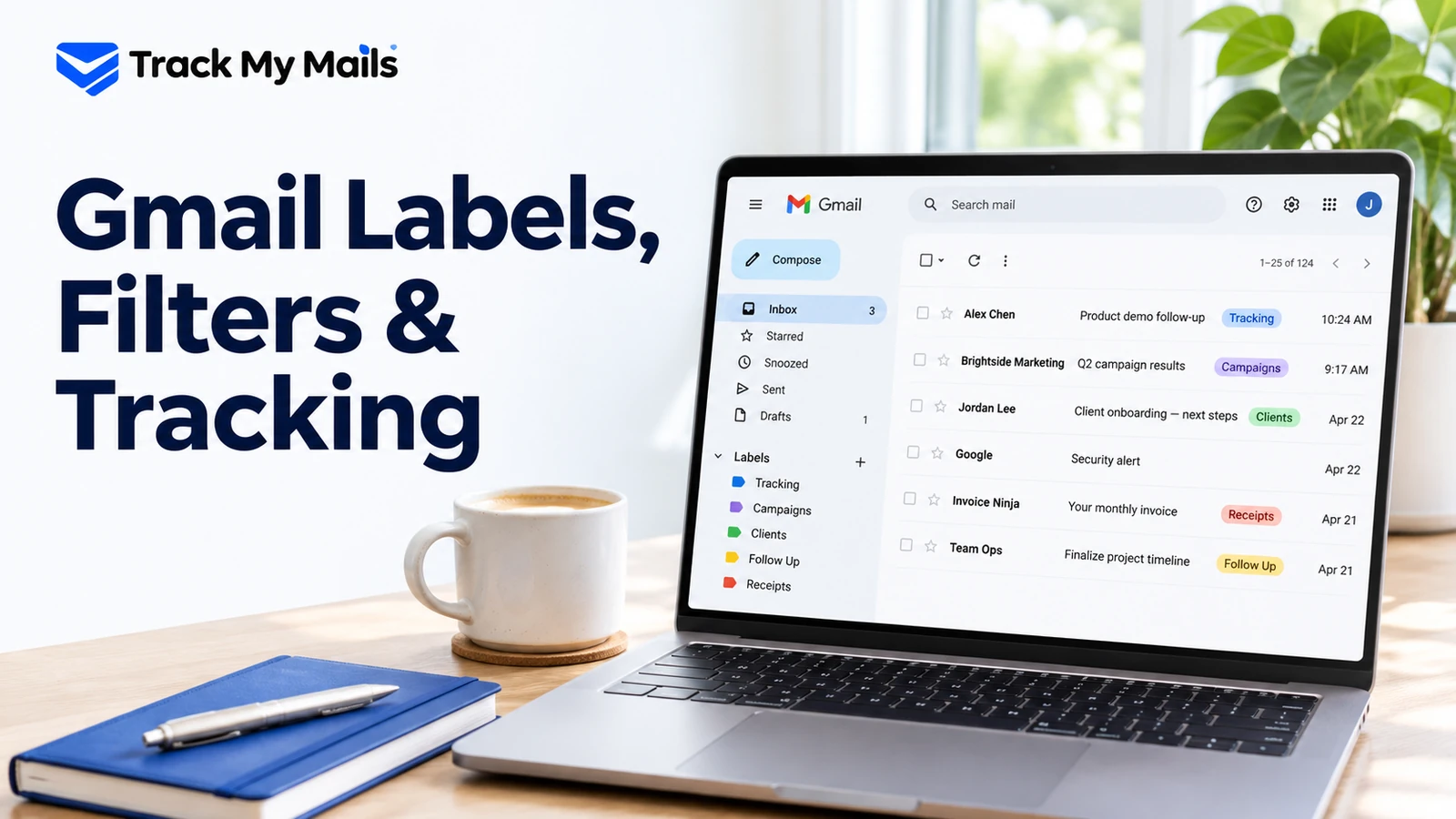
Yes. Gmail labels, filters, stars and folders on your side do not affect tracking, because tracking lives inside the email you send and on our server. The only things that matter are that the email was sent with tracking on, and how the recipient’s mail system treats the message.
Your own labels and filters
You can label your sent emails, archive them, move them or filter them without touching tracking. The tracking image does not care where a copy of the message sits in your Gmail. Opens are recorded on our server and shown in your dashboard whatever you do to your copy.
Where the ticks appear
The ✓ and ✓✓ ticks are drawn by the extension in the Sent folder list. If you look at sent emails in another view, for example a custom label or a search, the ticks may not appear there. That is a display matter, not a tracking one. Open your Sent folder or the dashboard to see the full picture. The dashboard is always the complete record, and it also lets you filter by status, date and sender.
The recipient’s filters matter more
What can change your results is how the recipient’s mailbox handles the message:
- If their filter sends the email to Spam, Promotions or an archive folder, they may never see it, so no open appears
- If their app blocks images until they allow them, an open appears only if they do
- If their filter forwards a copy to another mailbox, the copy can create an open from somewhere else
- If a security gateway scans the message, it may create an open before the person sees it
Using labels to organise follow-ups
You can keep your own system in Gmail while using tracking in parallel. A simple approach is a label for emails waiting for an answer, and the Needs follow-up filter in the dashboard, which lists emails unopened for 48 hours or more. Use the Mili search for questions like “not opened after 2 days”, which filters the list without touching your Gmail labels.
A worked example
You label every outreach email “Prospects” and archive it. A week later a prospect opens it. The open shows in your dashboard and your alert arrives, even though your copy is archived and the label view shows no ticks. In the dashboard you filter by sender and last seven days, and you use Mili to ask for “emails not opened after 2 days”, which gives a clean follow-up list without changing a single Gmail label.
Common mistakes
Avoid these when mixing Gmail organisation with tracking:
- Looking for ticks in a custom label and thinking tracking failed
- Blaming tracking when the recipient’s filter put the email in Spam
- Switching Gmail accounts and expecting the ticks of another account
- Treating Gmail labels as a record of engagement instead of the dashboard
Putting it into practice
The simplest workflow keeps two systems apart. Use Gmail labels and filters for your own organisation, and use the dashboard and its filters for engagement. When you want a daily routine, open the Needs follow-up list, check hot leads and clicks, and then switch to Gmail to reply. Because tracking does not depend on your labels, you can reorganise your mailbox whenever you like without affecting a single recorded open.
Key points to remember
A short summary you can come back to:
- Your labels, archive and stars do not affect tracking
- Ticks appear in the Sent folder list
- The dashboard is the complete record
- The recipient’s filters can hide an open
- Use dashboard filters and Mili for follow-up lists
Several Gmail accounts
Each tracked email is filed under the Gmail address that sent it. If you use several accounts, ticks show for the account that is open in the tab, and you can switch to “All accounts” in the Track My Mails panel inside Gmail.
Frequently asked questions
Do I lose tracking if I archive a sent email?
No. Archiving or labelling your copy does not change tracking.
Why don’t I see ticks in my custom label?
The ticks are shown in the Sent folder. Use the Sent folder or the dashboard for the full view.
Can the recipient’s filters hide an open?
Yes. If a filter moves the email somewhere they never look, or images are blocked, no open is recorded.
Can I filter my dashboard like Gmail labels?
You can filter by status, date range and sender, and use Mili to describe what you want in plain words.
Track your next Gmail with context
See sent status in Gmail and review opens, timestamps, and link clicks in one dashboard.
Start with Google