What to Do When an Email Is Never Opened
A tracked email still on a single tick is not necessarily ignored. What to check, what to change and when to stop.
The short answer
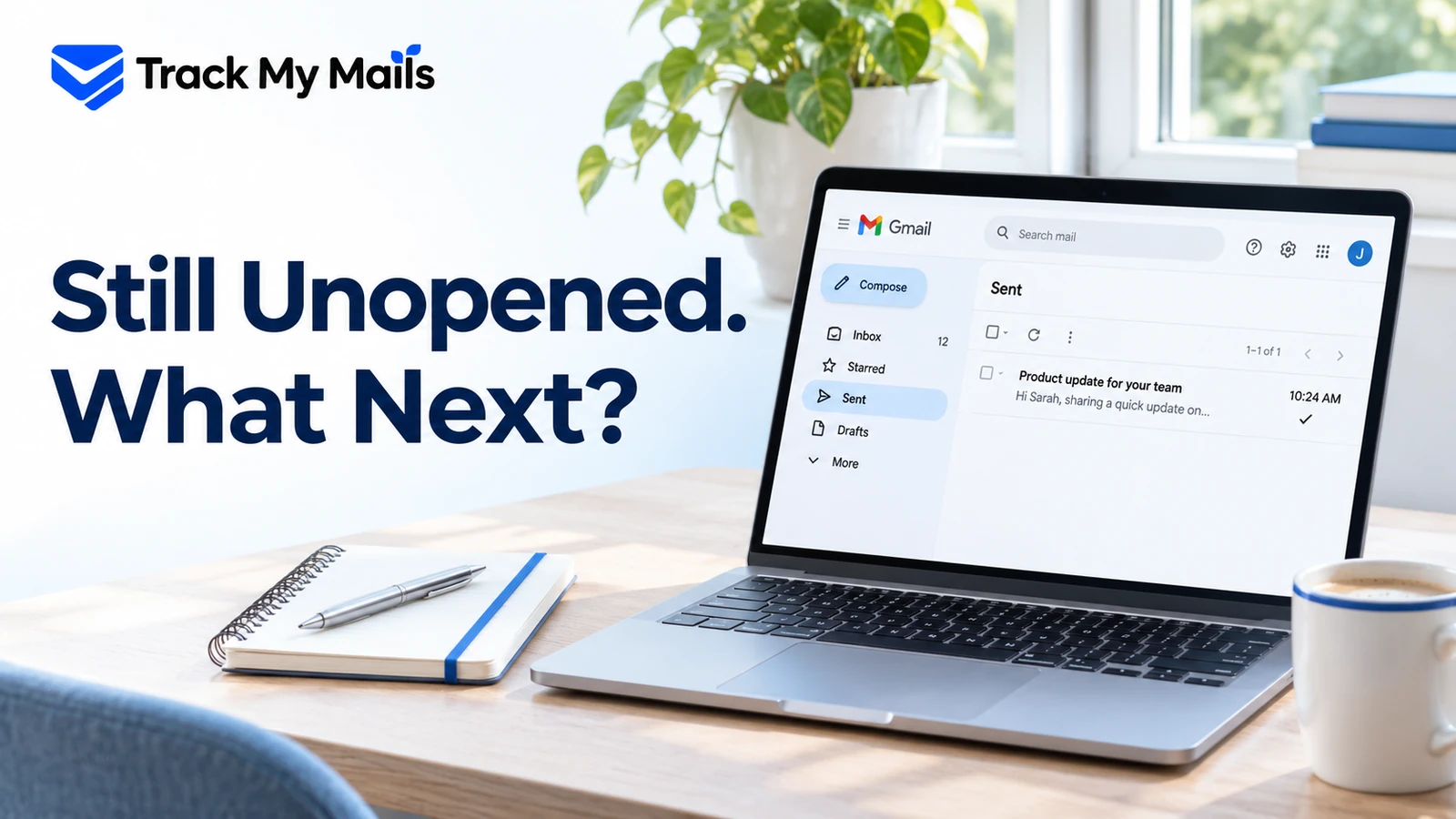
A tracked email that stays on a single tick after several days is not necessarily ignored. It may be unseen, buried or read with images blocked. Check that it was tracked and delivered, wait a sensible time, then change one thing at a time: the subject line, the sender context or the channel.
Avoid sending the same message again and again. Each attempt should differ and add value.
First, check your side
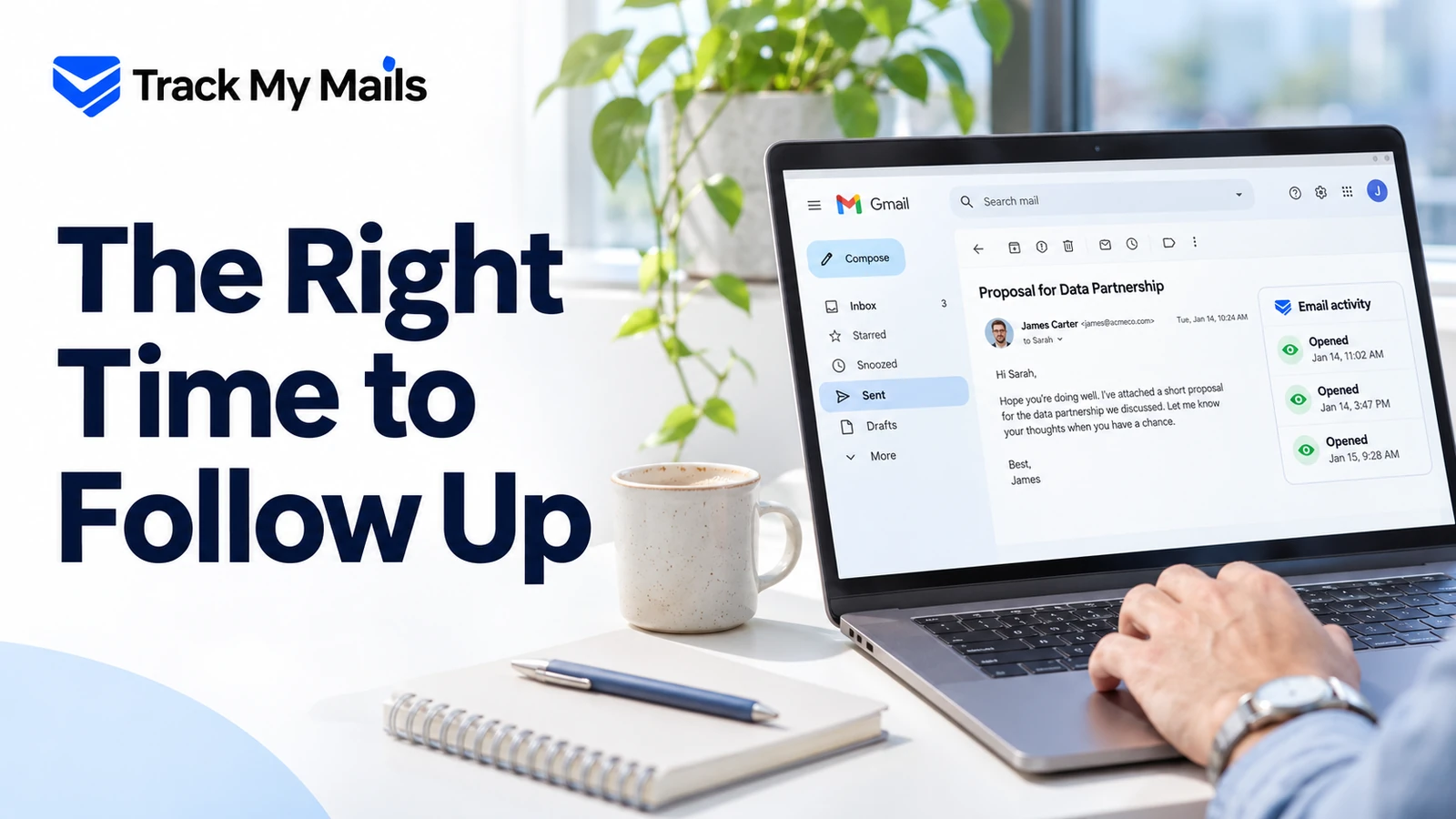
Confirm the email showed a single tick right after sending and appears in your dashboard. If there was no tick, it was not tracked, so a silent dashboard says nothing about the recipient. Check the address for typos and look in your inbox for bounce messages.
Remember that a recipient who blocks images or uses plain text can read your email without any open being recorded.
Then wait a reasonable time
Give the message two to three business days, longer over holidays. People are away, inboxes fill and priorities shift. A quiet tick after a few hours means very little.
Change one thing at a time
If the time has passed, vary a single element. Try a clearer subject line that says what the email is about, send from a name the person recognises or shorten the message. Consider another channel such as a call or a LinkedIn note, especially for something time-sensitive.
- Rewrite the subject line to say what you want
- Shorten the message and ask one clear question
- Try another channel for urgent matters
- Check the address for typos
Know when to stop
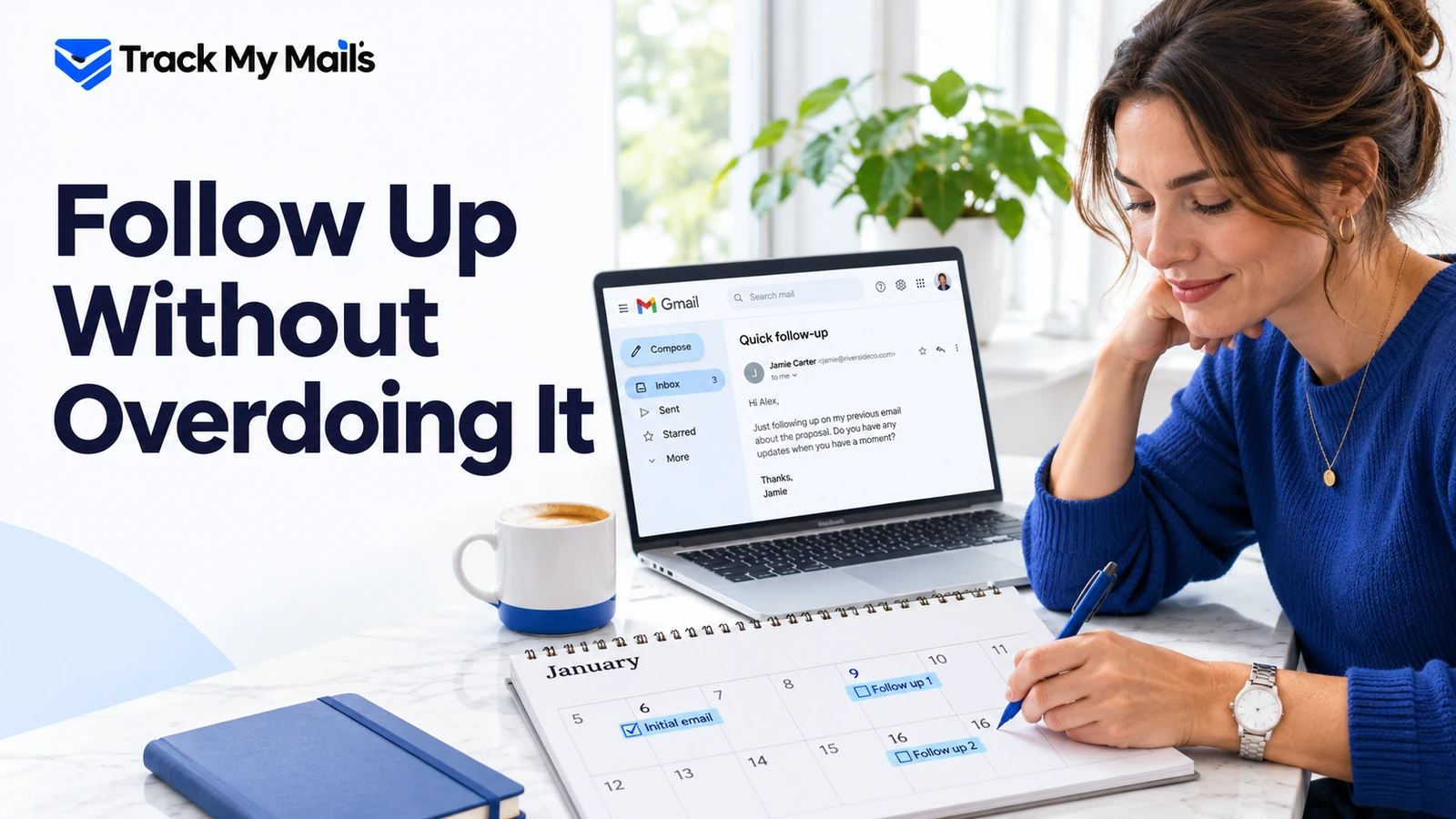
Decide a limit in advance, for example three attempts across two weeks. After that, pause and revisit later with fresh news. Persistence beyond reasonable limits risks your reputation and can lead to spam complaints.
Common mistakes
People tend to trip over the same few things:
- Resending the identical email
- Assuming the tracker is broken without checking for a tick
- Giving up after one attempt on an important message
A worked example
You email a supplier and after four days the tick is still single. You check the address and it is correct. You send a second email with a clearer subject, "Quote request for 200 units by 12 Dec", and a one-line ask. An open appears within hours and a reply follows. The change in subject line was the difference.
Putting it into practice
Use a short decision path. Was there a tick? If not, fix tracking and resend. Was the address correct and did nothing bounce? If so, wait two to three business days. Still quiet? Rewrite the subject line and shorten the message. Still quiet after another few days? Try a call or another channel, then pause.
Key points to remember
A quick summary you can come back to:
- No open does not mean ignored
- Check the tick and the address first
- Change one thing at a time
- Know when to stop
Frequently asked questions
Does no open mean the person ignored me?
Not necessarily. Image blocking, plain text readers and privacy tools can hide real reads.
How many follow-ups are too many?
A common limit is around three over two weeks, each adding something new.
Could the email have bounced?
Possibly. Check for a bounce message in your inbox and double-check the address for typos.
Should I resend the same email?
No. Change something, such as the subject line, length or channel, so the new attempt gives a reason to engage.
Track your next Gmail with context
See sent status in Gmail and review opens, timestamps, and link clicks in one dashboard.
Start with Google