What Data Does an Email Tracker Store?
Recipients, send times, opens, clicks and subjects are kept; message bodies and attachments are never stored. What you control.
The short answer
Track My Mails stores the recipients of your tracked emails, the send time, the opens and clicks, and the subject line, so you can recognise your own emails in the dashboard. It never stores or reads the text or attachments of your emails. It is never sold or used for ads, and deleting an email in the dashboard removes it right away.
Below is a plain list of what is kept, why, and what you control.
What is stored for each tracked email
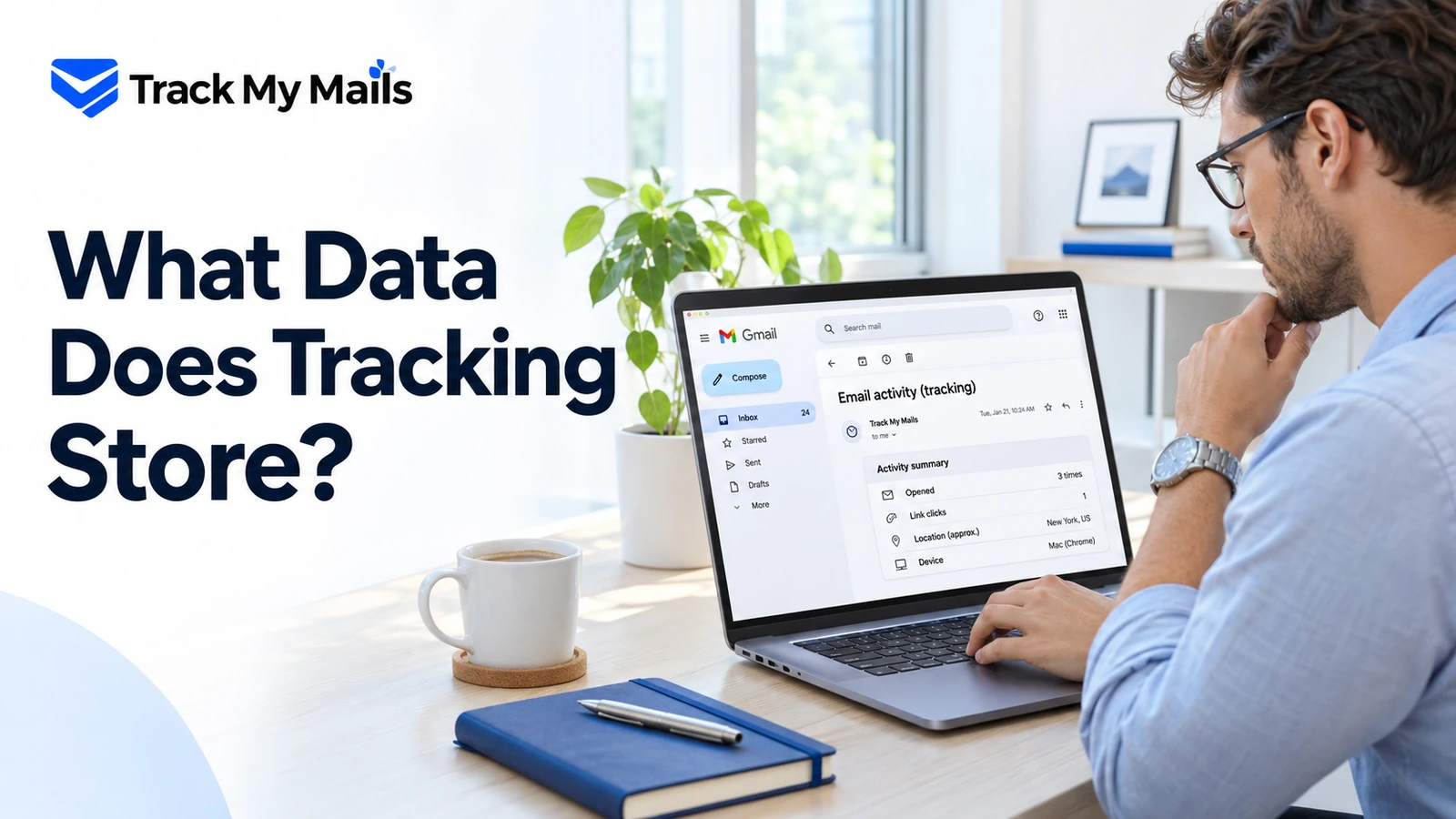
For every email you send with tracking, we keep the recipient addresses, the time you sent it, the subject line and a record of each recorded open or click. An open stores the time, an approximate country and a device type. A click stores the link that was used and the time.
The subject line is stored only so you can find the email later. If you connect an AI assistant through Track My Mails, you can hide subjects from it in the MCP server page.
What is never stored
We do not read your mailbox. The extension works on the sending screen in Gmail: it adds the tracking image and, where enabled, wraps links. It does not collect the body of your message, your attachments or your other mail, and it does not read your inbox.
Payment details are handled by Stripe, so card numbers never reach us. Your Gmail password is never seen, because sign-in is through Google.
- Email body text: not stored
- Attachments: not stored
- Inbox contents: not read
- Card numbers: handled by Stripe only
What you control
You can delete any tracked email from your dashboard and it is removed immediately; its content is wiped. You can turn off link tracking, switch notifications off and delete your whole account. Deleting an account also cancels any active subscription first so you are not charged afterwards.
Free accounts include 200 tracked emails a month. Paid plans are unlimited for normal use. The limit is about volume only and has no effect on what is stored per email.
Common mistakes
People tend to trip over the same few things:
- Assuming a tracker reads the whole mailbox
- Forgetting that subjects are stored so you can find emails
- Not deleting records for finished projects
A worked example
You send a quote to a client with the subject "Quote for kitchen refit". We store that subject, the client's address, the send time and later the open times. We do not store the quote text or the attached PDF. When the job is finished you delete the email in the dashboard and the record disappears.
Putting it into practice
Do a short data review twice a year. Open the dashboard, filter for old emails from finished projects and delete them. Check which devices are connected and remove the ones you no longer use. If you use an AI assistant with Track My Mails, decide whether you want subject lines hidden from it and set that in the MCP server page.
Key points to remember
A quick summary you can come back to:
- Stored: recipients, send time, opens, clicks, subject
- Never stored: message body or attachments
- Never sold or used for ads
- Deleting an email removes it immediately
Frequently asked questions
Does Track My Mails read my emails?
No. It does not read or store the text or attachments of your emails, and it does not read your inbox.
Why is the subject line stored?
So you can recognise and find your own emails in the dashboard. You can hide subjects from AI assistants in the MCP server page.
Is my data sold or used for ads?
No. It is never sold and never used for advertising.
How do I remove my data?
Delete individual tracked emails in the dashboard for immediate removal, or delete your account to remove everything.
Track your next Gmail with context
See sent status in Gmail and review opens, timestamps, and link clicks in one dashboard.
Start with Google