Can I Track an Email After It Was Sent?
Tracking must be on when you press Send. What you can and cannot do for an email already sent.
The short answer
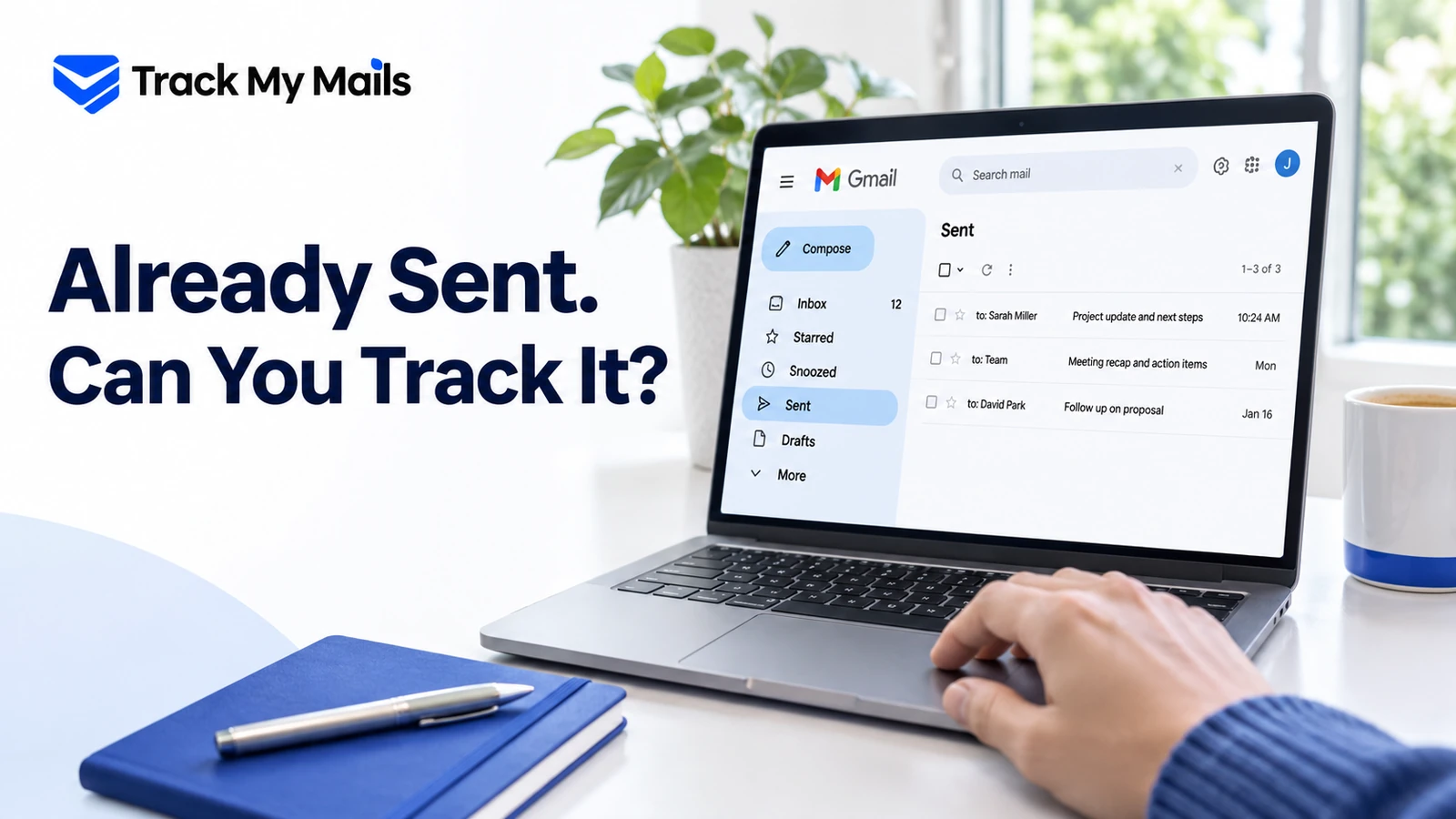
No. Tracking has to be added at the moment you press Send. The tracking image is built into the message as it leaves your outbox, so an email that went out untracked cannot be tracked afterwards. There is no way to add the image later, and nobody can change an email once it has been delivered to the recipient.
Why it can’t be added later
Open tracking only works because the email itself contains a tiny image that points to our server. When the recipient’s app loads it, we record the open. An email that was sent without that image has nothing to load, so there is no signal to record. Editing a message in your Sent folder changes your copy, not the copy in the recipient’s inbox.
First, check whether it really went out untracked
Before you decide anything, look at the email in your Sent folder on your computer. A tracked email has a ✓ next to it, and the email appears in your dashboard. If you see the tick, the email is tracked and you simply have to wait for the first open.
No tick usually means the badge next to Send was off, the extension was not connected in that tab, or the email was written in Plain text mode or sent from a phone.
What you can do instead
You cannot retrofit tracking, but you can get the signal you wanted with a small follow-up:
- Reply in the same thread with tracking on. A short follow-up like “Just checking you received this” carries a fresh tracking image, and replies in the same thread are grouped with the original in your dashboard
- Send the key link or document again as a cloud link in the follow-up, so a click tells you the recipient engaged
- Wait before following up. Give the recipient their normal working rhythm, usually a day or two, before concluding anything
A worked example
You sent a quote on Monday with the badge off by mistake. On Wednesday you realise and look for a tick that is not there. You cannot add tracking now, so you reply in the same thread: “Hi Sam, a quick note in case my quote got buried. Here is the same summary in a short document link.” This reply is tracked, a click on the link shows engagement, and the reply is grouped with the original in your dashboard. You got the signal you wanted, just through a better follow-up.
Common mistakes
The same few slips cause untracked emails:
- Sending right after connecting a new browser, without reloading Gmail
- Switching the badge off for one email and forgetting to switch it back
- Sending from the phone app or another mail client
- Writing in Plain text mode, which removes the tracking image
Putting it into practice
Prevention is easier than repair. Make it a habit to glance at the badge before sending an email that matters, and to look for the tick in your Sent folder a minute later. If you notice that something went out untracked, do not try to recover the past. Plan the follow-up so that it carries a new tracking image, reads naturally and gives the recipient something worth clicking. A thoughtful second email often works better than the first ever would.
Key points to remember
A short summary you can come back to:
- Tracking must be on at the moment you press Send
- Nothing can be added to a delivered message
- Check for the ✓ in your Sent folder
- Follow up in the same thread with tracking on
- Reload Gmail after connecting a new browser
A habit that avoids the problem
Make tracking a default rather than a decision. Keep the extension connected, glance at the badge next to Send before you press it, and after a few important sends check that the ✓ appeared. Reload Gmail once after connecting a new browser, since Gmail tabs that were open before the connection do not have the extension attached.
If you are worried about the limit, remember that a Free account tracks up to 200 emails a month and paid plans are unlimited, so there is rarely a reason to leave tracking off for an email that matters.
Frequently asked questions
Can support add tracking to an email I already sent?
No. Nobody can change a delivered message, so a new tracking image cannot be added later.
If I forward the old email with tracking on, does it track the original?
It tracks the forwarded copy only. The original message stays untracked.
Does tracking start when I press Send or when I click Send & Archive?
Tracking is registered when you send, using the normal Send action in Gmail on your computer.
How do I know an email was sent with tracking?
Look for the ✓ next to it in your Sent folder, and check that it appears in your dashboard.
Track your next Gmail with context
See sent status in Gmail and review opens, timestamps, and link clicks in one dashboard.
Start with Google