How Many Emails Can You Track?
Free allows 200 tracked emails a month; paid plans are unlimited for normal use. Limits explained.
The short answer
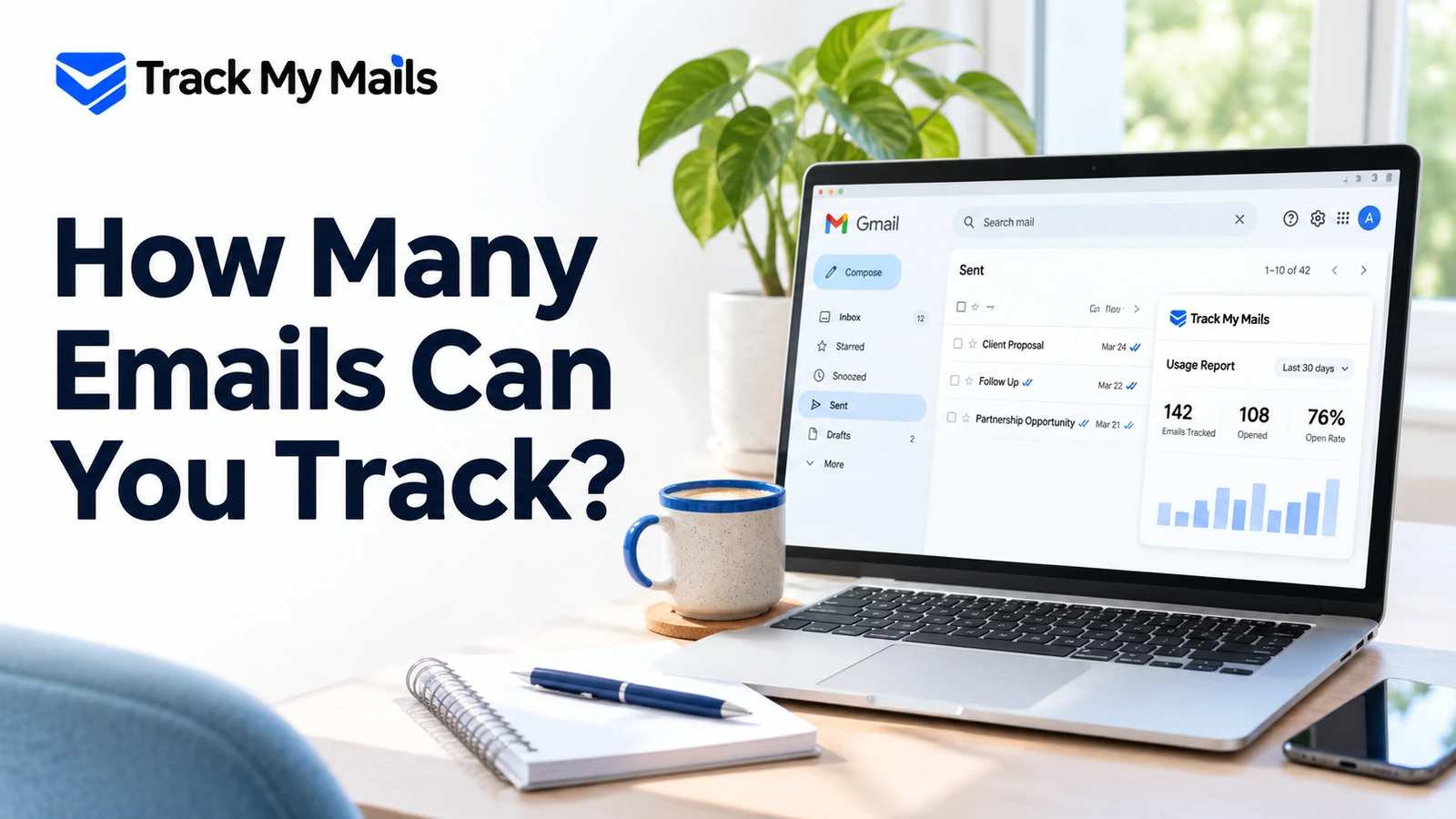
On the Free plan you can track up to 200 emails a month. On Pro, Lifetime and Team plans tracking is unlimited. Every new account also starts with 30 days of Pro, free and without a card, so you can try everything before deciding.
The limits by plan
Here is how it works in practice:
- New account: 30 days of Pro with no credit card. After that you can stay on Free or upgrade
- Free: 200 tracked emails per month. The dashboard shows the last 7 days of activity
- Pro: unlimited tracked emails, monthly or yearly, with full history, link click tracking, push notifications and more
- Lifetime: one payment, with the same unlimited tracking
- Team: each member gets full Pro while their seat is active
What counts toward the 200
Each email you send with tracking on counts once, whatever the number of recipients. A group email to ten people is one tracked email. Replies in a thread count as separate emails if each is sent with tracking. Emails you send with the badge switched off do not count.
The count runs per calendar month and resets at the start of the next one. Deleting emails from your dashboard does not reset it, which keeps the limit fair for everyone. If you reach the limit, Gmail still sends your emails normally. They just go out without tracking until the month turns over or you upgrade.
How to see where you stand
The dashboard shows how many emails you have tracked this month against your limit, and you get a notice as you approach it. A missing tick on a new email is one of the signs that the limit was reached, so check the notice before you troubleshoot anything else.
Unlimited has a fair-use side
Unlimited is meant for real people writing real emails. Track My Mails is not a bulk-sending tool. Automatic safeguards watch for unusual activity, such as very fast sending, and may slow or pause tracking for a while, block unsafe links or, in serious cases, suspend an account. New accounts have a lower daily allowance that grows as the account shows normal use. If a safeguard catches you by mistake, contact support and we will look at it.
The rules ask you to send emails yourself, with no bots or scripts, to avoid spam and bought or scraped lists, to link only to safe pages, and to keep to one account per person.
A worked example
A freelancer sends about thirty tracked emails a week. In a month that is around 120, comfortably under the Free limit of 200. A small agency sending 20 a day would reach 200 in about ten working days, so a paid plan makes sense. They try the 30-day Pro trial first, see that open data changes how they time follow-ups, and then decide whether the plan is worth it.
How to choose a plan
Think about your volume and the features you use:
- Under 200 emails a month and no need for link clicks: Free may be enough
- Regular outreach, link tracking, push alerts and full history: Pro
- A one-time payment instead of a subscription: Lifetime
- A group that needs several people on one plan: Team
Putting it into practice
If you are unsure which plan you need, start with the 30-day Pro trial and watch how many emails you actually track. Look at the monthly count in your dashboard rather than guessing. If you stay far below 200, Free may be enough. If you regularly approach the limit, or you rely on link clicks, push alerts and full history, a paid plan will save you the frustration of untracked emails at the end of the month.
Key points to remember
A short summary you can come back to:
- Free tracks up to 200 emails a month
- New accounts get 30 days of Pro with no card
- Pro, Lifetime and Team are unlimited for normal use
- A group email counts once
- Deleting emails does not reset the monthly count
Gmail addresses versus devices
There is no limit on the number of Gmail addresses. One account covers every Gmail you open in the browser. What is limited is the number of browsers or devices that connect the extension: one on Free, Pro, Lifetime and Team seats, two on the Plus tiers and three on the Max tiers. You can remove an old device in Settings to connect a new one.
Frequently asked questions
Does a group email count as several emails?
No. One email sent with tracking counts once, however many people received it.
What happens when I hit 200 on Free?
Your emails still send normally but without tracking until the next month or until you upgrade.
Does deleting emails give me more room?
No. Deleting emails from the dashboard does not reset the monthly count.
Is Pro really unlimited?
Yes for normal use. Safeguards exist against abuse such as bulk blasts or automation, which are not allowed.
Track your next Gmail with context
See sent status in Gmail and review opens, timestamps, and link clicks in one dashboard.
Start with Google