Can You Turn Off Alerts and Keep Tracking?
Switch alerts off without losing data. How to keep tracking while silencing notifications.
The short answer
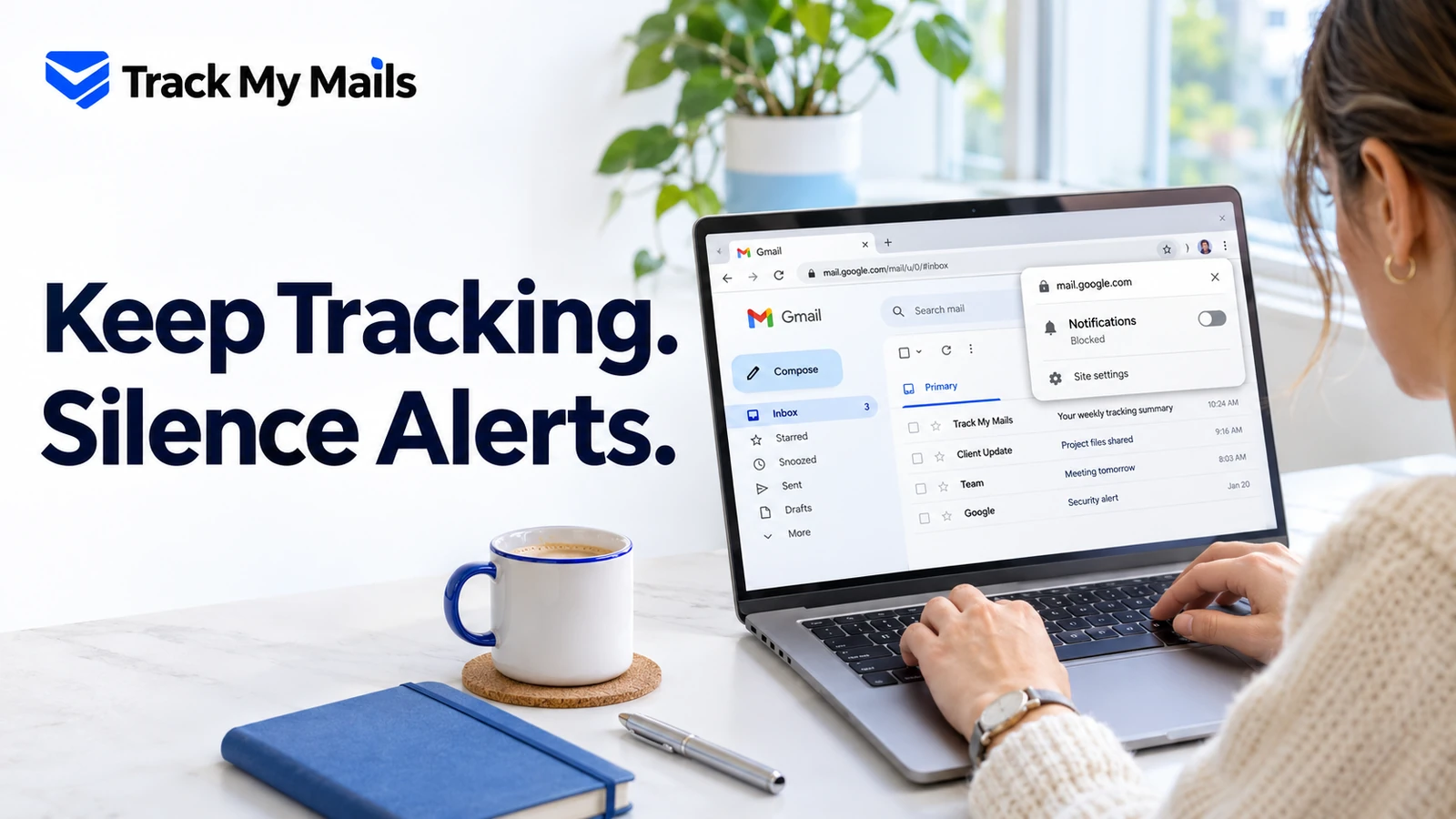
Yes. Alerts and tracking are separate. You can switch off every pop-up, push message and email alert and tracking continues to run: opens and clicks are still recorded, the ticks in Gmail still update, and the dashboard still shows everything. Alerts only tell you about activity, they do not create it.
The kinds of alert you can control
Open Settings in your dashboard. There is one switch for each kind of message, so you can keep the useful ones and drop the noisy ones:
- Old conversation revived: an email when a message is reopened after 24 hours or more
- Link clicks: push notifications for clicks
- Unopened reminders: one daily summary of emails still unopened, by email and push
- Setup tips: at most two short help emails, ever
- Extension update emails: at most one per new version and two a month
- Activity reports: daily, weekly and monthly summaries, where you also choose the hour and time zone
Pop-ups, sound and phone push
Alerts on a device are controlled where they appear. In-app pop-ups and the chime appear while the dashboard is open, and you can turn the sound or desktop alerts off in the notification options. Push notifications on a phone or computer can be removed device by device in the Push section of Settings, and you can also withdraw the permission in your browser or phone settings.
If you never allowed notifications in the browser, alerts cannot appear at all, and that is a common reason people think alerts are broken.
Control per email
In Gmail compose, the Notify me option lets you ask for a reminder if that particular email stays unopened, after 24 hours, 48 hours or 3 days. Leave it off for emails where you do not want one. Each email’s page in the dashboard has the same choice.
A quiet setup that still works
If you want less interruption, a good middle path is to keep only the daily unopened summary and a weekly report, and switch the rest off. Then check the Needs follow-up list and the dashboard when it suits you. Alerts are already spaced out by design: one alert per conversation per hour at most for pushes, so you are never flooded, but you can still dial them down further.
A worked example
You get too many pings during meetings, so you open Settings and switch off link click pushes and old conversation emails. You keep the daily unopened summary and a weekly report. At the end of the day you open the dashboard and see all the opens that arrived while you were busy, because tracking never stopped. Only the interruptions did.
Common mistakes
People mix alerts and tracking in a few ways:
- Thinking that turning off notifications also turns off tracking
- Disabling notifications in the browser and then expecting pop-ups
- Removing a push device and forgetting to add it back when needed
- Switching off the daily summary and then missing emails that need a follow-up
Putting it into practice
Good alert settings are a matter of taste. Some people want every open, others only want hot leads and a daily summary. Spend five minutes in Settings choosing the few messages that you will actually act on, and turn off the rest. You can change your mind at any time without losing data, because the history is always in the dashboard. Fewer, better alerts also mean you notice the important ones.
Key points to remember
A short summary you can come back to:
- Alerts and tracking are separate switches
- Each kind of alert has its own setting
- Browser permission is required for pop-ups and push
- Notify me works per email
- Your history is always in the dashboard
To stop tracking instead
If what you actually want is no tracking, use the badge next to Send in Gmail to switch tracking off for an email, or disable the extension in your browser. Alerts are not the setting for that.
Frequently asked questions
If I turn alerts off, do I lose any data?
No. Opens and clicks are recorded and shown in the dashboard and in Gmail whatever your alert settings.
Which emails can’t I switch off?
Emails about your account and billing, such as receipts and security notices, are separate from activity alerts.
Why do alerts not arrive even though they are on?
Check that notifications are allowed in your browser or phone, and that this device is listed in the Push section of Settings.
Can I get alerts only for important emails?
Yes. Use Notify me on selected emails, keep the daily summary and hot lead alerts, and switch the rest off.
Track your next Gmail with context
See sent status in Gmail and review opens, timestamps, and link clicks in one dashboard.
Start with Google